


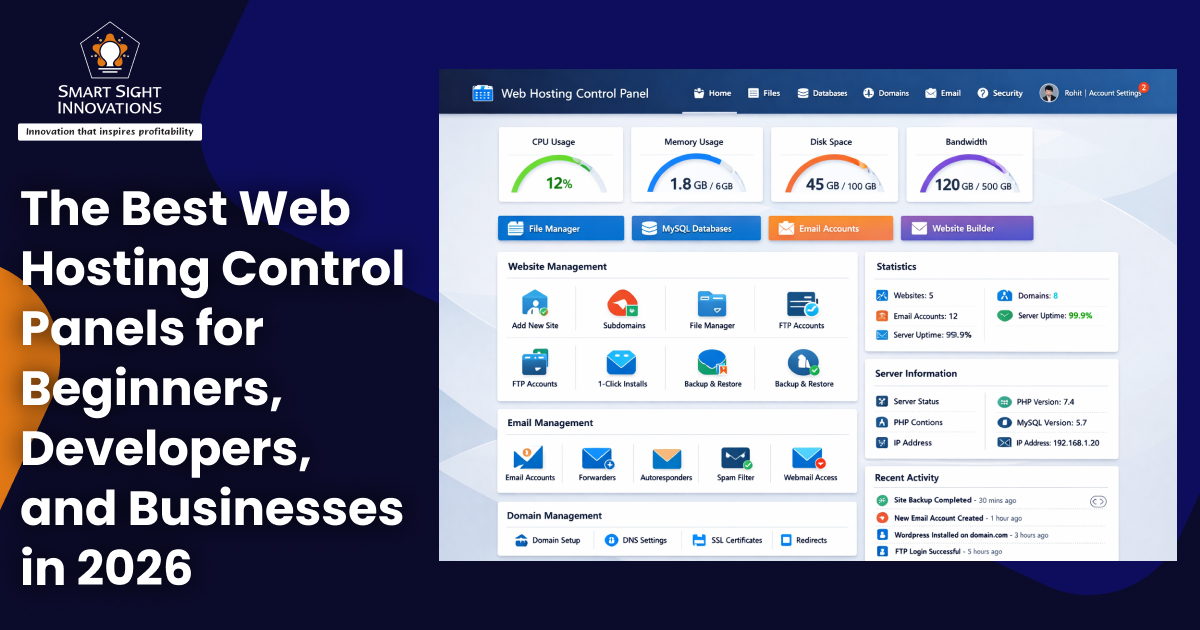
Managing a website today involves much more than simply uploading files or registering a domain name. From configuring email accounts and databases to monitoring performance, security, and server resources, website management requires handling multiple technical tasks. For many users, doing all of this through command-line tools can be complex and time-consuming. That’s where web hosting control panels come in.
A web hosting control panel is a graphical interface that allows users to manage hosting environments from a centralized dashboard. Instead of accessing the server through complex command-line tools, users can manage applications, domains, emails, backups, and performance easily with just a few clicks in the control panel.
Control panels are widely used by developers, system administrators, hosting providers, agencies, and beginners alike because they simplify server operations and reduce the technical barrier to managing websites. They also help automate repetitive tasks, improve security management, and streamline workflows.
There are dozens of control panels available today, some proprietary, some open-source, and others tailored for specific hosting providers or environments. Each panel offers a different balance of usability, automation, scalability, and pricing.
Lets explore the most popular web hosting control panels used across shared hosting, VPS, dedicated servers, and cloud environments.
What Makes a Good Hosting Control Panel?
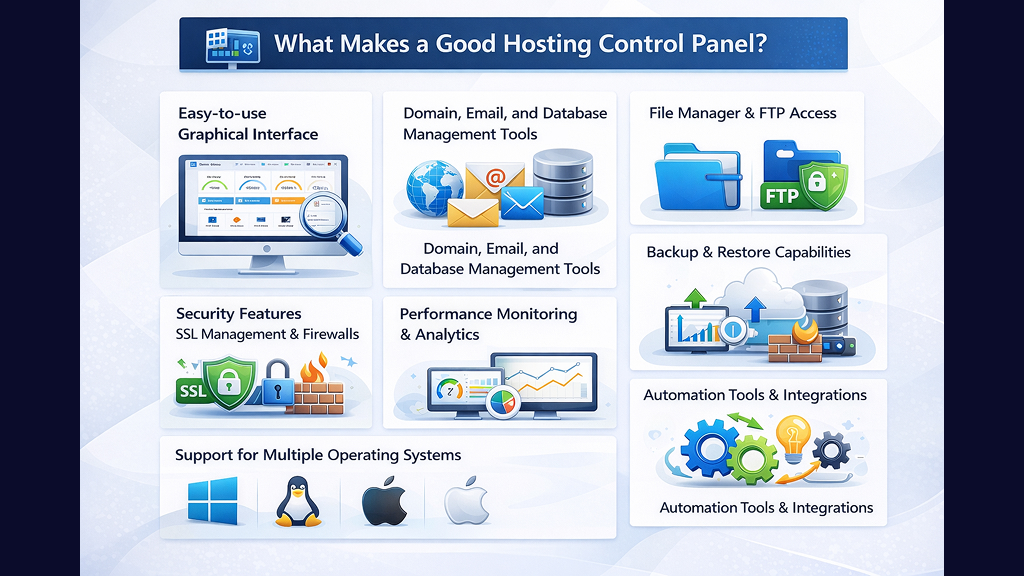
Before diving into the list, it’s important to understand what defines a reliable control panel. The best panels typically offer the following capabilities:
-
Easy-to-use graphical interface
A good control panel should have an intuitive and well-organized interface that allows users to manage hosting tasks without technical expertise. Clear navigation, simple layouts, and visual dashboards help beginners and professionals work efficiently.
-
Domain, email, and database management tools
An effective panel makes it easy to add domains, create email accounts, and manage databases from a single place. This centralized control simplifies everyday website administration and reduces dependency on multiple tools.
-
File manager and FTP access
Users should be able to upload, edit, and organize website files directly through a built-in file manager or via File Transfer Protocol (FTP). This flexibility ensures developers and administrators can manage site content and server files efficiently.
-
Backup and restore capabilities
Reliable control panels include automated and manual backup options to protect website data. Quick restore features help recover files, databases, or entire websites in case of errors, cyberattacks, or server failures.
-
Security features such as SSL management and firewalls
Security is a critical component of any hosting environment. A strong control panel provides tools for Secure Sockets Layer (SSL) certificate installation, firewall configuration, malware scanning, and access control to protect websites and server resources.
-
Performance monitoring and analytics
The ability to track server performance, resource usage, uptime, and traffic helps users identify bottlenecks and optimize their websites. Built-in analytics dashboards provide actionable insights for improving speed and reliability.
-
Automation tools and integrations
Automation features such as scheduled tasks, script execution, and app installers save time and reduce manual work. Integrations with development tools, CMS platforms, and cloud services further enhance productivity.
-
Support for multiple operating systems
A versatile control panel should work across different environments, including Linux, Windows, and cloud-based systems. Multi-OS support ensures flexibility and makes it easier to manage diverse hosting infrastructures.
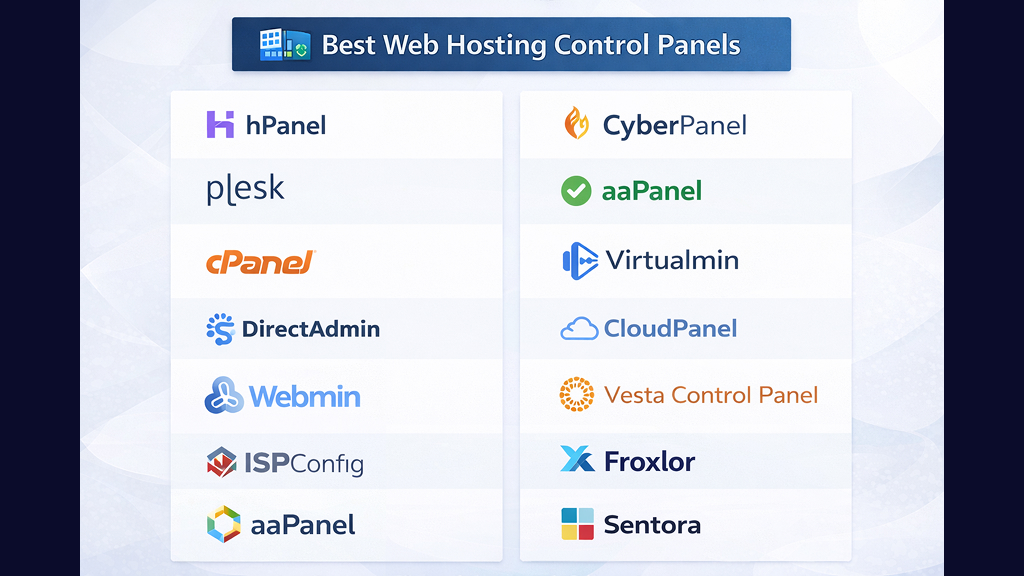
Best Web Hosting Control Panels
1. hPanel
hPanel is a custom hosting control panel designed for simplicity and ease of use. It is typically offered as a built-in interface by certain hosting providers and focuses on helping beginners manage websites without technical expertise.
Users can manage domains, hosting plans, email accounts, and databases from a single dashboard. The interface is clean, intuitive, and optimized for quick navigation.
Key Features:
- Hosting and website management from one interface
- File manager access without using File Transfer Protocol or Secure Shell (SSH).
- Email configuration tools
- Database creation and phpMyAdmin (a database management tool) integration.
- Automated backups and restore options
- Performance insights and malware alerts
- Cron job scheduling (a Task automation scheduling in Unix/Linux systems) and Git integration
It is ideal for small businesses, bloggers, and first-time website owners.
2. Plesk
Plesk is one of the most popular commercial hosting control panels for VPS and dedicated servers. It supports both Linux and Windows operating systems, making it highly versatile. The panel provides a unified interface for managing websites, domains, applications, and server configurations.
Key Features:
- Task automation and scheduled scripts
- SSL certificate installation and management
- Resource monitoring and analytics
- Role-based access control
- WordPress toolkit with staging and cloning
- Integration with Docker, Git, and cloud services
Plesk is widely used by developers, agencies, and enterprises managing multiple websites or clients.
3. cPanel
cPanel is one of the most recognized and widely used hosting control panels in the world, especially for Linux-based hosting environments. It is often paired with WHM (Web Host Manager) for server-level administration.
Its interface places all features in one location, making it easy to manage hosting resources.
Key Features:
- Domain and DNS (Domain Name System) management
- Email setup and spam filtering
- Security tools such as IP blocking and password protection
- Backup automation
- File manager and FTP access
- Server performance monitoring
- Large library of third-party integrations
cPanel remains a standard choice for shared hosting providers and agencies.
4. DirectAdmin
DirectAdmin is a lightweight and affordable control panel designed for Linux and Berkeley Software Distribution (BSD) systems. It is popular among hosting providers looking for a cost-effective alternative to larger commercial panels.
The interface is straightforward and organized into categories for easy navigation.
Key Features:
- Administrator, reseller, and user access levels
- DNS and domain management
- Database and email setup
- Backup tools
- Built-in anti-spam features
- Resource usage tracking
Its simplicity makes it a great option for beginners and small hosting businesses.
5. Webmin
Webmin is a long-standing open-source control panel that supports Unix-like systems, including BSD. It focuses on system-level configuration and flexibility.
Although its design is not as modern as newer panels, it offers powerful customization.
Key Features:
- Apache server configuration
- Virtual server management
- System configuration tools
- SSH support
- Modular architecture for extensions
Webmin is often used by advanced users and system administrators.
6. ISPConfig
ISPConfig is a free, open-source hosting control panel designed for Linux servers. It allows administrators to manage multiple services and servers from one interface.
Key Features:
- Web, mail, and DNS server management
- Multi-server control
- Multiple access levels
- Resource monitoring tools
It is widely used by hosting providers managing multiple infrastructures.
7. CyberPanel
CyberPanel is a modern hosting control panel designed around OpenLiteSpeed, with a strong emphasis on delivering faster performance and optimized website and application management.
Key Features:
- One-click SSL installation
- Built-in caching tools
- Command-line interface support
- Unlimited website management
- Community-driven development
It is particularly popular among developers and performance-focused hosting environments.
8. aaPanel
aaPanel is a modular, open-source control panel that allows users to install features via plugins. It is known for its lightweight design and fast deployment.
Key Features:
- Real-time server monitoring
- One-click deployment tools
- Plugin-based architecture
- Security configurations
Startups and developers often choose aaPanel for flexibility and affordability.
9. Virtualmin
Virtualmin extends the capabilities of Webmin by concentrating on domain and hosting management. It comes in both a free open-source edition and a paid commercial version.
Key Features:
- Multi-domain hosting
- Database management tools
- Access control
- Security monitoring
It is suitable for users managing multiple websites on a single server.
10. CloudPanel
CloudPanel is designed for cloud infrastructure and modern application deployment. It is optimized for PHP-based platforms (Hypertext Preprocessor) and lightweight server environments.
Key Features:
- Minimal resource consumption
- Docker support
- Cloud-optimized deployments
- Developer-centric interface
It is a preferred option for developers working with cloud hosting.
11. Vesta Control Panel
Vesta CP is a free and simple hosting control panel with a clean interface and core functionalities available at no cost.
Key Features:
- Server statistics monitoring
- Backup system
- Built-in firewall
- Domain and email management
It’s often used by individuals and small hosting providers.
12. Froxlor
Froxlor is a lightweight open-source panel built for efficiency and simplicity.
Key Features:
- Advanced SSL support
- API-based architecture
- Resource management tools
- Multi-user capabilities
It is ideal for system administrators seeking a minimal and efficient interface.
13. Sentora
Sentora is an open-source control panel designed for small and medium hosting environments.
Key Features:
- Multi-client environment
- Add-on support
- Simplified hosting management
- Customization options
It is often used by small ISPs and hosting startups.
14. Ajenti
Ajenti is an open-source server administration panel available in multiple versions.
Key Features:
- Remote terminal access
- Plugin ecosystem
- Fast and secure interface
- Python-based extensibility
It is widely used for lightweight server management.
Key Trends in Web Hosting Control Panels
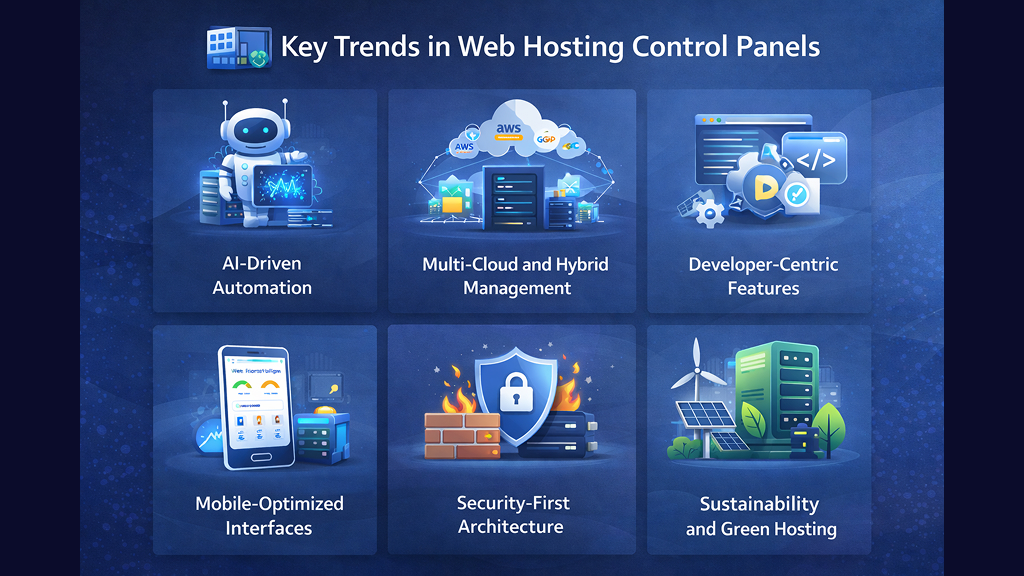
The web hosting landscape is evolving rapidly, and control panels are adapting to meet new demands. Several key trends are shaping the future of hosting management.
-
AI-Driven Automation
Artificial intelligence is increasingly being integrated into control panels to automate routine server tasks. These systems can predict performance issues, optimize resource allocation, and detect security threats in real time. AI-driven tools help reduce downtime and improve efficiency by proactively addressing problems before they escalate.
-
Multi-Cloud and Hybrid Management
Businesses now rely on multiple cloud providers and hybrid infrastructures. Modern control panels are evolving to support unified dashboards for managing resources across different platforms. This eliminates the need for separate tools and improves operational efficiency.
-
Developer-Centric Features
Control panels are increasingly offering built-in support for modern development tools like Docker, Git, and CI/CD pipelines. This shift makes it easier for developers to deploy, test, and manage applications directly from hosting environments.
-
Mobile-Optimized Interfaces
Many panels now feature responsive dashboards and mobile apps that allow administrators to manage servers remotely. Notifications, alerts, and performance tracking can be monitored from smartphones, making server management more flexible.
-
Security-First Architecture
Cybersecurity threats are rising, and control panels are prioritizing built-in firewalls, automated SSL configuration, malware detection, and compliance tools. Security is no longer an add-on but a core feature of modern panels.
-
Sustainability and Green Hosting
Hosting providers are focusing on energy efficiency and carbon footprint reduction. Some control panels now include tools for monitoring energy usage, optimizing workloads, and supporting eco-friendly hosting initiatives.
Web hosting control panels are essential tools for managing websites, servers, and applications efficiently. They simplify complex operations, reduce reliance on command-line tools, and make hosting accessible to users with varying technical skills.
Panels like cPanel and Plesk dominate the commercial space, offering powerful features and scalability. Meanwhile, open-source options such as Webmin, ISPConfig, and CyberPanel provide flexibility and cost savings. Lightweight solutions like DirectAdmin, Froxlor, and aaPanel cater to users seeking simplicity and performance.
There is no universal “best” control panel. The right choice depends on your hosting environment, technical expertise, budget, and long-term goals. However, the tools covered in this article represent the most popular and widely trusted solutions in the web hosting ecosystem today.
As hosting technology continues to evolve, with AI automation, cloud integration, and enhanced security, control panels will play an even more critical role in simplifying infrastructure management and improving website performance.