

Smartphones are designed around constant connectivity, but real-world situations don’t always allow that. Network outages, natural disasters, remote travel, and rural dead zones can leave even flagship phones without Wi-Fi or cellular service. In moments like these, being able to send a text message isn’t just convenient, it can be critical.
If you own a Google Pixel, you have more options than most Android users. While texting without any network isn’t always possible, Pixel phones offer multiple fallback technologies that can keep communication alive when traditional connections fail.
How Text Messaging Works on a Google Pixel

To understand what’s possible without connectivity, you first need to understand how different messaging standards work.
SMS
SMS is the most basic and reliable form of text messaging, as it uses the cellular network’s voice channels rather than mobile data or Wi-Fi. Because of this, SMS can often work even when the signal is extremely weak. It is limited to plain text messages only, with no support for images, videos, or other media, but the trade-off is broad compatibility, SMS works on virtually all phones and across all carriers. If your Pixel has even a minimal cellular connection, SMS messages are likely to go through.
MMS
MMS, or Multimedia Messaging Service, allows users to send photos, videos, audio clips, and media-rich group messages. Unlike SMS, however, MMS depends on a mobile data connection to function. This means that even if your phone shows signal bars, MMS messages can still fail when data access is unavailable. This limitation is why images or videos often refuse to send in low-signal situations while basic text messages continue to go through without issue.
RCS
RCS, or Rich Communication Services, is Google’s next-generation messaging standard designed to modernize traditional texting. It adds features such as read receipts, typing indicators, high-quality media sharing, and improved group chats. On Google Pixel phones, RCS operates through the Google Messages app and can send messages over either mobile data or Wi-Fi. However, because RCS relies on an active internet connection, it will not work when both data and Wi-Fi are unavailable, which is why enabling SMS fallback is important to ensure messages still go through in low-connectivity situations.
Before diving into advanced features like Satellite SOS, it’s important to understand how messaging on a Google Pixel behaves under different connectivity conditions. The way your phone sends texts depends entirely on what kind of network access is available at the moment. In the sections below, we’ll break down the most common real-world scenarios, ranging from weak signal to complete network loss, and explain what messaging options work in each case.
Scenario 1: Weak Cellular Signal, No Mobile Data

One of the most common connectivity issues Pixel users face is having a weak cellular signal without access to mobile data. In this situation, your phone may struggle to load apps or send media, but basic communication is still possible. SMS text messages generally continue to work because they rely on the cellular network’s voice channels rather than data. Emergency calls can also usually be placed, even when signal strength is minimal.
What does not work well in this scenario are MMS messages, RCS features, and any media attachments such as photos or videos. These require a data connection, which is often unavailable in low-signal environments. The best approach is to keep messages short and text-only. As long as SMS fallback is enabled in Google Messages, your Pixel will automatically switch from RCS to SMS to ensure the message has the best chance of being delivered.
Scenario 2: No Cell Service, Wi-Fi Available
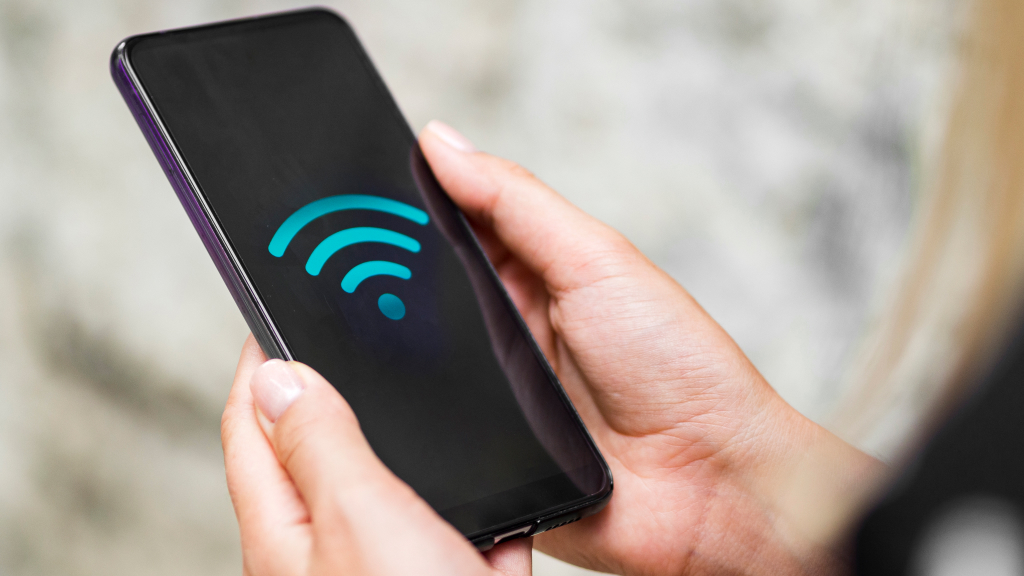
In some situations, such as inside large buildings, during carrier outages, or when traveling internationally, cellular service may be completely unavailable while Wi-Fi is still accessible. When this happens, RCS becomes the most reliable way to send messages on a Google Pixel. Because RCS can operate over Wi-Fi, it allows you to continue texting friends and family even without a SIM signal, provided both parties have RCS enabled.
Once RCS is turned on in Google Messages, your Pixel will automatically route messages through Wi-Fi when cellular service is lost. This allows for modern messaging features such as read receipts and high-quality media sharing to continue working, effectively replacing traditional SMS in Wi-Fi-only environments.
Scenario 3: No Wi-Fi and No Cellular Service

When both Wi-Fi and cellular networks are unavailable, most smartphones become nearly useless for communication. Traditional texting, messaging apps, and even basic calls fail because there is no network to connect to. This is typically the case in remote areas, during natural disasters, or when infrastructure has been severely damaged.
This is where newer Google Pixel phones stand out. Certain Pixel models include a satellite-based fallback that allows limited communication even when no terrestrial networks are available, offering a critical lifeline in emergencies.
Satellite SOS on Google Pixel: Texting Without Any Network
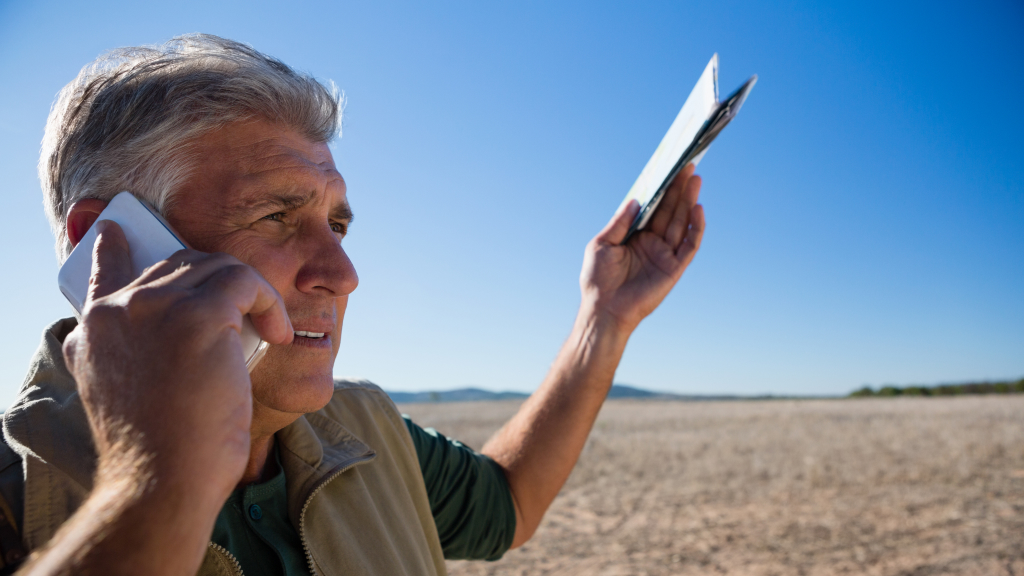
Satellite SOS is a safety feature available on supported Google Pixel devices that enables emergency text communication via satellite when both Wi-Fi and cellular service are completely unavailable. Instead of relying on nearby cell towers, your Pixel connects directly to satellites orbiting the Earth, allowing you to send and receive text-based messages with emergency responders.
It’s important to note that Satellite SOS is strictly intended for emergency situations. It does not support casual messaging, media sharing, or conversations with friends and family. When used correctly and under the right conditions, however, it can be a lifesaving tool for reaching help when no other form of communication is possible.
Satellite SOS is currently available on the Pixel 9 lineup, including the Pixel 9, Pixel 9 Pro, Pixel 9 Pro XL, and Pixel 9 Pro Fold, and is expected to expand to future Pixel models.
How to Use Satellite SOS on Google Pixel

To use Satellite SOS on a Google Pixel, start by dialing your local emergency number, such as 911 in the United States. If your call cannot connect due to the absence of cellular service, your phone will automatically display the Satellite SOS option on the screen. Tap Satellite SOS, then select Use Satellite SOS to begin the process.
Once activated, your Pixel will guide you through a series of on-screen questions designed to quickly understand the nature of your emergency. These prompts help emergency responders assess your situation even before direct communication begins. After answering the questions, you’ll be instructed to position and align your phone with a satellite. Clear visual guidance will appear on your screen, helping you adjust the phone’s angle and direction to establish a stable satellite connection.
When the connection is established, you can exchange text-based messages with emergency services directly through the Satellite SOS interface. During the session, your Pixel also gives you the option to share your precise location and notify your designated emergency contacts, ensuring that both responders and trusted contacts are aware of your situation until help arrives.
Requirements for Satellite SOS to Work

Though Satellite SOS on a Google Pixel is powerful, it comes with strict usage conditions that must be met for the feature to function correctly. As your phone communicates directly with orbiting satellites, the environment around you plays a crucial role in whether a connection can be established.
To use Satellite SOS successfully, you must be outdoors with an unobstructed view of the sky. Open areas allow your Pixel to maintain a clear line of sight to satellites, which is essential for sending and receiving emergency messages. It’s also important to have sufficient battery charge, as satellite communication consumes more power than standard messaging and may take longer to complete.
There are also situations where Satellite SOS may not work reliably. The feature can struggle indoors, where walls and roofs block satellite signals. Heavy storms, thick cloud cover, dense forests, or narrow canyons can also interfere with the connection, making it harder for your phone to align with a satellite and transmit messages effectively.
Try the Satellite SOS Demo
Google provides a built-in Satellite SOS demo that lets users familiarize themselves with the feature without initiating a real emergency. This practice mode walks you through the same steps you would follow in an actual situation, including answering prompts and aligning your phone with a satellite, so there are no surprises when it counts.
You can try the demo by navigating to: Settings → Safety & Emergency → Pixel Satellite SOS → Try a demo. Spending a few minutes exploring this walkthrough ahead of time can help you stay calm and confident if you ever need to rely on Satellite SOS in a real emergency.
Offline Messaging Apps for Nearby Communication
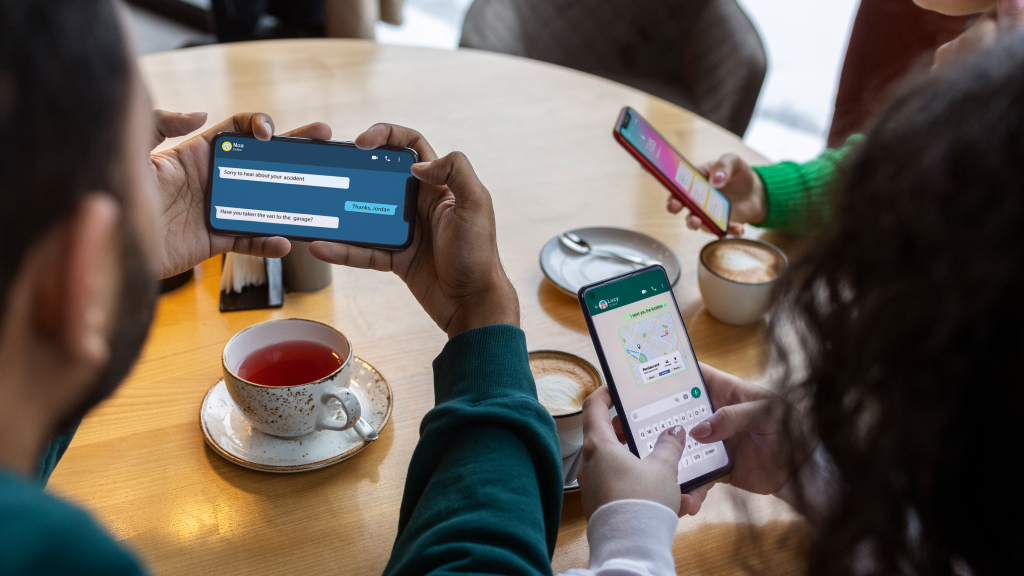
When an emergency isn’t involved but you still need to communicate without internet access, offline messaging apps can offer a practical workaround. These third-party apps are designed for situations where traditional networks are unavailable, such as crowded events, remote locations, or temporary outages, allowing nearby users to exchange messages directly.
The offline messaging apps rely on technologies such as Bluetooth, Wi-Fi Direct, and other peer-to-peer networking methods to transmit messages from one phone to another. Because of this, both the sender and recipient must have the same app installed and be within close physical range for messages to be delivered successfully.
Some of the popular offline messaging app options are Bridgefy and FireChat. Bridgefy is one of the most well-known offline messaging apps. It uses Bluetooth and Wi-Fi Direct to connect nearby devices and can typically operate within a range of about 100 meters. In crowded environments, it also supports mesh networking, allowing messages to hop between multiple devices to extend reach.
FireChat is another option built primarily for group communication. It uses peer-to-peer connections to enable messaging without internet access, though its reliability can vary on newer versions of Android, making it less consistent than some alternatives. These apps are best viewed as situational tools rather than full replacements for standard messaging services.
Staying connected without Wi-Fi or cellular service isn’t always guaranteed, but Google Pixel phones offer more fallback options than most users realize. From reliable SMS messaging and Wi-Fi–based RCS chats to satellite-powered emergency texting and offline apps for nearby communication, each method serves a specific purpose. Understanding these options, and preparing your device in advance, ensures you can communicate when it matters most, whether during everyday signal issues or critical emergency situations.