

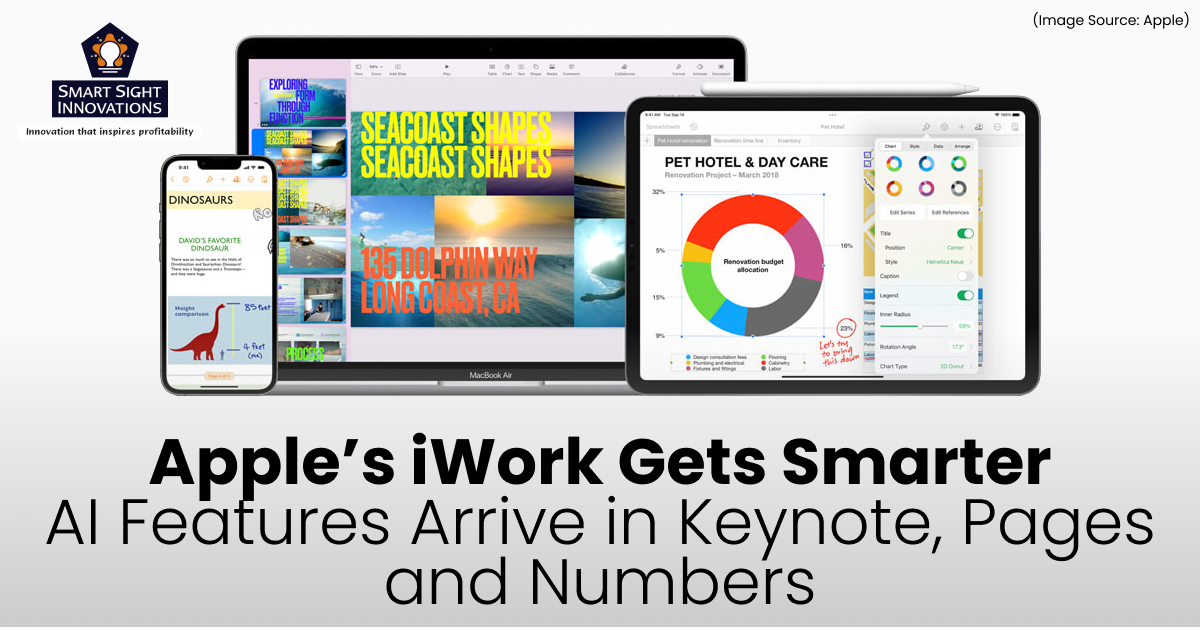
Apple has introduced a major update to its productivity suite, Keynote, Pages, and Numbers, alongside the launch of Apple Creator Studio. The update marks a significant shift for Apple’s long-standing iWork apps, blending powerful free enhancements with a new layer of premium, AI-driven capabilities.
For years, Apple’s productivity tools were entirely free, serving as built-in alternatives to Microsoft Office and Google Workspace. Now, Apple is introducing a hybrid model, core features remain free, while advanced creative and intelligent tools are unlocked through a subscription. This move reflects Apple’s broader services strategy, while also redefining how presentations, documents, and spreadsheets are created across Mac, iPad, and iPhone.
A New Era for iWork
(Image Source: Apple)
The update arrives with version 15.1 of Keynote, Pages, and Numbers. On iPhone and iPad, users simply update their existing apps via the App Store. On Mac, however, Apple has separated the older versions (14.5) from the new Creator Studio editions, meaning users must download the newer versions to access both free and premium updates.
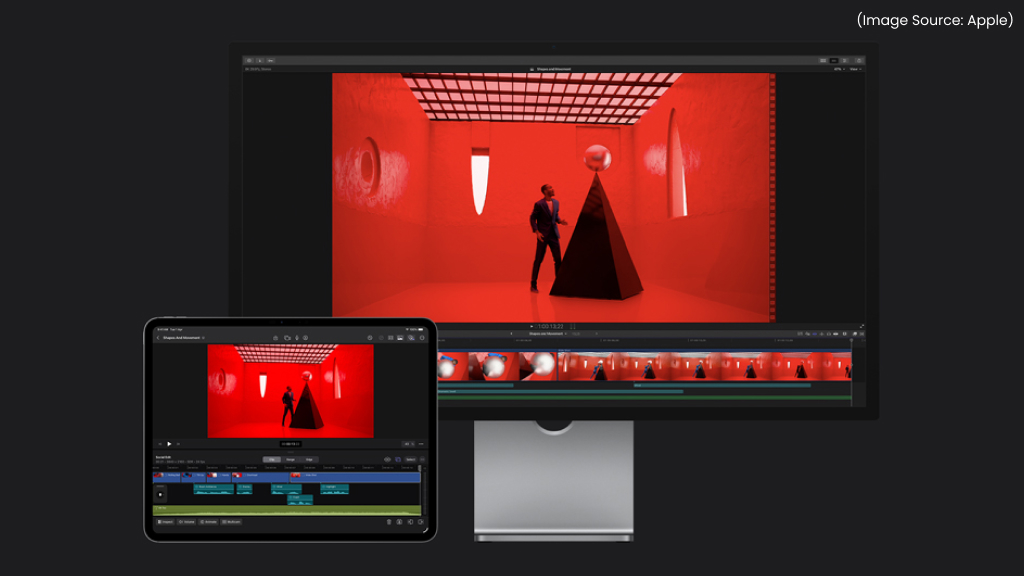
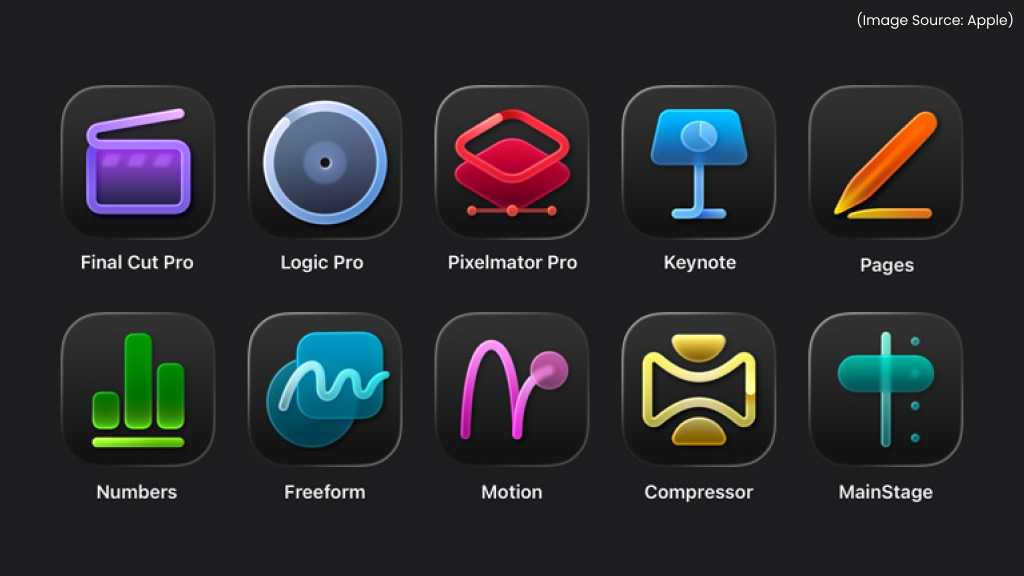
At the center of this transformation is Apple Creator Studio, a subscription bundle that includes professional creative apps such as Final Cut Pro, Logic Pro, Pixelmator Pro, Motion, Compressor, and MainStage. In addition to those tools, subscribers gain access to premium AI (AI Software & AI Web) features and exclusive design resources inside Keynote, Pages, and Numbers.
Importantly, Apple has not removed core functionality. Instead, it has layered advanced creative intelligence and enhanced assets on top of the existing free experience.
What’s New for All Users
(Image Source: Apple)
Even without subscribing, users receive meaningful improvements across all three apps. These updates focus on design refinement, usability, and collaboration.
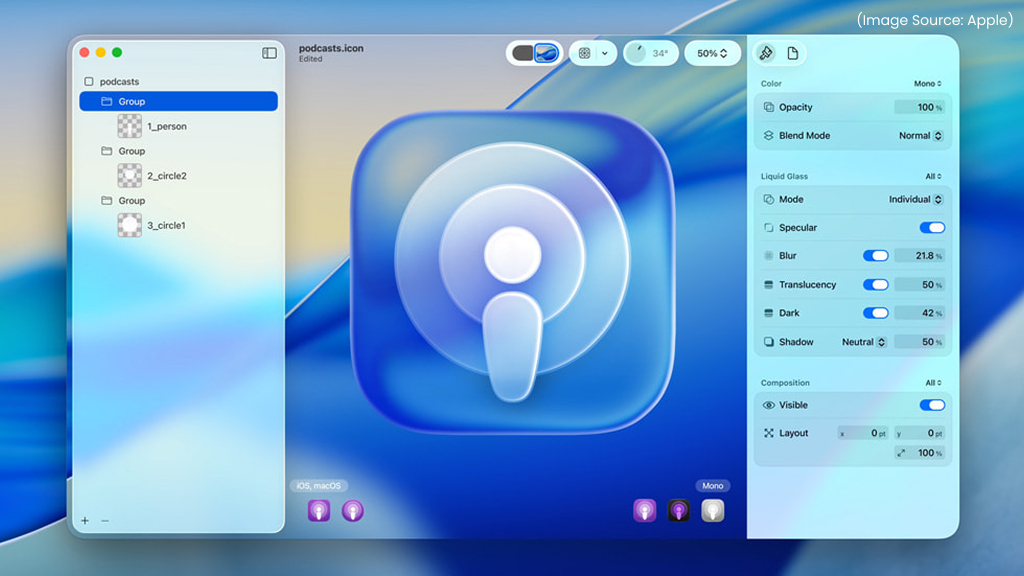
1. Liquid Glass Design
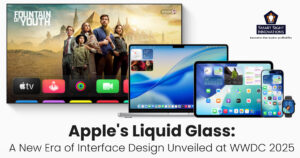
All three apps now feature Apple’s new “Liquid Glass” interface design, giving the iWork suite a more modern and immersive feel. The updated design introduces smoother animations, softer transitions between menus, and layered transparency effects that create a subtle sense of depth.
Toolbars appear lighter and more adaptive, blending seamlessly with content rather than feeling like separate UI blocks. Buttons respond more fluidly, and panels slide in and out with natural motion, making the entire editing experience feel cohesive across Mac, iPad, and iPhone.
However, Liquid Glass is not just a cosmetic refresh. Apple has clearly focused on clarity and usability. Controls are better spaced, icons are easier to identify, and distractions are minimized. The interface draws attention to the content, whether it’s a slide, document, or spreadsheet, instead of overwhelming users with visual clutter.
In practical terms, this means fewer interruptions and a smoother workflow, especially during longer editing sessions.
2. New Editable Shapes
Creative control expands significantly with the introduction of new editable shapes across Keynote, Pages, and Numbers. While shapes have always been part of the iWork toolkit, users can now modify them more precisely.
Anchor points can be adjusted individually, contours reshaped, and paths customized to create unique designs. This level of control allows users to go beyond basic geometric forms and create more expressive visuals.
For presenters, this means designing custom infographics directly in Keynote. For document creators in Pages, it allows more dynamic layouts and branding consistency. In Numbers, editable shapes can enhance dashboards and data visualizations, making charts and reports look more engaging.
Rather than relying solely on preset templates, users now have greater freedom to align their visuals with brand identity, creative goals, or stylistic preferences.
3. Full Menu Bar in iPadOS 26
On iPad, Apple brings in a more desktop-like experience to tablet users. Previously, some advanced tools required navigating nested menus or switching devices for complex formatting tasks.
With this update, professional-level controls are accessible directly from the top menu bar, making the iPad feel more capable than ever for professionals who prefer working with a keyboard and trackpad.
Users can quickly access formatting options, layout adjustments, alignment controls, and document settings without interrupting their workflow. Keyboard shortcuts also feel more natural and consistent with the Mac experience.
This enhancement significantly reduces friction for users who rely on the iPad as their primary work device. Whether editing a detailed report in Pages, refining animations in Keynote, or managing formulas in Numbers, the expanded menu system allows deeper control without sacrificing portability.
4. HDR Support in Keynote
Keynote now supports HDR (High Dynamic Range) on compatible displays, enabling brighter highlights, richer contrast, and more vibrant colors within presentations. This improvement is particularly noticeable when working with high-resolution photos, product images, or cinematic video content. Text overlays and graphic elements also appear sharper and more luminous on supported screens.
For educators, this means lecture slides can look clearer and more engaging. For marketers and business professionals, product showcases and brand presentations gain a polished, high-end aesthetic. Visual storytelling becomes more impactful, especially in environments where display quality matters.
As presentations increasingly incorporate video and high-resolution visuals, HDR support ensures Keynote keeps pace with modern display standards.
5. Improved Collaboration
Collaboration has been strengthened across all three apps through enhancements to iCloud sharing and file management.
One of the most important upgrades is support for larger shared files, now up to 4GB. This is particularly valuable for teams working with media-heavy Keynote presentations, image-rich documents in Pages, or complex data models in Numbers.
Real-time collaboration remains central to Apple’s ecosystem. Multiple users can edit simultaneously, leave comments, and track changes across devices. Improvements to sync reliability also reduce the chances of version conflicts or delayed updates.
For distributed teams, educators coordinating projects, or businesses sharing client materials, these collaboration upgrades make the apps more dependable in professional environments.
Together, these free improvements demonstrate that Apple is not limiting innovation only to paying subscribers.
Premium Features for Apple Creator Studio Subscribers
(Image Source: Apple)
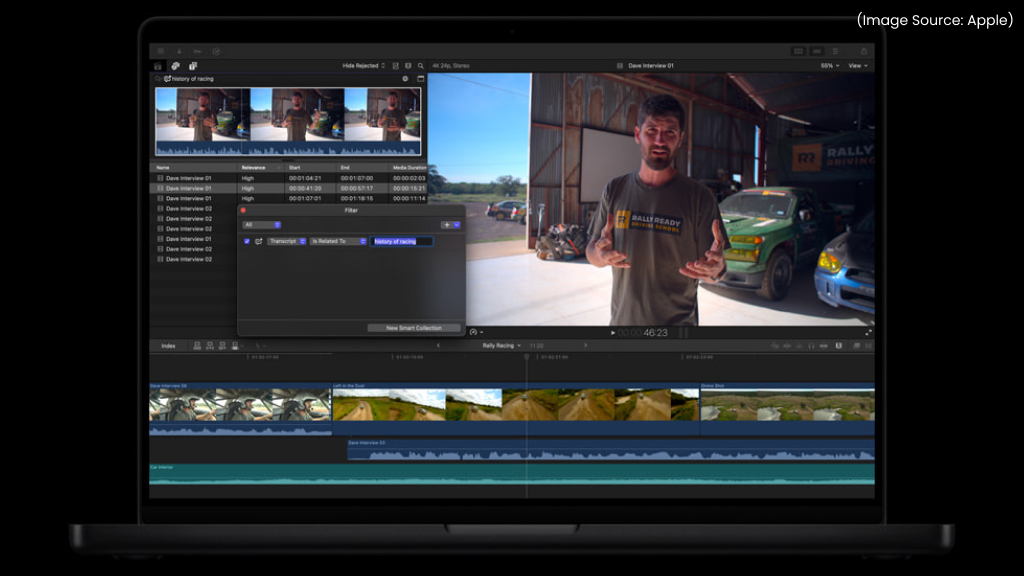
While the free updates enhance usability and design consistency, the most powerful creative tools are reserved for subscribers to Apple Creator Studio. With this option, Apple is clearly targeting professionals, educators, marketers, and content creators who want faster workflows and more polished results. Creator Studio is positioned not just as an add-on, but as a productivity accelerator that reduces the need for third-party software.
The New Content Hub
One of the most significant additions is the Content Hub, a built-in, curated library of high-quality photos, graphics, and illustrations available directly inside Keynote, Pages, and Numbers.
Subscribers can browse professionally designed templates and themes, explore Apple-curated collections, and insert high-resolution assets instantly without leaving their document or presentation. By integrating premium creative resources directly into the apps, Apple reduces reliance on external stock libraries and separate design tools, making the entire creation process more seamless and efficient.
Keynote
(Image Source: Apple)
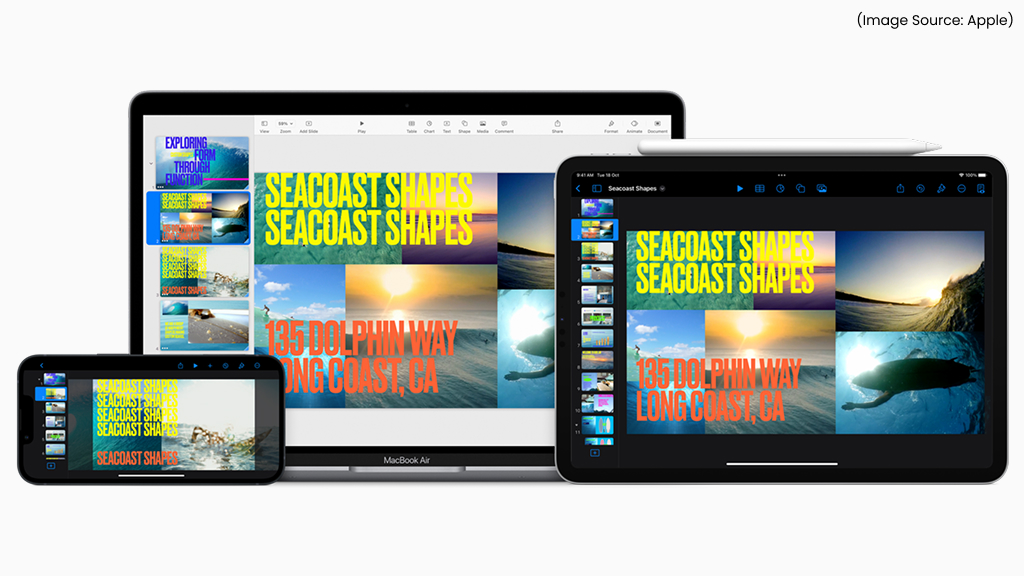
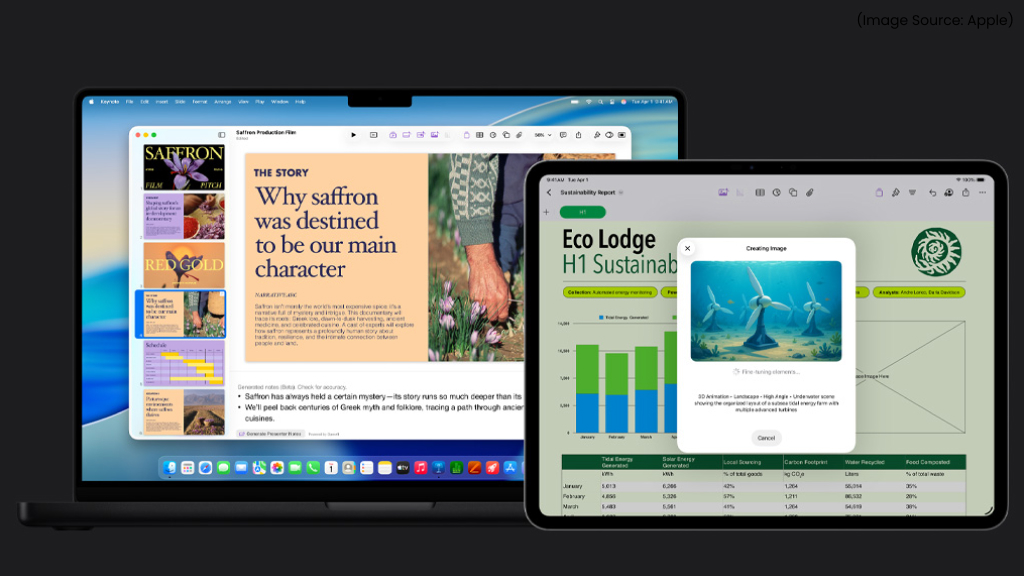
Keynote becomes the most AI-enhanced app in Apple’s productivity suite. The new intelligent tools are designed to reduce preparation time, improve visual polish, and help users deliver more compelling presentations with less manual effort.
1. AI-Powered Slide Creation
One of the most impressive additions is the ability to turn a simple text outline into a structured slide deck. Users can input bullet points or a rough framework, and Keynote generates a first draft complete with organized slides and suggested layouts. For educators building lesson decks, consultants preparing client briefings, or marketers outlining campaign pitches, this dramatically speeds up the brainstorming and drafting process.
2. Automatic Presenter Notes
Keynote can now generate presenter notes based on slide content. Instead of manually drafting talking points, users receive contextual notes that support the slide’s key message. This helps maintain narrative flow and ensures presenters stay aligned with their visuals during delivery.
3. AI (AI Software & AI Web) Layout Cleanup
Design consistency is also improved through automatic layout refinement. Keynote can intelligently adjust spacing, alignment, and typography to create a cleaner, more professional look, eliminating the need for meticulous manual tweaking.
4. AI (AI Software & AI Web) Image Creation and Editing
Subscribers can generate images directly within a presentation, enhance clarity using Super Resolution, and apply Auto Crop for smarter framing. These tools reduce reliance on external editing apps.
5. Seamless Video Playback
Videos can now play continuously across slides, enabling smoother transitions and a more cinematic, immersive presentation experience.
Numbers
(Image Source: Apple)
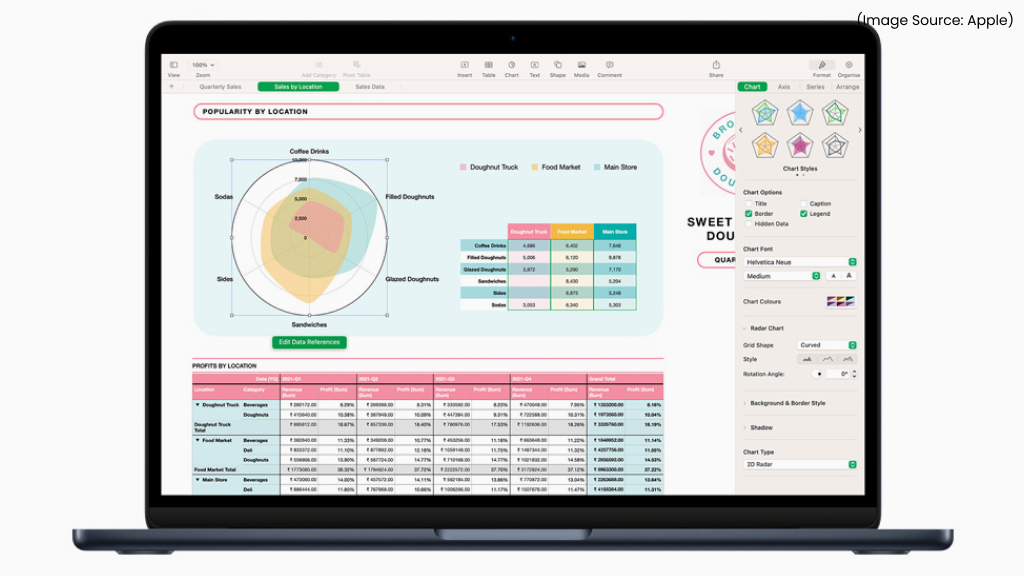
Numbers become smarter and more powerful, especially for users who rely on spreadsheets for everyday analysis. Apple has introduced features that reduce manual effort while improving data clarity and insight.
-
Magic Fill
Magic Fill is the headline addition. Using pattern recognition, it can automatically detect trends in your data and extend them across rows or columns. For instance, if you enter a few dates, expense categories, or numerical progressions, Numbers can intelligently continue the sequence.
It can also suggest formulas based on the structure of your sheet, helping users avoid repetitive typing and common calculation errors. This is particularly useful for budgeting, forecasting, tracking expenses, and managing structured datasets.
-
Enhanced Data Visualization
Numbers also strengthens its visual analysis tools. Radar charts make it easier to compare overlapping data sets, improved pivot tables offer deeper insights across devices, and advanced filtering tools quickly identify duplicate or unique values, making analysis faster and more intuitive.
Pages
(Image Source: Apple)
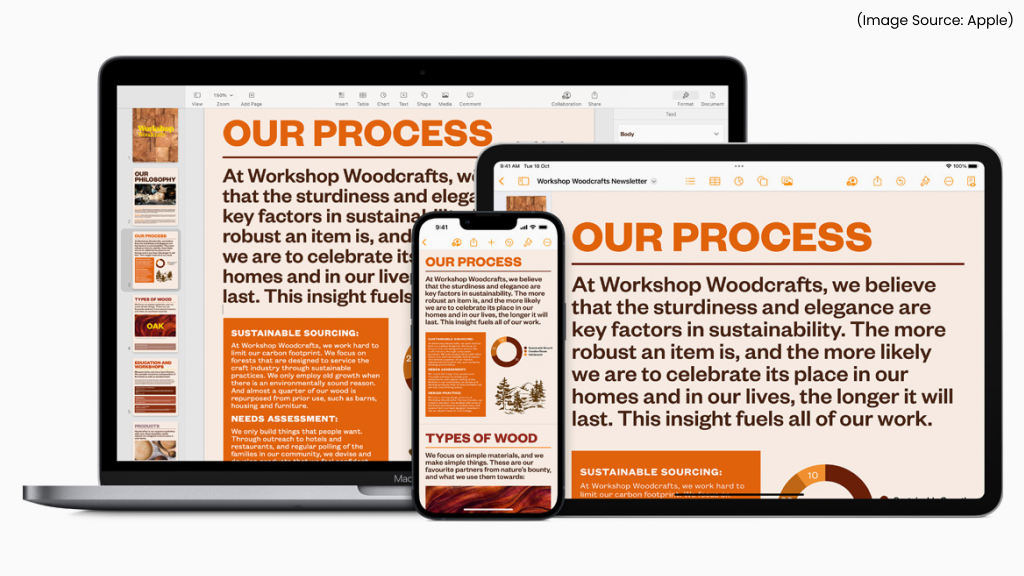
Pages receive thoughtful upgrades that make document creation flexible, particularly for professionals and students.
1. Professional Templates
Subscribers gain access to exclusive, professionally crafted templates tailored for reports, business proposals, newsletters, and marketing materials. These layouts provide a strong visual foundation, helping users create refined documents without advanced design skills.
2. AI (AI Software & AI Web) Image Tools
Pages also incorporates intelligent media tools. Super Resolution enhances image clarity, Auto Crop suggests improved framing, and built-in AI (AI Software & AI Web) graphic generation allows users to create custom visuals directly inside a document. This reduces the need for external editing software.
3. Optimized iPhone View
On iPhone, Pages now offers an automatic single-column, screen-optimized layout, making editing and reading more comfortable on smaller displays.
4. Math Equation Support
Improved LaTeX and MathML integration enhances equation formatting, making Pages more practical for academic and technical writing.
A Strategic Shift Toward Hybrid Monetization
(Image Source: Apple)
This update marks a clear shift in Apple’s productivity strategy. Instead of keeping its tools entirely free or moving fully behind a paywall, Apple has adopted a freemium model built around Apple Creator Studio. Core features in Keynote, Pages, and Numbers remain accessible to everyone, ensuring casual users and students are not excluded.
At the same time, premium upgrades target professionals who need advanced AI (AI Software & AI Web) tools, curated design assets, and improved performance for complex projects. This balanced approach allows Apple to maintain goodwill among its broad user base while expanding recurring services revenue. Rather than restricting basic editing capabilities, Apple monetizes value-added features like intelligent automation, premium templates, and enhanced creative resources.
Should You Subscribe?
(Image Source: Apple)
Whether you should subscribe to Apple Creator Studio ultimately depends on how you use Keynote, Pages, and Numbers in your daily workflow. If you regularly create polished, client-facing presentations, business proposals, marketing materials, or data-heavy reports, the premium templates, AI (AI Software & AI Web) tools, and enhanced media capabilities could significantly improve both speed and quality.
It’s also valuable for those working with large, media-rich files who want smoother performance and smarter automation. However, for personal projects, academic assignments, or occasional office tasks, the free features remain robust and more than sufficient for most users.
Apple’s updates to Keynote, Pages, and Numbers represent evolution rather than disruption. The apps are more visually refined, more collaborative, and significantly smarter, especially for subscribers.
By introducing AI-assisted slide creation, Magic Fill pattern recognition, Content Hub assets, and advanced image tools, Apple is positioning its productivity suite as a serious creative platform rather than just a free alternative. At the same time, Apple has avoided alienating its massive user base by keeping core functionality intact.
The result is a balanced productivity ecosystem:
- Free for everyday users.
- Powerful and AI-enhanced for professionals.
- Deeply integrated across Mac, iPad, and iPhone.
As Apple continues expanding its services portfolio, this hybrid productivity model may define the future direction of its software strategy. For now, users can enjoy meaningful upgrades immediately, and decide later whether the premium tier aligns with their creative ambitions.