

Safari extensions have become more important than ever in 2026, as users look for faster, safer, and more personalized browsing experiences. With growing concerns around privacy, productivity, and online security, extensions now play a key role in enhancing what the browser can do beyond its default capabilities.
Apple has also significantly expanded its extension ecosystem in recent years, making it easier for developers to build powerful, efficient tools that integrate seamlessly with Safari across Mac, iPhone, and iPad. Improved support, stricter privacy standards, and better performance optimization have encouraged more high-quality extensions to enter the platform.
Let’s look at some of the best Safari extensions to try in 2026, carefully selected to help you boost productivity, protect your data, and get more out of your everyday browsing experience.
What Are Safari Extensions?

Safari extensions are small add-ons that enhance the browser’s functionality by adding new features or improving existing ones. They can help block ads, manage passwords, improve writing, boost productivity, and strengthen privacy while you browse. Designed to integrate seamlessly with Apple’s ecosystem, these extensions work across macOS, iOS, and iPadOS, offering a consistent experience on all devices.
Safari extensions operate by interacting with web pages through secure APIs provided by Apple. Once installed from the App Store, they can modify page content, automate tasks, or provide additional tools directly within the browser interface. Apple ensures that extensions run efficiently without significantly affecting performance or battery life.
Safari extensions are generally considered safe because Apple enforces strict review guidelines before allowing them on the App Store. Users also have control over permissions, which limits how much data an extension can access. However, it’s still important to install extensions from trusted developers and review permissions carefully.
While Chrome extensions offer a larger library, Safari extensions focus more on privacy, efficiency, and system integration. Safari’s ecosystem prioritizes security and performance, whereas Chrome provides broader compatibility and variety.
How to Install and Manage Safari Extensions
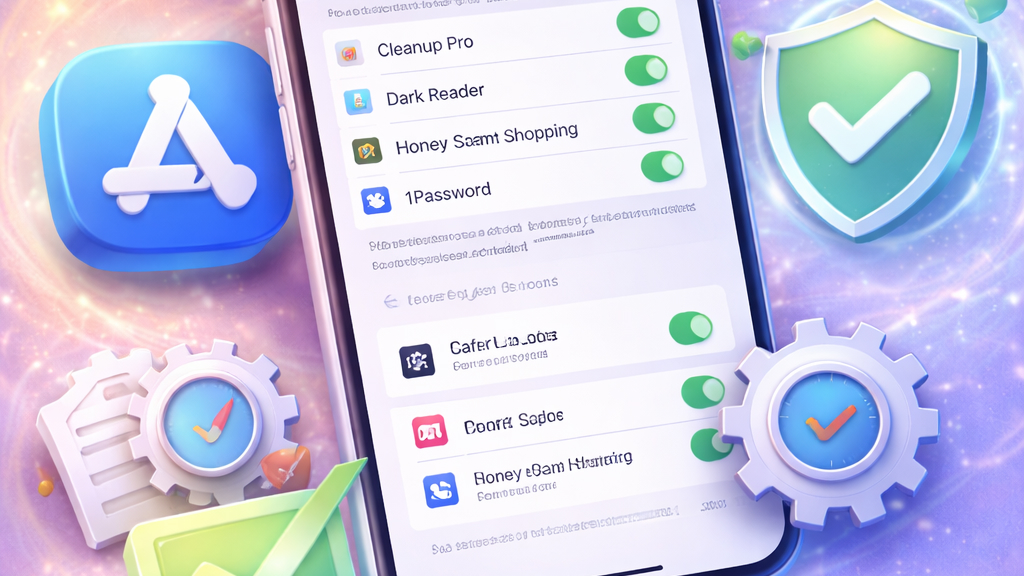
Safari makes it easy to install and control extensions, giving you flexibility while maintaining strong privacy standards. Whether you’re adding new tools or fine-tuning existing ones, managing extensions is a straightforward process across Apple devices.
To install a Safari extension, open the App Store on your Mac, iPhone, or iPad and search for the extension you want. Once downloaded, the extension is automatically added to Safari. Many apps now include built-in extensions, so installing the app also installs its Safari companion. After installation, you may need to enable it manually in Safari settings before it becomes active.
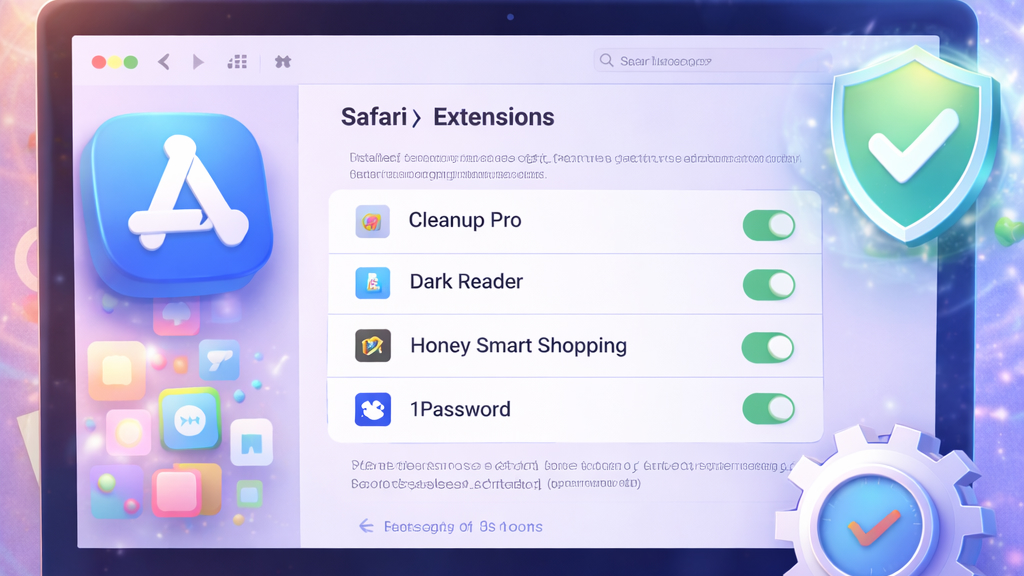
You can easily turn extensions on or off depending on your needs. On Mac, open Safari, go to Settings (or Preferences), and navigate to the Extensions tab. From there, simply check or uncheck the box next to an extension to enable or disable it. On iPhone and iPad, head to Settings > Safari > Extensions to manage them. Disabling unused extensions can help improve browser performance and reduce clutter.
Safari gives you detailed control over what each extension can access. You can decide whether an extension can run on all websites or only on specific ones. This helps protect your data and ensures extensions only access what’s necessary. Reviewing permissions regularly is a good practice, especially if you install multiple extensions, as it keeps your browsing experience both secure and efficient.
Best Safari Extensions to Try in 2026
1. Wipr 2 ($4.99)
Wipr 2 is a lightweight yet powerful Safari extension designed to deliver a clean, distraction-free browsing experience across Apple devices. Available on macOS 14 and iOS 17 or later, it works as a “set-and-forget” tool, meaning once it’s installed and enabled, it quietly runs in the background without requiring constant adjustments.
Wipr 2 blocks ads, pop-ups, trackers, cookie notices, and even cryptocurrency miners, helping webpages load faster while reducing clutter. By eliminating unnecessary content, it not only improves page speed but also helps conserve battery life and reduce data usage, especially useful on mobile devices. Setup is quick and straightforward, making it accessible even for non-technical users.
One of its standout features is its regularly updated blocklist, which refreshes automatically twice a week to keep up with evolving online threats and advertising techniques. Unlike many alternatives, Wipr 2 follows a strict no “acceptable ads” policy, ensuring that no advertiser can pay to bypass its filters.
The extension is available as a one-time purchase and works across iPhone, iPad, Mac, and even Vision Pro, with support for Family Sharing. With its focus on privacy, simplicity, and performance, Wipr 2 is an excellent choice for anyone looking to streamline their Safari browsing experience.
2. 1Password (Free)
1Password is one of the most reliable Safari extensions for securely managing your digital life. It allows you to store and autofill passwords, credit card details, addresses, and even one-time authentication codes, all from within your browser. Once you install the app and enable the Safari extension, it integrates seamlessly, making logins and form-filling quick and effortless.
Setting up 1Password in Safari is simple. After enabling the extension, you can allow it to access all websites so it can automatically suggest and fill your saved credentials whenever you sign in. It also lets you save new logins with a single tap and update existing ones when needed.
One of its standout features is the built-in password generator, which creates strong, unique passwords for every account. This significantly improves your online security. In addition, 1Password can act as an authenticator, generating one-time passwords for sites that support two-factor authentication.
Beyond convenience, it also offers powerful organization tools, allowing you to search, edit, and manage items across multiple vaults. With support for Face ID, Touch ID, and cross-device syncing, 1Password is an essential Safari extension for anyone serious about security and convenience.
3. AdGuard Pro ($9.99)
AdGuard Pro is a feature-rich Safari extension designed to deliver advanced ad blocking and privacy protection on Apple devices. It works by integrating multiple content-blocking modules within Safari, allowing it to effectively remove ads, trackers, pop-ups, and other intrusive elements that slow down browsing.
One of AdGuard Pro’s biggest strengths is its flexibility. It supports a wide range of filter lists, over 50 options, so you can customize how aggressively ads and trackers are blocked. These filters are optimized for Safari, ensuring faster page loading and a cleaner browsing experience. In addition to blocking ads, the extension also prevents tracking scripts and analytics tools from collecting your data.
A standout feature is its advanced DNS customization. Users can choose from trusted DNS providers or configure their own settings to control internet traffic more precisely. This also enables parental control features, helping block access to adult or inappropriate content.
AdGuard Pro goes beyond basic ad blocking by offering tools like DNS request logging and manual rule creation, giving users greater control over their privacy. With its powerful customization options and strong focus on security, it’s an excellent choice for users who want more control over their Safari browsing experience.
4. Grammarly (Free)
Grammarly is a powerful Safari extension that helps you write clearly, correctly, and confidently across the web. Whether you’re composing emails, drafting documents, or posting on social media, Grammarly provides real-time suggestions to improve grammar, spelling, tone, and overall writing style.
Once installed and enabled in Safari, it works seamlessly in the background across popular platforms like Gmail, Google Docs, LinkedIn, and more. As you type, it highlights errors and offers instant corrections, making proofreading faster and more efficient. This not only saves time but also ensures your writing always looks polished and professional.
One of Grammarly’s standout features is its tone detector, which analyzes how your message may come across to readers. It also suggests clearer phrasing and better word choices, helping you communicate your ideas more effectively. For users who want deeper insights, the premium version offers advanced suggestions, including vocabulary enhancements and clarity improvements.
Easy to install and simple to use, Grammarly is ideal for students, professionals, and content creators alike. If you regularly write online, this Safari extension can significantly improve both your speed and the quality of your work.
5. StopTheMadness Pro ($14.99)

StopTheMadness Pro is a Safari extension designed to fix frustrating website behaviors and give users full control over their browsing experience. Many modern websites restrict actions like copying text, right-clicking, or pasting passwords, StopTheMadness Pro removes these limitations effortlessly.
It also improves usability by enabling features like auto-fill on restricted fields, restoring keyboard shortcuts, and preventing websites from overriding standard browser functions. This makes it especially useful for productivity and accessibility.
Beyond convenience, it enhances privacy and performance by blocking tracking scripts, removing clickbait elements, and disabling unwanted pop-ups. Unlike typical ad blockers, its focus is on fixing broken or restrictive website behavior.
If you often feel like websites are “fighting” your browser, StopTheMadness Pro is a must-have extension that restores control and improves your overall Safari experience.
6. xSearch ($2.99)
xSearch is a lightweight yet highly customizable search extension for Safari that enhances how you search the web. Instead of being limited to a single search engine, xSearch allows you to query multiple platforms, like Google, DuckDuckGo, Wikipedia, or even custom websites, directly from the address bar.
One of its standout features is the ability to create custom search shortcuts. For example, you can type a keyword to instantly search a specific site, saving time and streamlining your workflow.
xSearch also supports privacy-focused search engines, making it a great option for users who want more control over their data. It integrates smoothly into Safari without slowing it down, maintaining a fast and responsive browsing experience.
For users who frequently switch between search engines or rely on niche platforms, xSearch is a simple yet powerful tool that significantly improves search efficiency.
7. Momentum (Free)
Momentum transforms your new tab page into a personalized productivity dashboard. Instead of a blank or cluttered screen, Momentum greets you with a clean interface featuring inspiring backgrounds, a daily focus goal, and useful widgets.
It helps you stay organized by integrating to-do lists, weather updates, and quick links, all accessible every time you open a new tab. This subtle but consistent reminder can improve focus and reduce distractions during your browsing sessions.
Momentum also offers motivational quotes and customizable layouts, making it both functional and visually appealing. The premium version adds deeper integrations and advanced task management features.
If you want to turn your browsing habits into a more intentional and productive routine, Momentum is an excellent Safari extension to consider.
8. CapitalOne (Free) and CouponBirds (Free)
Capital One Shopping and CouponBirds are practical Safari extensions that help you save money while shopping online. Both tools automatically search for and apply the best available coupon codes at checkout, removing the hassle of manually hunting for discounts.
They also offer useful features like price comparisons and deal alerts, helping you make smarter purchasing decisions. Capital One Shopping goes a step further by checking prices across different retailers, while CouponBirds focuses on delivering a wide range of verified coupon codes.
These extensions run quietly in the background and activate only when needed, ensuring a smooth and uninterrupted shopping experience. If you frequently shop online, using either of these tools can lead to consistent savings with minimal effort.
9. PayPal Honey (Free)

PayPal Honey is one of the most popular Safari extensions for finding discounts and rewards while shopping online. It automatically tests multiple coupon codes at checkout to help you get the best possible deal without any extra work.
In addition to coupons, Honey offers a price tracking feature that alerts you when items drop in price. It also includes a rewards system, allowing users to earn points on eligible purchases and redeem them for gift cards.
Easy to install and simple to use, Honey integrates seamlessly with Safari and supports a wide range of online stores. For anyone looking to save both time and money, it’s a valuable addition to your browsing toolkit.
10. LastPass (Free)

LastPass is a widely used Safari extension that simplifies password management and improves online security. It securely stores your login credentials, allowing you to autofill usernames and passwords across websites with ease.
With LastPass, you only need to remember one master password, while the extension handles the rest. It also generates strong, unique passwords for new accounts, reducing the risk of security breaches.
The extension syncs across devices, ensuring your credentials are always accessible whether you’re on a Mac, iPhone, or iPad. It also supports secure notes and form filling for added convenience.
For users managing multiple accounts, LastPass is a practical solution that combines security with ease of use.
11. Adblock Plus (Free)
The Adblock Plus Safari extension is used for blocking intrusive ads and improving page load speeds. It removes banners, pop-ups, and video ads, creating a cleaner and more focused browsing experience.
In addition to ad blocking, it helps protect your privacy by preventing tracking scripts from monitoring your activity online. This can also reduce data usage and improve battery performance on mobile devices.
Adblock Plus allows users to customize filters and even whitelist specific websites if needed. However, it supports “acceptable ads” by default, which can be turned off in settings.
If you want a simple and effective way to declutter the web, Adblock Plus is a reliable choice.
12. Immersive Translate (Free)

The Immersive Translate extension brings seamless language translation directly into Safari. This tool allows you to translate entire web pages or selected text instantly, making it easier to browse content in different languages. It is especially useful for research, travel planning, or accessing global content. Many translation extensions also support voice input and multiple languages.
With just a click, you can switch between original and translated versions, improving comprehension without leaving the page. For multilingual users or those exploring international content, a translation extension is an essential addition to Safari.
13. PiPer (Free)
PiPer enhances Safari’s video experience by enabling Picture-in-Picture (PiP) mode on websites that don’t natively support it. This allows you to watch videos in a floating window while continuing to browse or work.
It’s especially useful for multitasking, whether you’re watching tutorials, attending online classes, or streaming content. The floating player can be resized and moved anywhere on your screen.
PiPer is lightweight, easy to use, and integrates seamlessly with Safari. It ensures you don’t have to switch tabs constantly to keep up with video content. If you frequently watch videos while browsing, PiPer is a simple yet highly practical extension.
14. Noir (2.99) and Dark Reader ($4.99)
Noir and Dark Reader are two of the best Safari extensions for enabling dark mode across websites that don’t natively support it. Both tools transform bright web pages into darker, more comfortable viewing environments, making them especially useful for reducing eye strain during nighttime browsing.
Noir is known for its elegant design and seamless integration with system settings. It automatically generates dark themes that match your device’s appearance, ensuring a consistent and visually pleasing experience. It also intelligently adjusts colors to maintain readability without breaking website layouts, while allowing you to enable or disable dark mode on specific sites.
Dark Reader, on the other hand, offers more advanced customization. It allows users to fine-tune brightness, contrast, and sepia levels, giving greater control over how dark mode looks and feels. It also prioritizes user privacy by not tracking browsing activity.
Whether you prefer a simple, polished experience or deeper customization, Noir and Dark Reader are excellent choices for making the web easier on your eyes.
15. SponsorBlock ($2.99)

SponsorBlock is a unique Safari extension that automatically skips sponsored segments in YouTube videos. It uses crowdsourced data to identify and bypass ads, intros, and other non-essential parts of videos.
This saves time and creates a smoother viewing experience, especially for long-form content. Users can also contribute by marking segments themselves. SponsorBlock is highly customizable, allowing you to choose which types of segments to skip.
If you spend a lot of time on YouTube, this extension can significantly improve your viewing efficiency.
16. GoodLinks ($9.99) and Instapaper (Free)
GoodLinks and Instapaper are excellent Safari extensions for saving articles and web pages to read later in a clean, distraction-free format. Both tools remove ads and clutter, allowing you to focus entirely on the content.
GoodLinks stands out for its minimalist design and privacy-focused approach, offering offline access and simple organization through tags. It’s ideal for users who prefer a lightweight, no-frills reading experience.
Instapaper, on the other hand, provides a more feature-rich experience. In addition to offline reading, it includes options like highlighting, note-taking, and text-to-speech, making it particularly useful for research or long-form content consumption.
Both extensions sync seamlessly across Apple devices, ensuring your saved articles are always accessible wherever you are. Whether you prefer simplicity or advanced features, GoodLinks and Instapaper are reliable tools for managing your reading list efficiently.
17. Mate (Free)
Mate Translate is a versatile translation extension for Safari that supports dozens of languages. It allows you to translate selected text, entire pages, or even subtitles in videos.
Mate also includes a phrasebook feature, helping you save commonly used translations for future reference. Its clean interface and fast performance make it ideal for everyday use.
For users who regularly interact with multilingual content, Mate is a powerful and convenient tool.
18. Bring! (Free)

Bring! is a smart shopping list extension that integrates with Safari to help you plan and manage purchases more efficiently. You can quickly add items from websites, recipes, or product pages directly to your list. It supports real-time syncing, making it perfect for families or shared households.
With visual lists and smart suggestions, Bring! simplifies grocery planning and reduces the chances of forgetting essentials. If you want to combine browsing with smarter shopping organizations, Bring! is a handy addition.
19. Vidimote ($2.99)

Vidimote is a Safari extension that enhances video playback with keyboard shortcuts and gesture controls. It allows you to play, pause, skip, adjust volume, and control fullscreen mode without using your mouse. This makes video navigation faster and more efficient, especially for power users.
Vidimote works across multiple video platforms, providing consistent controls wherever you watch content. If you consume a lot of video online, Vidimote can significantly improve your viewing experience.
20. Mapper ($1.99)

Mapper is a simple yet highly practical Safari extension designed to improve how map links work within Apple’s ecosystem. Its main purpose is to automatically redirect Google Maps links from search results to Apple Maps, eliminating the need to manually copy and paste addresses.
Once installed and enabled, Mapper works seamlessly in the background. When you search for a location on Google and tap a map result, the extension instantly opens that location in Apple Maps with a single tap. This makes navigation faster and more convenient, especially for users who prefer Apple Maps as their default navigation app.
Despite its simplicity, Mapper offers smart functionality. It supports multiple Google domains worldwide and includes fallback behavior; if a link cannot be processed, it briefly opens in the browser before redirecting to Apple Maps automatically. Privacy is another strong point. The extension does not collect or store personal data and only scans Google search pages for map links, ensuring a secure experience.
Lightweight, affordable, and easy to use, Mapper is an excellent addition for users who want a smoother, more integrated mapping experience in Safari.
Safari extensions have evolved into powerful tools that can significantly enhance your browsing experience in 2026. From boosting productivity and improving writing to strengthening privacy and blocking unwanted content, the right extensions can transform how you use the web every day.
However, it’s important to be selective. Installing too many extensions can slow down your browser and create unnecessary complexity. Instead, focus on choosing a handful that truly match your needs and browsing habits.
With Apple’s growing ecosystem and stricter privacy standards, Safari extensions are becoming more efficient, secure, and user-friendly than ever. By picking the right combination, you can create a faster, safer, and more personalized browsing experience.