


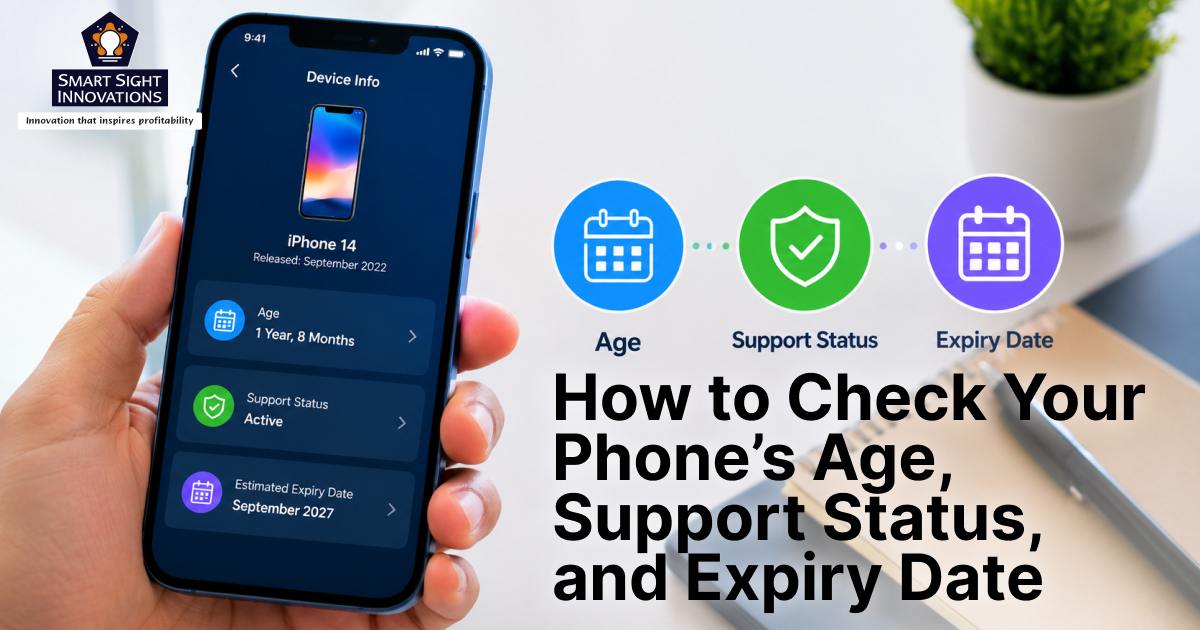
Smartphones have become long-term companions for people. They store personal photos, banking apps, passwords, work documents, and years of conversations. Yet many users never think about one important detail, that their phones also have an expiration date.
A phone does not suddenly stop working when it reaches that point. The screen still turns on, apps may continue opening, and calls can still be made. Over time, manufacturers stop providing software updates and critical security patches. Once that support ends, the device gradually becomes more vulnerable to bugs, malware, app incompatibility, and performance problems.
This is why understanding a phone’s age matters. A device that looks perfectly functional on the outside may already be years past its supported lifespan. Knowing how old a phone is can help users decide whether it is still safe for banking and personal data, whether it is worth repairing, or whether it may soon need replacing.
There are several different “ages” associated with a smartphone, like the manufacturing date, the release date, the purchase date, and the activation date. In addition to those dates, modern smartphones also have a software support timeline.
Fortunately, finding this information is easier than many people realize. Information about a phone’s age and lifecycle can often be uncovered through its serial number, settings menu, or original packaging. Manufacturers also publicly announce software support periods for many devices.
Why Knowing a Phone’s Age Matters

Many people only think about replacing a smartphone when the battery becomes weak or the performance slows down. However, a phone’s actual age affects far more than speed.
1. Security Risks Increase Over Time
One of the biggest reasons to check a phone’s age is security. Smartphones constantly receive patches that fix newly discovered vulnerabilities. These patches play an important role in protecting sensitive data, including financial information, account credentials, emails, and personal files.
When a manufacturer stops delivering security updates, any future vulnerabilities remain permanently unpatched. Unsupported devices often become attractive targets because newly discovered vulnerabilities may remain unpatched indefinitely. This becomes especially important for phones used for:
- Mobile banking
- Online shopping
- Password management
- Digital wallets
- Work accounts and emails
A phone may continue functioning normally long after it stops receiving security updates, but it gradually becomes less secure for handling sensitive information.
2. App Compatibility Eventually Declines
Modern applications are typically developed and tested for newer Android and iOS releases, making compatibility with older operating systems increasingly difficult over time.
At first, this may simply mean missing out on new features. Eventually, some apps stop updating entirely or refuse to install. Banking apps, messaging platforms, and streaming services are often among the first to require newer operating system versions.
3. Performance and Battery Health Degrade
All lithium-ion batteries experience gradual capacity loss as they age, reducing the amount of energy they can store. As a result, older phones may require more frequent charging, overheat more often, or throttle performance to preserve battery health. At the same time, newer apps and software updates demand more processing power and memory. Even premium phones can begin feeling slow after several years.
4. Resale Value Depends on Remaining Support
People buying used phones increasingly pay attention to software support timelines. A device with only a few months of updates remaining is worth significantly less than one still supported for several years.
Checking the age and expiration date of a phone can therefore help determine whether selling, trading in, or upgrading makes financial sense.
Understanding the Different Dates Associated With a Phone
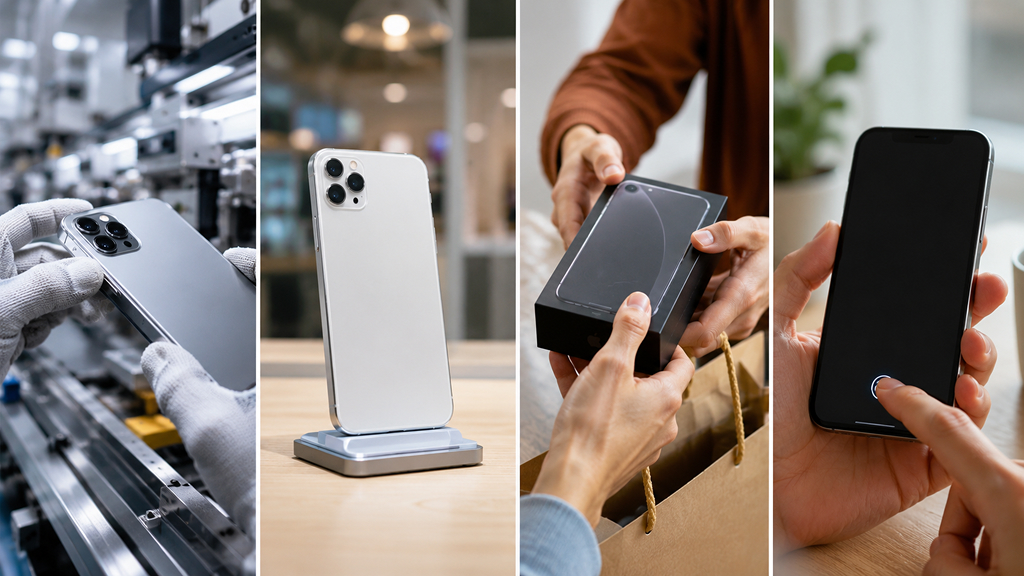
Before checking a device’s age, it helps to understand the different dates manufacturers and carriers use.
1. Manufacturing Date
This refers to when the phone was physically assembled in the factory. It is usually encoded within the serial number or printed on the retail box. The manufacturing date can reveal whether a device sat unused in storage for a long period before being sold.
2. Release Date
The release date is when the phone officially launched in the market. This date matters because software support timelines are often calculated from the release year rather than the purchase year.
For example, someone buying a three-year-old unused phone today may still receive only a short remaining support period.
3. Purchase Date
This is the day the user bought the phone. Warranty coverage typically begins from this date. Purchase information can usually be found on invoices, receipts, or email confirmations.
4. Activation Date
The activation date marks when the phone first connected to a carrier network or manufacturer account. Some brands use activation dates when calculating warranty coverage or support eligibility.
How to Find the Manufacturing Date of a Phone
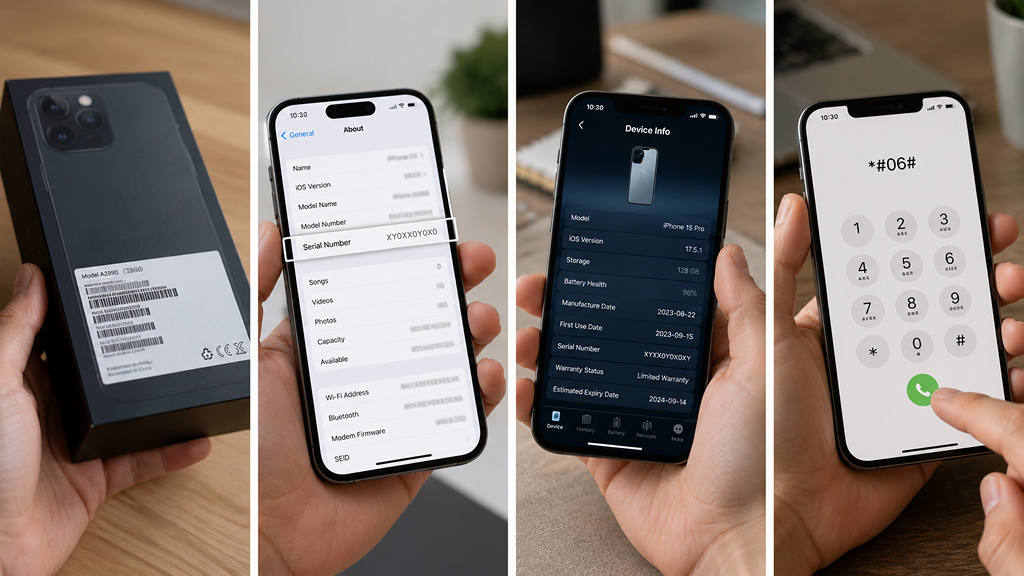
There is no universal button labeled “manufacturing date” inside smartphones, but several methods can help uncover this information.
Check the Original Retail Box
The easiest place to start is the original packaging. Most smartphone boxes include a white label containing the manufacturing month and year, serial number, IMEI number, and factory codes. One way to verify that the packaging corresponds to the device is to compare the IMEI number printed on the box with the IMEI shown in the phone’s settings.
On Android:
Settings > About Phone > Status > IMEI
On iPhone:
Settings > General > About
If the numbers match, the packaging belongs to the device.
Use the Phone’s Serial Number
Most manufacturers encode production details inside the serial number.
On Android Phones
The serial number is usually found under:
Settings > About Phone
Different brands structure serial numbers differently, but Samsung devices provide a useful example. For many Samsung phones:
- The fourth character indicates the manufacturing year
- The fifth character represents the month
For instance:
- M may represent 2019
- N may represent 2020
A code such as “N4” could indicate April 2020.
Because manufacturers occasionally change coding systems, users may need to verify serial number structures online for their specific brand.
On iPhones
Apple previously encoded manufacturing information inside serial numbers, though newer models now use randomized serial formats. For older iPhones:
- The fourth character often represented the production half-year
- The fifth character indicated the production week
Users can still identify approximate manufacturing periods by comparing the device model with its known release timeline.
Use Device Information Apps
Several apps display detailed hardware and software information in an easier format. Popular options include:
- Device Info HW
- CPU-Z
- AIDA64
These apps can display:
- Serial number
- Battery health
- Hardware model
- Android version
- Manufacturing information
Although not every app decodes manufacturing dates automatically, they make device identification much easier.
Try Hidden Dial Codes
Some Android manufacturers provide hidden diagnostic menus that can be accessed through special dial codes. Support for these codes varies across manufacturers and device generations, and many newer smartphones no longer provide access to such diagnostic menus. Common dial codes include:
- *#197328640#
- ##197328640##
- *#0000#
After entering the code inside the phone dialer, some devices display service menus containing hardware details and manufacturing data. However, these codes do not work universally. Availability depends on the manufacturer and carrier.
How to Find the Release Date of a Phone
The release date is usually easier to identify than the manufacturing date. The simplest method is an online search using:
“[Phone Model] release date”
Examples:
- Samsung Galaxy S24 release date
- iPhone 15 Pro release date
- Google Pixel 8 launch date
Users who are unsure about their device model can find it inside:
Android: Settings > About Phone
iPhone: Settings > General > About
The release date helps estimate how much official software support remains.
How to Check a Phone’s Expiration Date
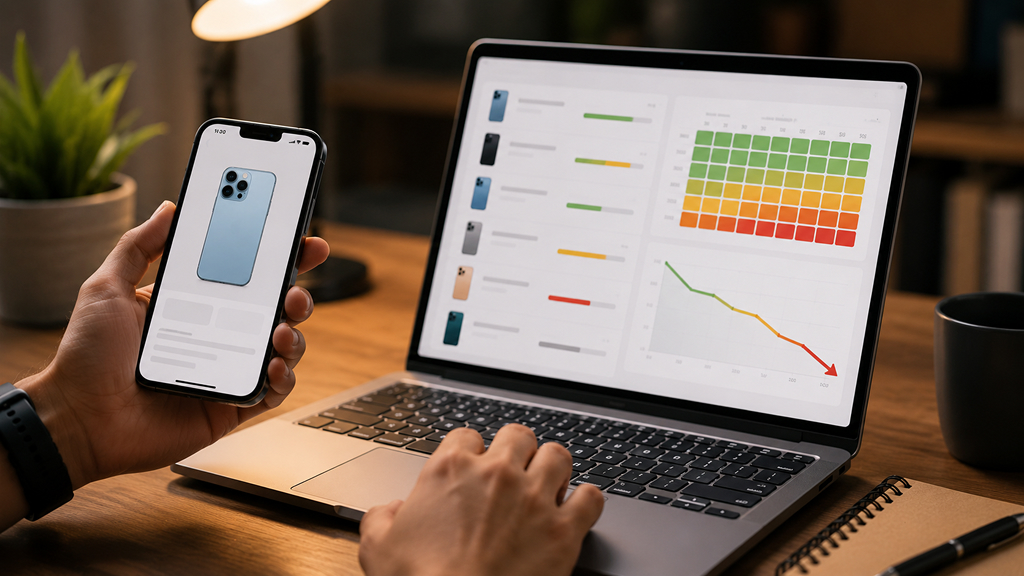
A phone’s expiration date usually refers to the end of software and security support. This is often called:
- End of Life (EOL)
- End of Support
- Security Update Expiration
Once this date arrives, the manufacturer stops providing regular security patches.
Search the Manufacturer’s Support Policy
Many major brands now publicly announce support periods.
Samsung
Newer flagship Galaxy phones often receive:
- Up to seven years of Android updates
- Up to seven years of security patches
Google Pixel
Recent Pixel devices also offer up to seven years of support.
Apple iPhone
Apple does not always publish fixed timelines, but iPhones typically receive five to seven years of iOS updates.
Budget Android Phones
Lower-cost Android phones often receive:
- Two to three years of updates
- Shorter security coverage
Smaller manufacturers may provide even less clarity regarding support commitments.
Use End-of-Life Tracking Websites
Websites such as endoflife.date allow users to search for supported devices and estimated expiration timelines. These databases track:
- Security update support
- Software update schedules
- End-of-support dates
This is especially useful for older Android phones where official manufacturer information is difficult to find.
Signs a Phone Is Nearing Expiration
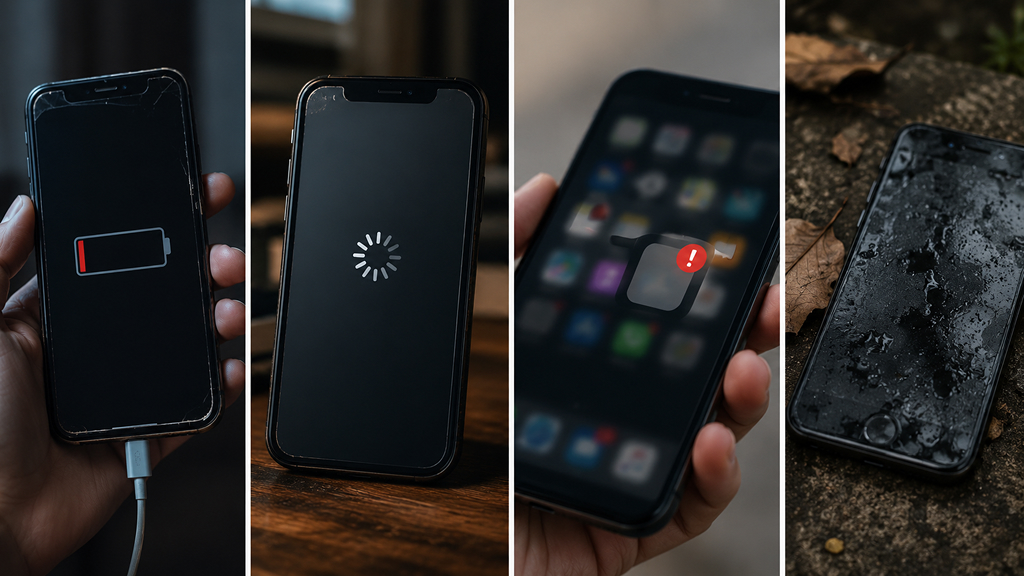
Even before support officially ends, older phones often show warning signs.
- Some apps require newer Android or iOS versions.
- Phones nearing EOL may shift from monthly updates to quarterly updates before support stops entirely.
- A heavily degraded battery can dramatically affect usability.
- Older processors and limited RAM struggle with modern software demands.
Can an Expired Phone Still Be Used Safely?
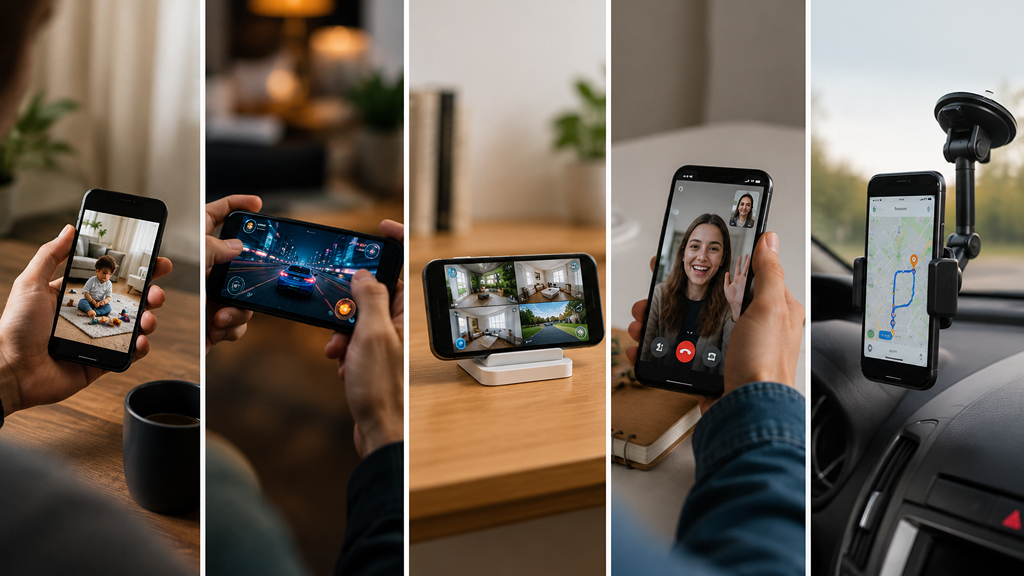
Even after a phone falls outside its active update lifecycle, it can still serve a variety of useful purposes. Many people repurpose older devices as:
- Media players
- Smart home controllers
- Security camera monitors
- Gaming emulators
- Backup devices
How to Make a Phone Last Longer
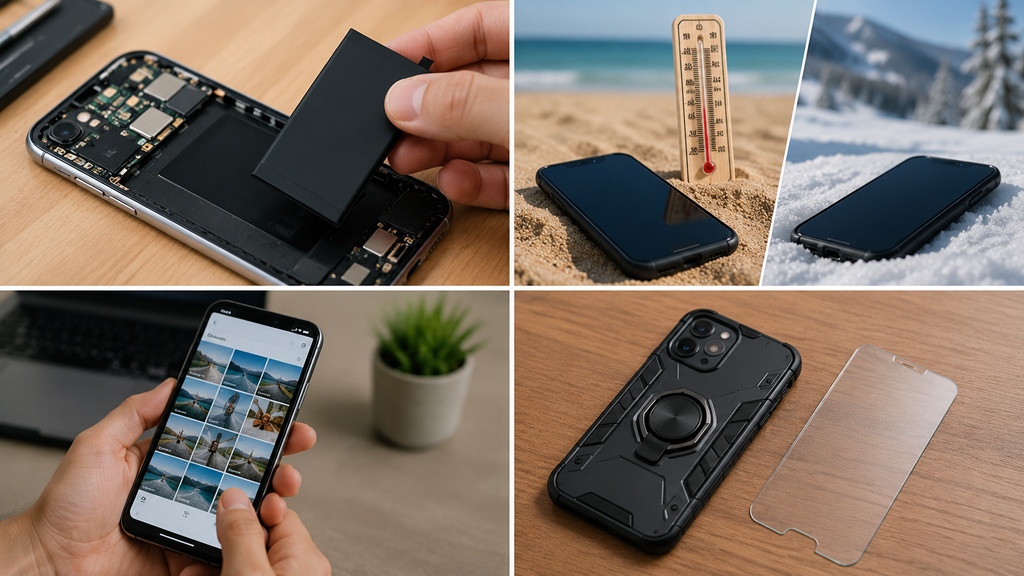
Modern smartphones can often remain usable for many years with proper care.
Replace the Battery
Battery replacement is one of the most effective ways to extend a phone’s lifespan. A fresh battery can dramatically improve:
- Performance
- Heat management
- Daily usability
Avoid Extreme Temperatures
Heat is one of the biggest causes of long-term battery degradation. Phones should ideally stay away from:
- Direct sunlight
- Hot cars
- Freezing conditions
Free Up Storage
Phones perform better with available storage space. Deleting unused apps, downloads, duplicate photos, and videos can noticeably improve responsiveness.
Use Protective Cases and Screen Protectors
Physical damage remains one of the most common reasons phones are replaced early. Protective accessories help extend hardware longevity. Cases and screen protectors provide an additional layer of defense against everyday wear, accidental drops, and scratches. Keeping the device in good physical condition can also improve its trade-in or resale value when it is eventually time to upgrade.
Smartphones rarely stop working overnight, but every device eventually reaches the end of its supported lifespan. Understanding a phone’s manufacturing date, release timeline, and software support status helps users make smarter decisions about security, repairs, upgrades, and resale value.
The good news is that this information is usually easy to find through the device settings, serial number, original packaging, or manufacturer support resources. Even after official support ends, older phones can still serve useful secondary purposes. However, for activities involving sensitive data such as banking, passwords, and work accounts, using a device that continues to receive security updates remains the safest option.