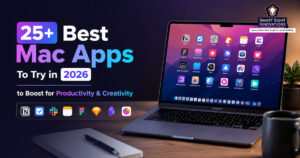


Apple’s Mac lineup has become more powerful than ever thanks to Apple Silicon chips, longer battery life, and increasingly polished macOS experiences. But hardware alone is not enough to maximize productivity. The right apps can dramatically improve focus, organization, creativity, communication, and workflow efficiency.
In 2026, Mac users have access to an incredible ecosystem of software designed specifically for modern work styles. Whether someone works remotely, manages creative projects, writes professionally, studies full time, edits videos, designs graphics, or simply wants a smoother daily workflow, the right Mac apps can make a major difference.
Some apps help reduce distractions and improve focus. Others automate repetitive tasks, organize notes, streamline communication, or improve time management. Creative tools can speed up design workflows, enhance content creation, and simplify editing tasks.
Let’s explore the best Mac apps to try in 2026 for productivity and creativity, featuring tools that genuinely improve how people work instead of adding more digital clutter.
Best Productivity Apps for Mac in 2026
1. Raycast (Best Keyboard Productivity Tool)
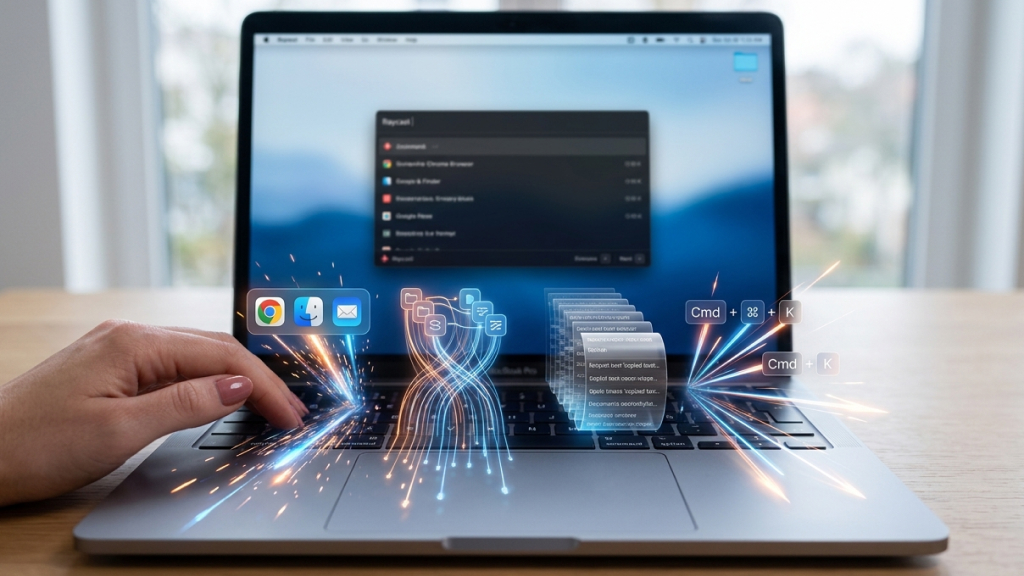
Raycast has established itself as a highly valuable productivity app for Mac users looking to streamline everyday workflows. Often described as a more powerful version of Spotlight Search, Raycast transforms the Mac into a keyboard-first productivity machine.
Instead of constantly switching between apps, menus, and browser tabs, users can launch apps, search files, control music, manage tasks, run commands, and access workflows directly from a single command bar.
What makes Raycast particularly impressive is its enormous extension ecosystem. Thousands of integrations allow users to interact with apps like GitHub, Slack, Jira, Google Calendar, Spotify, Notion, and Todoist without leaving the keyboard.
The speed advantage becomes noticeable almost immediately. Common actions that normally require multiple clicks can be completed in seconds. Key features include:
- Clipboard history
- Window management tools
- AI commands and prompts
- Custom keyboard shortcuts
- Quick links and snippets
- Workflow automation
For developers, writers, remote workers, and multitaskers, Raycast can significantly reduce context switching throughout the workday.
2. Craft (Best Document Builder for Mac)
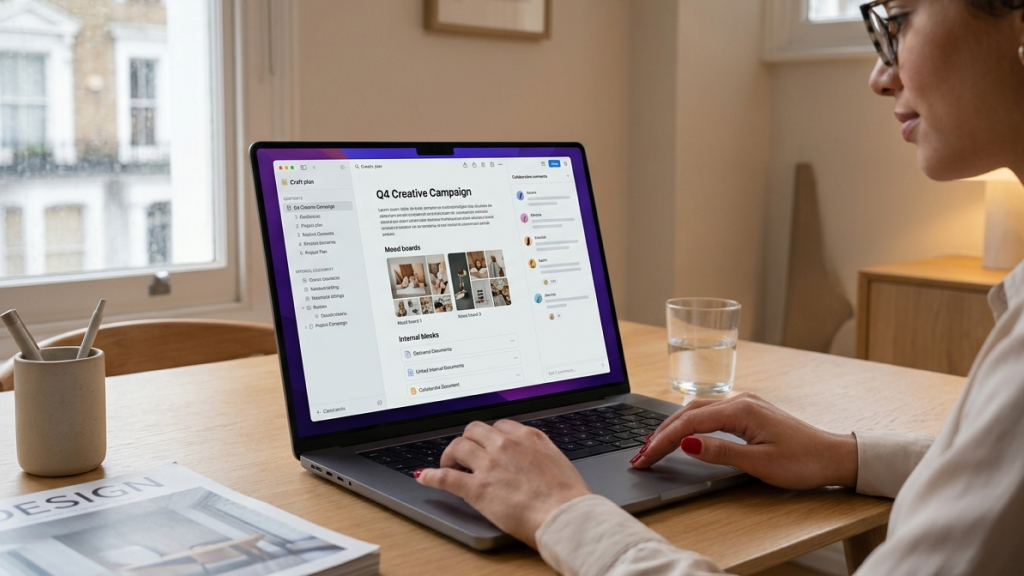
Craft combines beautiful document design with fast native macOS performance. Unlike many web-based productivity apps that feel sluggish, Craft feels smooth, lightweight, and deeply optimized for Apple devices.
The app is ideal for users who regularly create documents, notes, project plans, knowledge bases, journals, and collaborative workspaces.
One of Craft’s biggest strengths is presentation. Documents look polished and visually appealing without requiring advanced formatting skills. Users can create cards, structured layouts, embedded content, and interactive pages effortlessly.
The app also integrates seamlessly with iCloud syncing, making it especially useful for users heavily invested in the Apple ecosystem. Craft fits naturally into the workflows of writers, students, designers, project managers, and teams that regularly create and manage internal documentation.
Compared to more complex platforms like Notion, Craft prioritizes speed and simplicity while still offering enough flexibility for advanced workflows.
3. Rize (Best AI Time Tracking App)
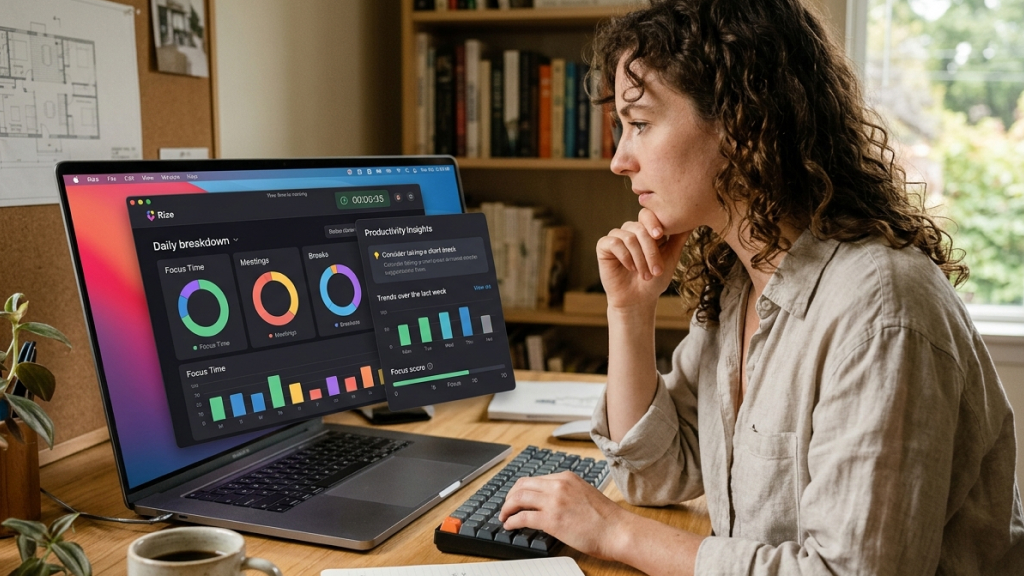
Rize focuses on helping users understand how they actually spend their time on a Mac. The app quietly runs in the background, automatically tracking work sessions, distractions, websites, and productivity patterns.
What makes Rize stand out is its AI-powered coaching system. Instead of simply displaying raw analytics, the app actively encourages better focus habits by detecting distractions and nudging users back to productive work.
For freelancers, students, remote workers, and creators, the insights can be surprisingly eye-opening. Features include:
- Automatic time tracking
- Productivity analytics
- Focus reminders
- Distraction monitoring
- Weekly productivity reports
- Work pattern analysis
Many users discover they lose far more time to distractions than expected. Rize helps create awareness without requiring manual timers or spreadsheets.
4. Lookaway (Best App for Reducing Eye Strain)

Lookaway addresses a major problem many Mac users ignore: eye strain caused by long hours of screen time. The app is designed around the popular 20-20-20 rule, which recommends looking at something 20 feet away for 20 seconds every 20 minutes. While most people know this rule, very few consistently follow it during busy workdays.
Lookaway solves the problem by providing intelligent reminders, guided eye exercises, and break tracking. Unlike generic break reminder apps, Lookaway specifically focuses on eye health. The app includes exercises designed to reduce fatigue and integrates with macOS features like Do Not Disturb to avoid interrupting important meetings or presentations.
For people spending six to ten hours daily in front of a screen, this app can become surprisingly valuable over time. The app can benefit anyone who spends long hours in front of a screen, including developers, designers, writers, video editors, office professionals, and students.
Long-term productivity depends heavily on physical well-being, and Lookaway helps protect one of the most overworked parts of modern digital life: the eyes.
5. Lazy (Best App for Capturing Ideas and Bookmarks)

Lazy solves a common productivity problem: constantly discovering useful content without having time to process it immediately. Most people either interrupt their workflow to read something instantly or save it into a bookmarks folder they never revisit again. Lazy creates a far more organized capture system.
The app allows users to instantly save:
- Articles
- Links
- Research
- Ideas
- Notes
- References
One of Lazy’s most useful features is its ability to organize saved content in a more structured and manageable way. Instead of forcing users to manually categorize everything, the app groups related material together and resurfaces information when it becomes relevant again. The overall experience feels lightweight and frictionless, which helps users stay focused and maintain productivity.
6. Mimestream (Best Gmail App for Mac)
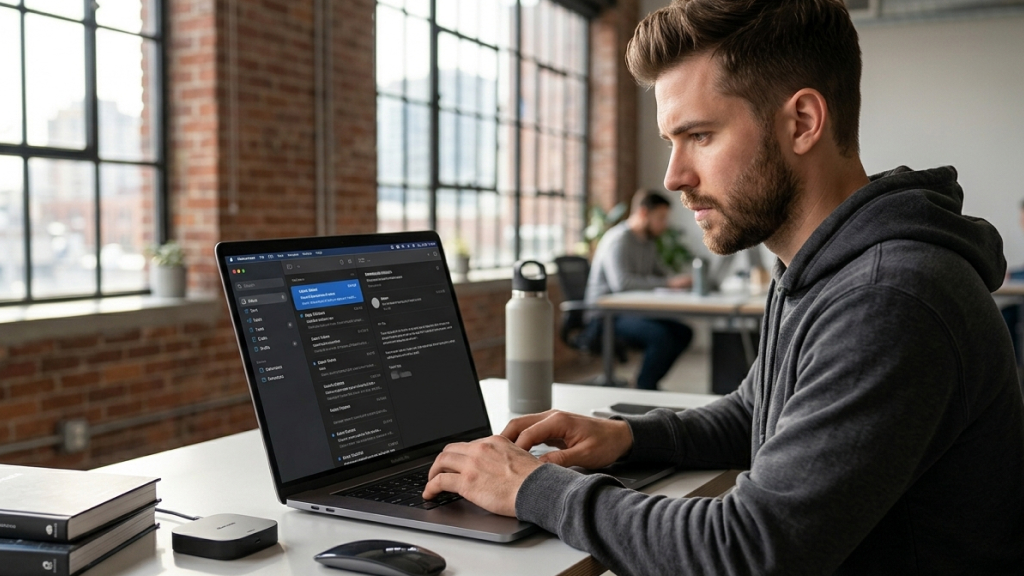
Many Mac users rely heavily on Gmail, but the web interface can often feel cluttered and slow. Mimestream delivers a more responsive and streamlined Gmail experience that feels far more integrated with macOS than using Gmail in a browser.
Built specifically for Gmail users, Mimestream integrates deeply with Google services while maintaining the smooth responsiveness expected from native Mac applications. Key advantages include:
- Faster performance than browser-based Gmail
- Native macOS notifications
- Better keyboard shortcuts
- Improved label management
- Cleaner interface
- Spotlight integration
The app is especially valuable for professionals who process large volumes of email daily. Instead of feeling overwhelmed by browser tabs and distractions, users can manage email in a focused workspace optimized for macOS.
7. Granola (Best AI Meeting Notes App)
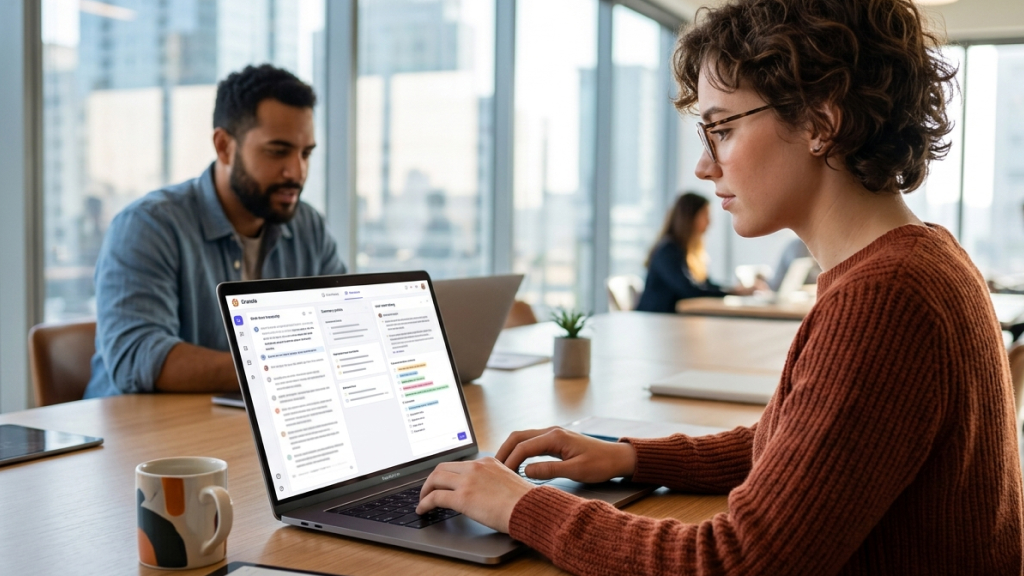
AI-powered meeting assistants have become increasingly common, but many feel intrusive or awkward in professional environments. Granola takes a different approach. Instead of aggressively inserting itself into meetings, Granola works quietly in the background while users continue taking notes naturally.
The app combines:
- AI transcription
- Meeting summaries
- Context awareness
- Manual note-taking
- Action item extraction
This hybrid approach creates better results because users remain actively engaged in conversations instead of relying entirely on automation. Granola works especially well for remote professionals, managers, consultants, students, and team leaders who attend multiple meetings and need a more organized way to capture important discussions and action items.
For people attending multiple meetings daily, the app can dramatically reduce note management fatigue.
8. Superwhisper (Best Voice-to-Text Productivity Tool)
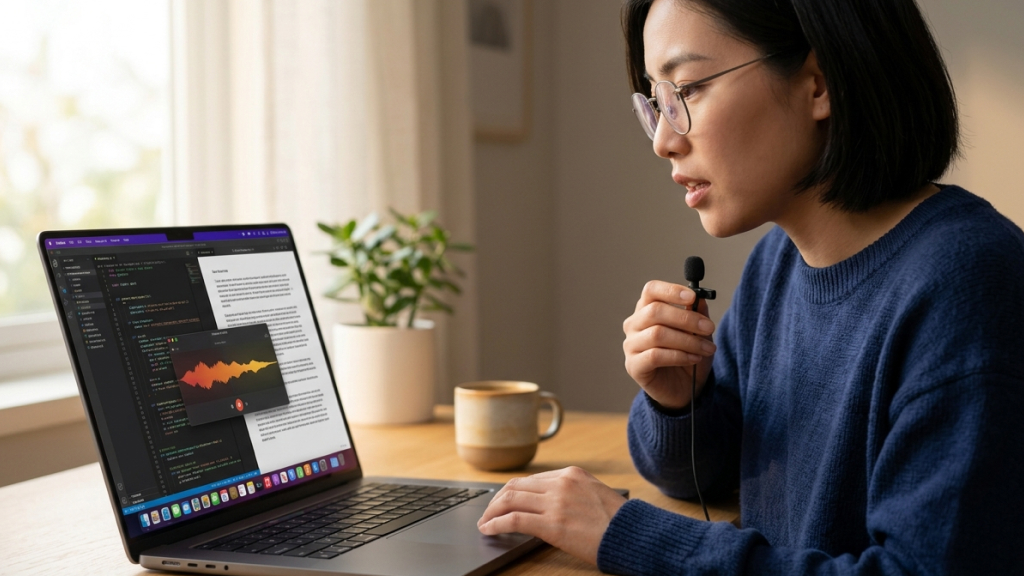
Superwhisper turns voice dictation into a serious productivity workflow. The app allows users to dictate emails, notes, essays, documents, and messages using AI-powered voice transcription. Unlike traditional dictation tools, Superwhisper focuses heavily on speed, flexibility, and workflow customization.
Users can activate transcription from virtually any app using customizable keyboard shortcuts. The app fits naturally into the workflows of writers, journalists, executives, students, professionals managing large amounts of communication, and users who experience typing fatigue during long work sessions.
Many people think faster than they type. Superwhisper helps bridge that gap. The app also supports multiple AI models and automation features, making it one of the most advanced voice productivity tools currently available for macOS.
9. Notchnook (Best Quick Access Utility for MacBooks)
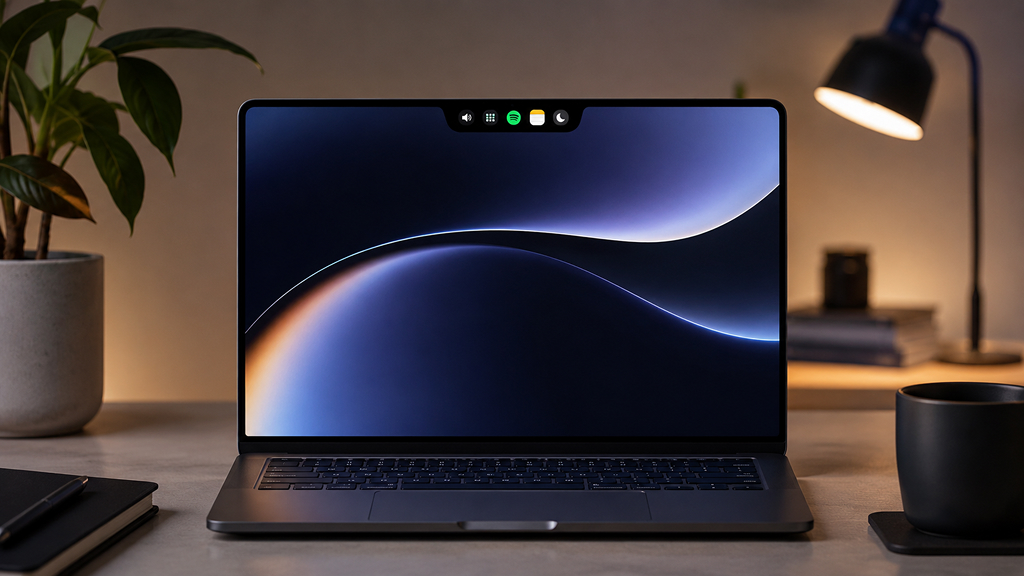
Notchnook transforms the MacBook notch area into an interactive productivity hub. Instead of wasting screen space, the app allows users to access music controls, calendars, tasks, widgets, and shortcuts directly from the top of the screen.
The concept may initially sound gimmicky, but many users quickly find it surprisingly convenient. Common uses include:
- Controlling Spotify or Apple Music
- Viewing upcoming meetings
- Managing quick tasks
- Accessing shortcuts
- Monitoring system information
For users with modern MacBook Pro models, Notchnook adds functionality to an area that otherwise serves little purpose beyond housing the webcam.
10. Boom (Best App for Professional Video Calls)
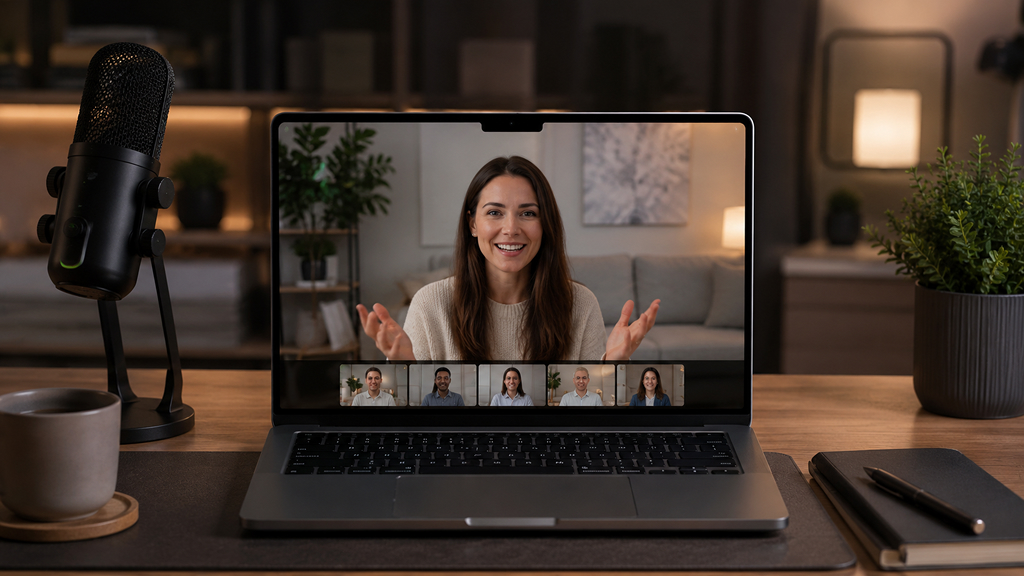
Remote work continues to dominate professional environments in 2026, making video call quality more important than ever. Boom helps users create polished, professional-looking video calls without complicated setup processes. The app allows users to configure:
- Branded overlays
- Name badges
- Layouts
- Framing
- Screen sharing modes
- Camera enhancements
Once configured, Boom works as a virtual camera across platforms like Zoom, Google Meet, Microsoft Teams, and Webex. The app is well suited for consultants, freelancers, educators, remote professionals, and content creators who regularly participate in virtual meetings and presentations. Professional presentation matters during virtual meetings, and Boom simplifies that process significantly.
11. Alfred (Classic Productivity Powerhouse)
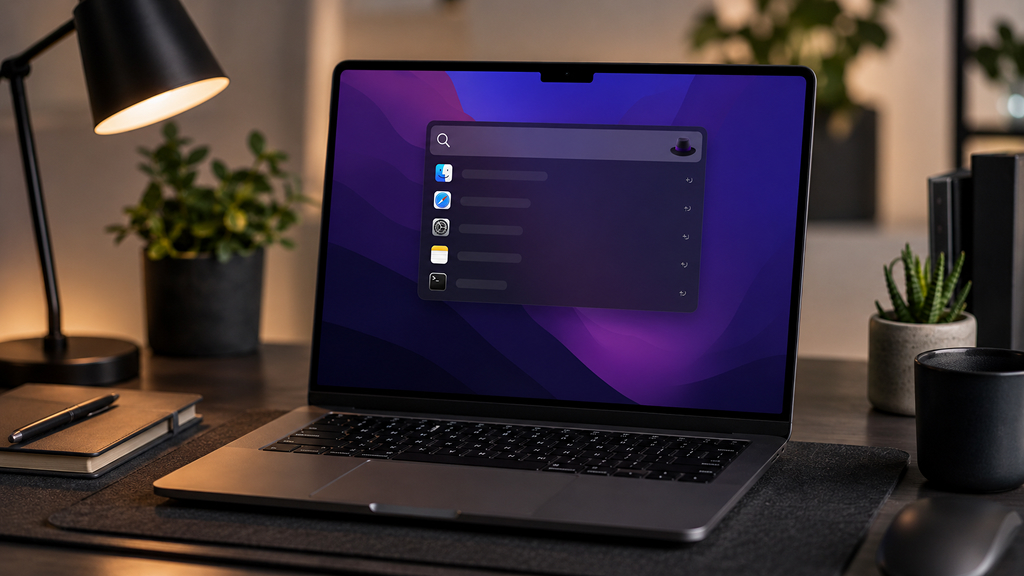
Although Raycast dominates many modern productivity discussions, Alfred remains one of the most powerful Mac utilities available. Alfred combines:
- Fast search
- Workflow automation
- Clipboard history
- Text expansion
- System commands
- Deep customization
The app is particularly popular among advanced users who enjoy creating personalized workflows. One major advantage is its one-time purchase model, which appeals to users tired of endless subscriptions. Alfred continues to be one of the best options for people seeking deep Mac automation capabilities.
12. Rectangle (Best Window Management Tool)
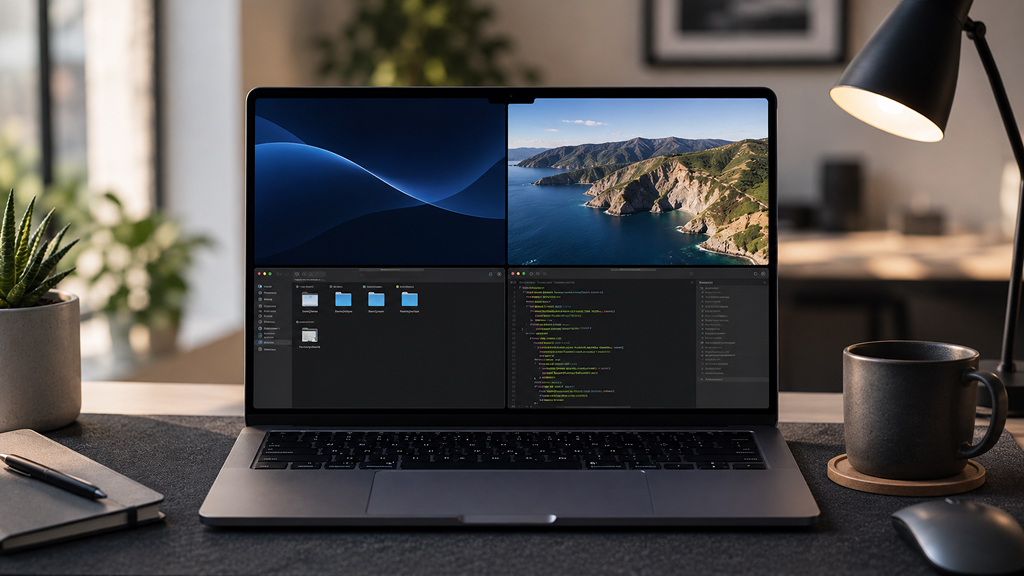
macOS has improved multitasking features over the years, but many users still prefer dedicated window management tools. Rectangle makes multitasking dramatically easier by allowing users to instantly snap windows into organized layouts using keyboard shortcuts. Some of its features include:
- Split-screen layouts
- Multi-monitor support
- Custom window sizes
- Keyboard shortcuts
- Drag-to-snap functionality
For users working with multiple apps simultaneously, Rectangle can greatly improve desktop organization and workflow efficiency. It becomes especially valuable on ultrawide monitors or large external displays where manual window arrangement quickly becomes frustrating.
Best Creativity Apps for Mac in 2026
13. Pixelmator Pro (Best Creative Editing App)
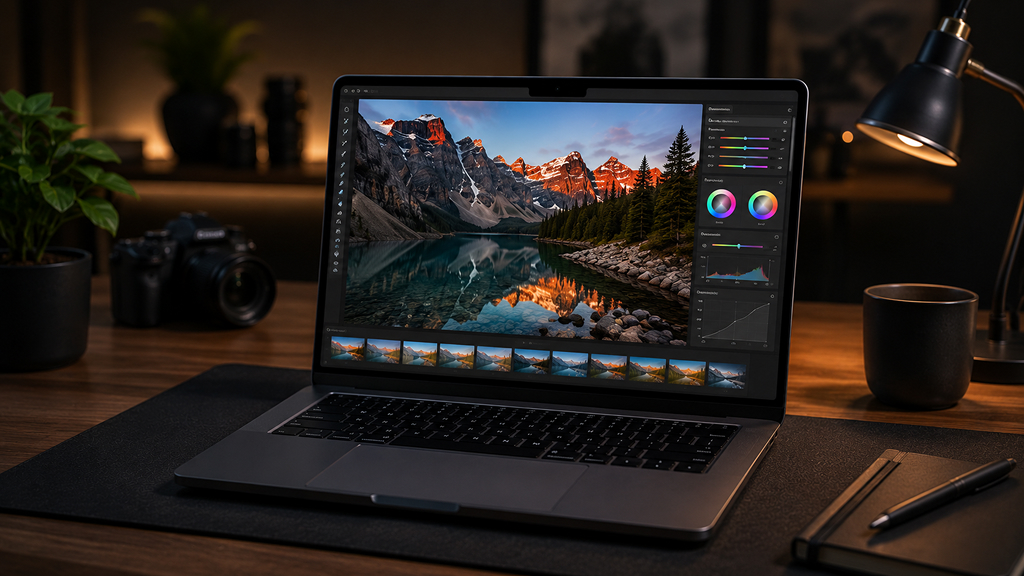
Pixelmator Pro has evolved into one of the best creative applications available for Mac users. Built specifically for macOS, the app combines professional-level image editing with excellent performance and AI-powered features. Users can perform:
- Photo editing
- Graphic design
- AI upscaling
- Background removal
- Illustration work
- Color correction
Many creatives prefer Pixelmator Pro because it feels lighter, faster, and more affordable than Adobe Photoshop. The Apple Silicon optimization also makes editing workflows feel incredibly smooth on modern Macs.
14. Final Cut Pro (Best Video Editing App for Mac)
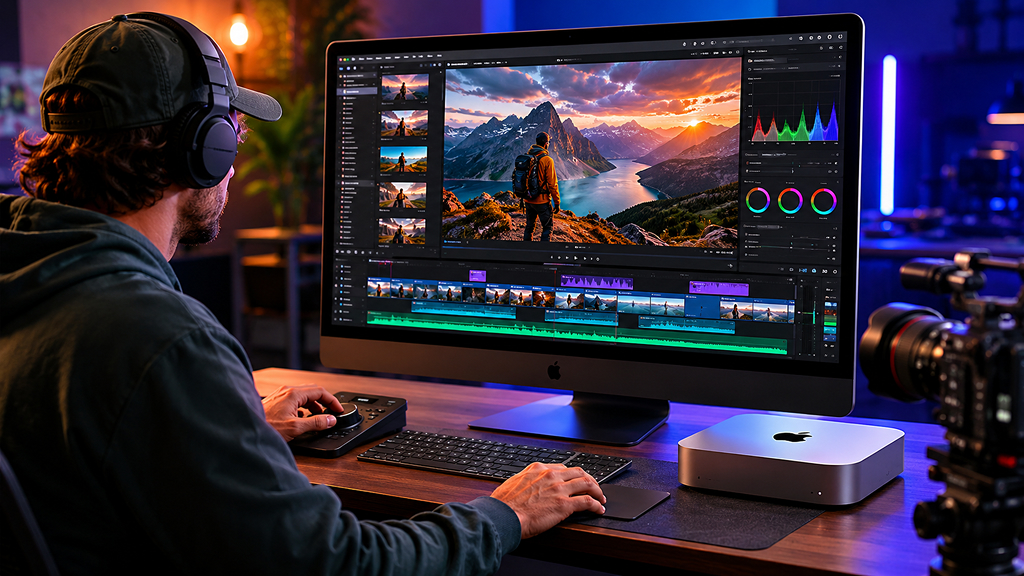
Final Cut Pro remains one of the most powerful video editing applications available for Apple users. Optimized specifically for macOS and Apple Silicon chips, the app delivers exceptional performance for:
- YouTube creators
- Filmmakers
- Editors
- Content creators
- Social media professionals
Features like magnetic timelines, multicam editing, advanced color grading, and AI-assisted workflows help creators produce professional-quality content efficiently. The app’s rendering performance on Apple Silicon Macs is especially impressive.
15. Logic Pro (Best Music Production App)
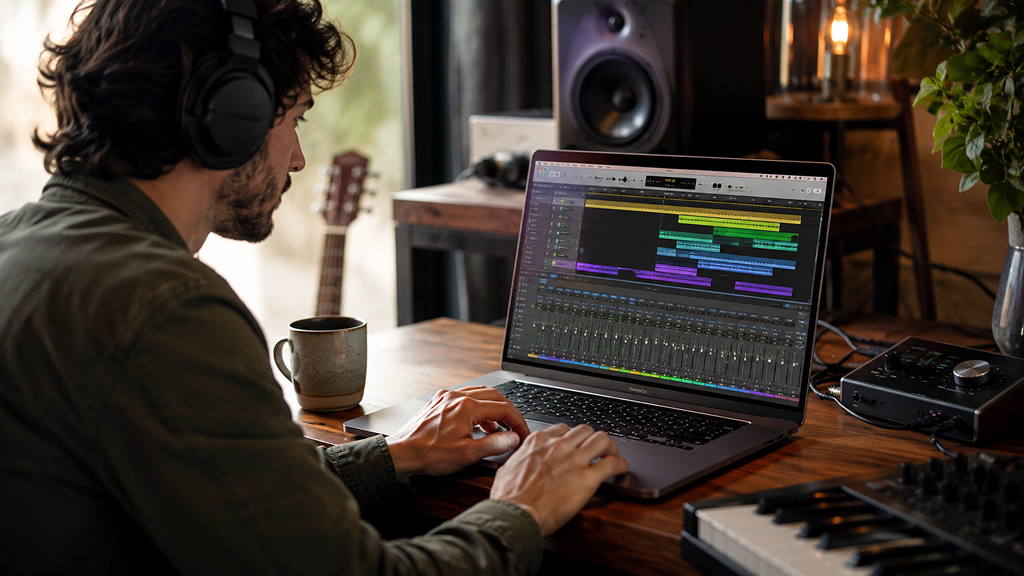
Logic Pro continues to dominate music production on macOS. Whether users are recording podcasts, producing music, mixing tracks, or designing sound effects, Logic Pro provides professional-grade tools within a polished Apple ecosystem. The app includes:
- Virtual instruments
- Mixing tools
- Spatial audio support
- AI-assisted mastering
- Massive sound libraries
For musicians and audio creators, Logic Pro remains one of the strongest reasons to stay within the Mac ecosystem.
16. Canva (Best Quick Design Tool)
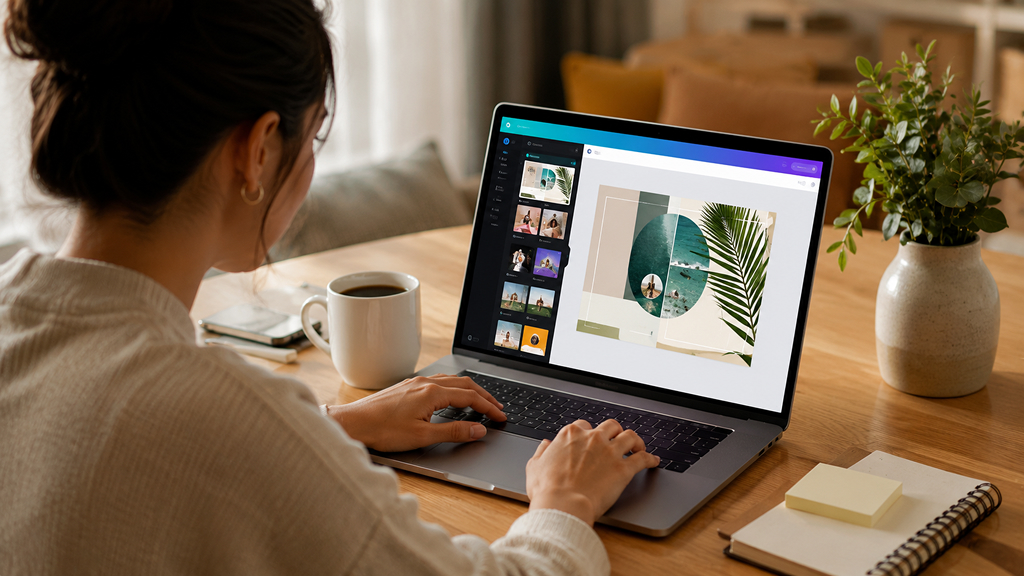
Canva has become an essential creative tool for non-designers and professionals alike. The platform allows users to quickly create:
- Social media graphics
- Presentations
- Thumbnails
- Posters
- Marketing materials
- Videos
Its simplicity is its greatest strength. Instead of requiring advanced design knowledge, Canva enables fast content creation through templates, drag-and-drop editing, and AI-powered design assistance. For freelancers, marketers, students, and small businesses, Canva dramatically reduces design friction.
17. Ulysses (Best Writing App for Mac)
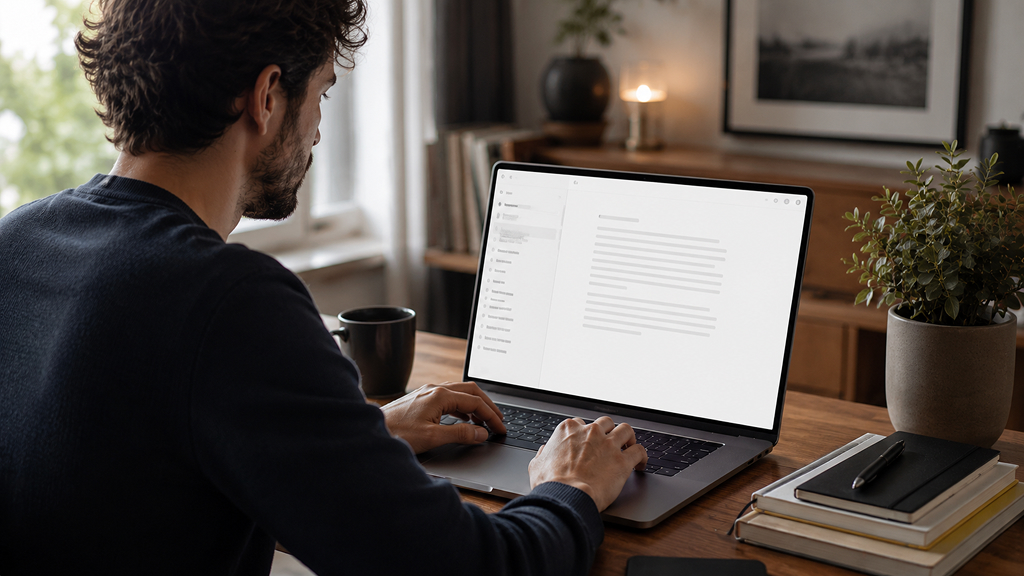
Ulysses offers one of the best distraction-free writing experiences available on macOS.
The app prioritizes a minimal and distraction-free writing space while still offering strong tools for organizing and managing larger writing projects. Writers can manage:
- Articles
- Books
- Scripts
- Notes
- Research
- Blog publishing
The minimalist interface helps reduce distractions while maintaining enough structure for large writing projects. For professional writers and content creators, Ulysses remains one of the best long-form writing apps available for Mac.
18. DaVinci Resolve (Best Professional Video Editing and Color Grading App)
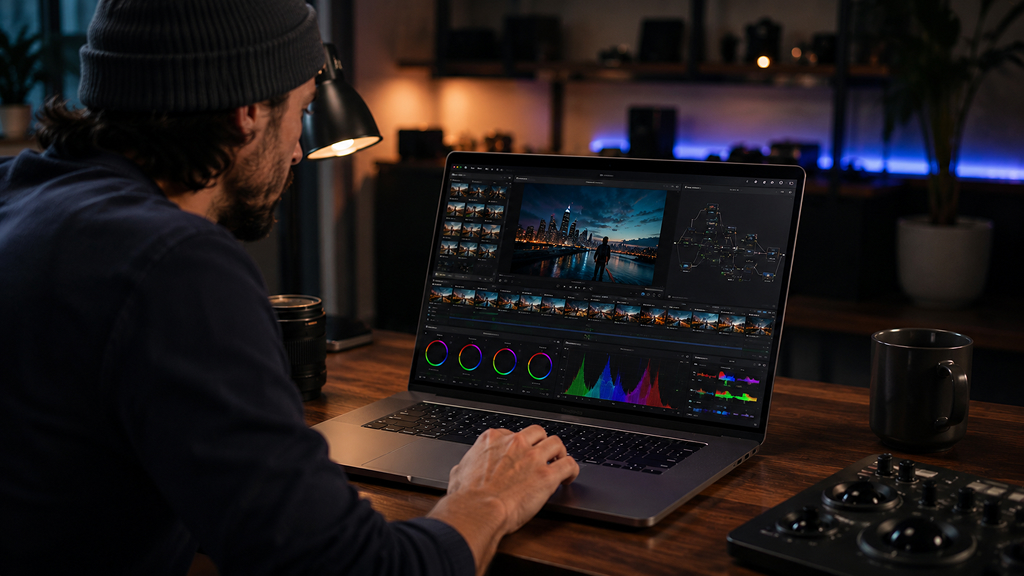
DaVinci Resolve has evolved from a professional color grading tool into a complete creative suite for video production. The app combines:
- Video editing
- Motion graphics
- Visual effects
- Audio production
- Advanced color correction
One of its biggest advantages is that the free version is incredibly powerful and capable enough for many professional creators. For filmmakers, YouTubers, editors, and content creators working on Apple Silicon Macs, DaVinci Resolve delivers exceptional performance and professional-level tools without requiring multiple separate apps.
19. Figma (Best Collaborative Design Tool)
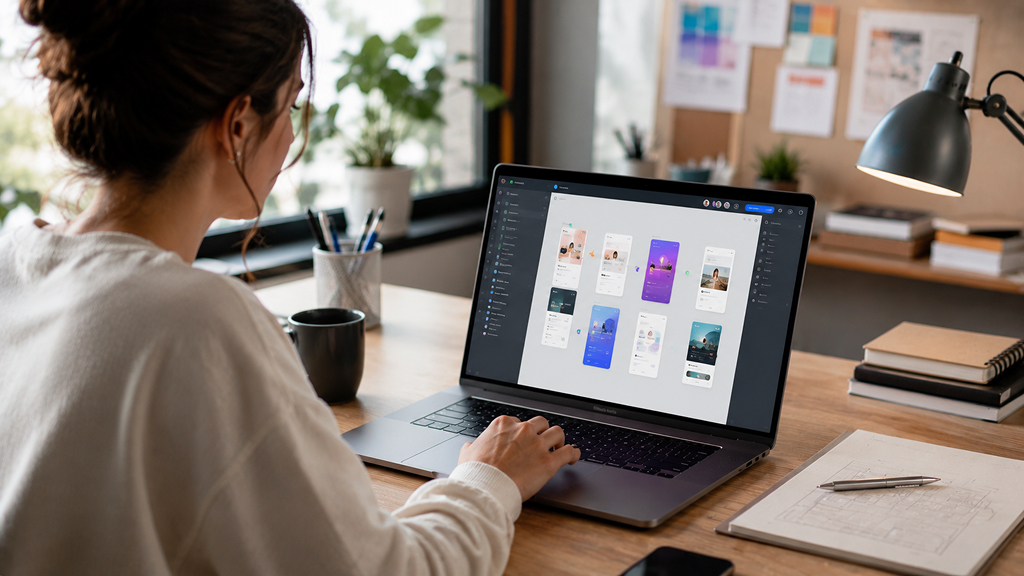
For collaborative UI and UX workflows, few platforms are as widely adopted as Figma. Although it originally gained popularity as a browser-based platform, the Mac app experience has become increasingly polished and optimized. Figma is ideal for:
- Interface design
- Wireframing
- Prototyping
- Team collaboration
- Design systems
Its real-time collaboration features make it especially valuable for remote creative teams working across multiple devices and locations.
20. Affinity Designer (Best Adobe Illustrator Alternative)
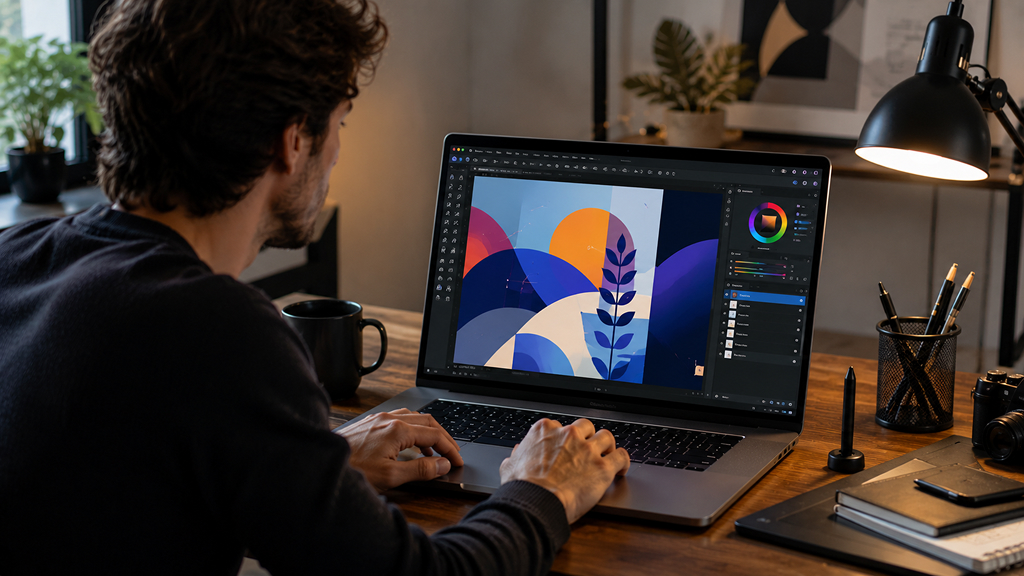
Affinity Designer is one of the best vector design tools available for Mac users who want professional creative software without expensive subscriptions. The app is widely used for:
- Logo design
- Illustration
- Branding
- UI graphics
- Typography
- Marketing visuals
Many designers appreciate its one-time purchase model and fast performance on Apple Silicon Macs. Compared to subscription-heavy Adobe tools, Affinity Designer offers a more affordable long-term option while still delivering professional-quality capabilities.
21. Affinity Photo (Best Photo Editing Alternative to Photoshop)
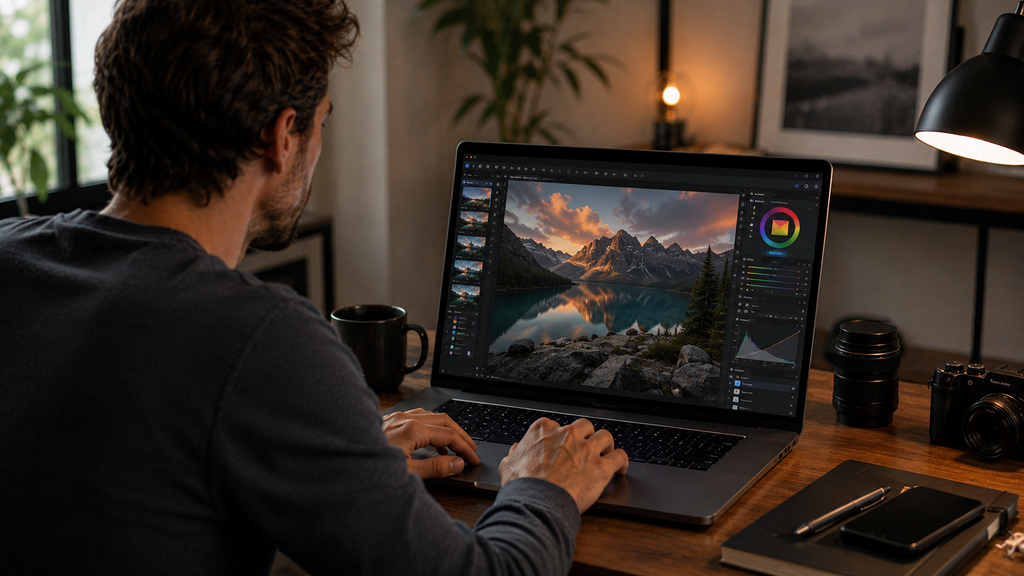
Affinity Photo has become a favorite among photographers, designers, and digital artists looking for a professional editing experience without Adobe Creative Cloud pricing. The app includes:
- RAW photo editing
- Layer-based editing
- Retouching tools
- HDR merging
- Frequency separation
- Advanced masking
Its performance on modern Macs is excellent, particularly when handling large image files or complex editing workflows. For many users, Affinity Photo provides more than enough power for professional editing work at a fraction of the long-term cost.
22. Blender (Best Free 3D Creation App)
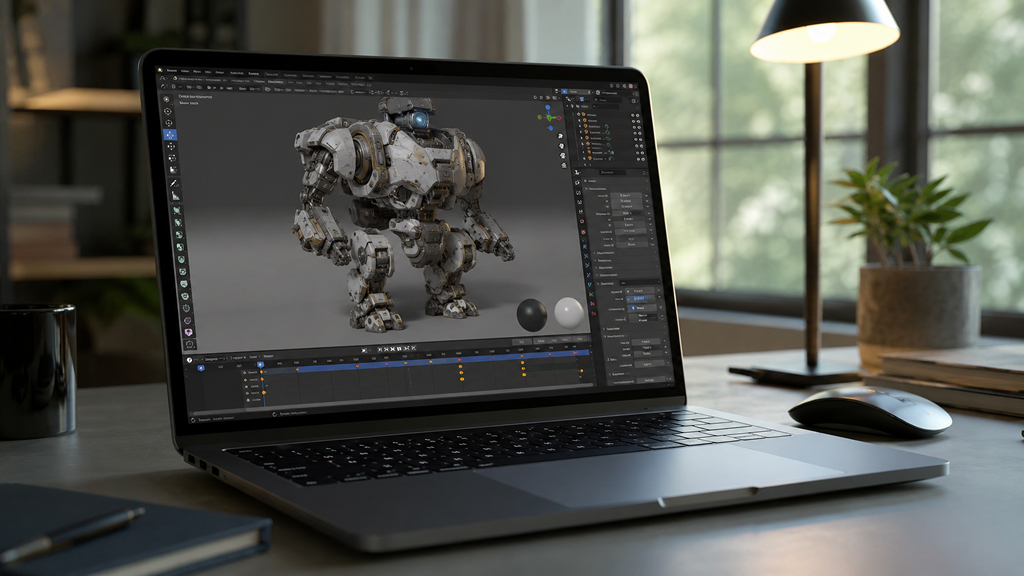
Blender continues to dominate the world of free 3D creative software. It supports:
- 3D modeling
- Animation
- Sculpting
- Visual effects
- Motion tracking
- Rendering
- Game asset creation
What makes Blender remarkable is the sheer amount of professional functionality available completely free. Creators working in animation, gaming, architecture, product visualization, and VFX increasingly rely on Blender as a serious production tool. Apple Silicon optimization has also improved performance significantly on modern Mac systems.
23. Procreate Dreams (Best Animation App for Apple Ecosystem Creators)
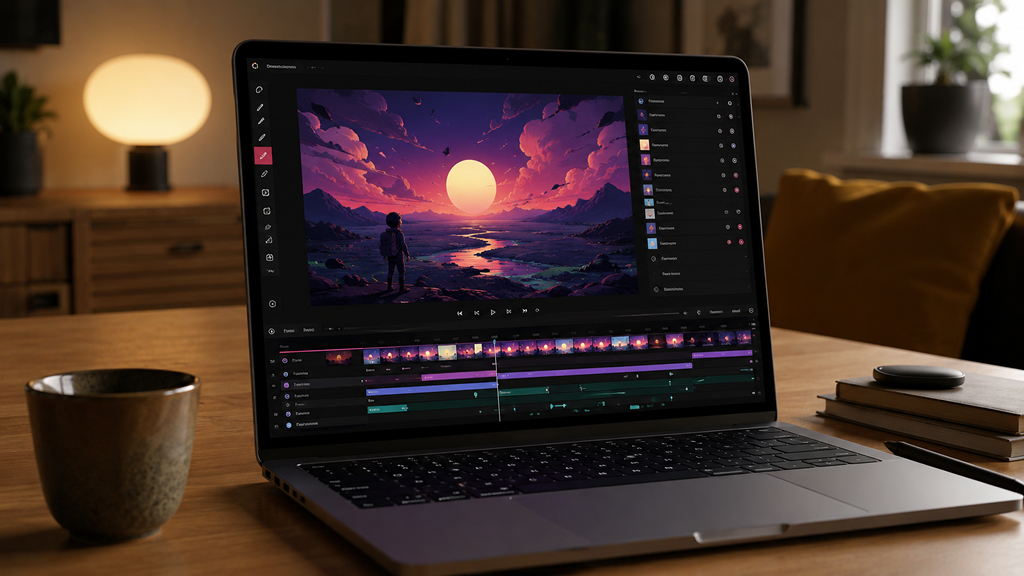
Although primarily associated with iPad workflows, Procreate Dreams has become an important creative tool for Apple ecosystem users working across Mac and iPad devices. The app focuses on intuitive animation creation for:
- Motion graphics
- Storyboarding
- Hand-drawn animation
- Social media content
- Creative storytelling
For creators already using Procreate for illustration work, Dreams integrates naturally into existing creative workflows.
24. OBS Studio (Best Free Recording and Streaming App)
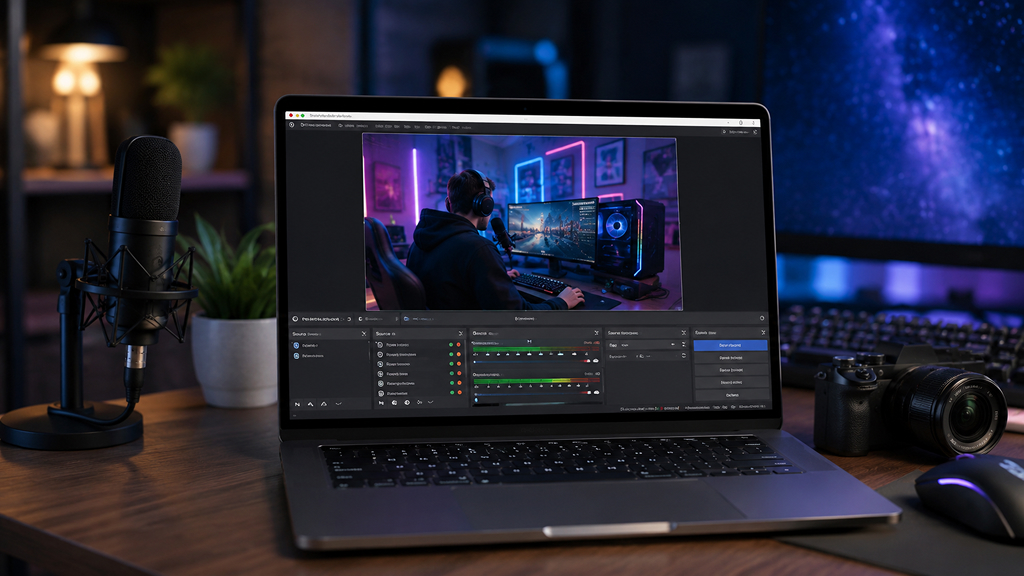
OBS Studio remains one of the most essential creative tools for streamers, educators, podcasters, and video creators. The software supports:
- Screen recording
- Live streaming
- Scene switching
- Audio mixing
- Webcam overlays
- Multi-source recording
Despite being free and open-source, OBS Studio powers professional streaming and content creation workflows worldwide. It is especially useful for creators producing tutorials, gaming content, webinars, podcasts, and online courses.
25. CleanShot X (Best Screenshot and Screen Capture Tool)
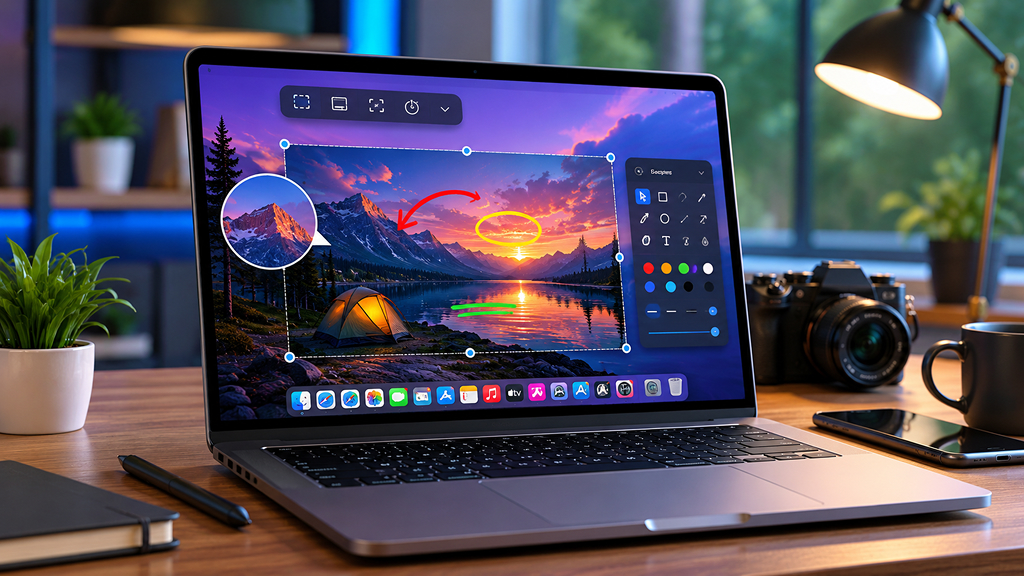
CleanShot X dramatically improves the default macOS screenshot experience. The app allows creators and professionals to quickly:
- Capture screenshots
- Record screens
- Annotate images
- Blur sensitive information
- Create scrolling captures
- Share visuals instantly
For writers, educators, developers, marketers, and designers, CleanShot X becomes a surprisingly important daily workflow tool.
26. DJay Pro (Best Music Mixing App for Mac)
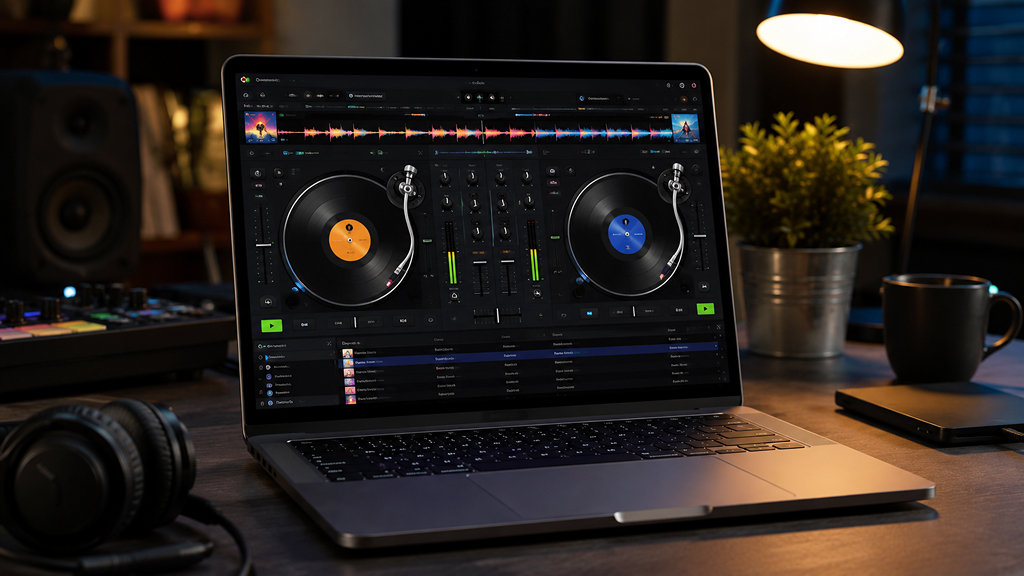
DJay Pro transforms a Mac into a professional DJ workstation. The app supports:
- Live mixing
- AI-powered track separation
- Streaming service integration
- Beat matching
- Effects and transitions
For musicians, hobbyists, and live performers, DJay Pro offers one of the most accessible ways to begin professional-quality music mixing on macOS.
The best Mac apps in 2026 are not simply about adding more features or complexity. The most valuable tools are the ones that remove friction, simplify workflows, and help users focus on meaningful work. The ideal approach is not installing dozens of apps at once. Instead, users benefit most by identifying their biggest workflow bottleneck and choosing tools that directly solve that problem.
With the right combination of productivity and creativity apps, a Mac can become far more than just a computer. It becomes a highly optimized environment for focused work, creative output, and everyday efficiency.