

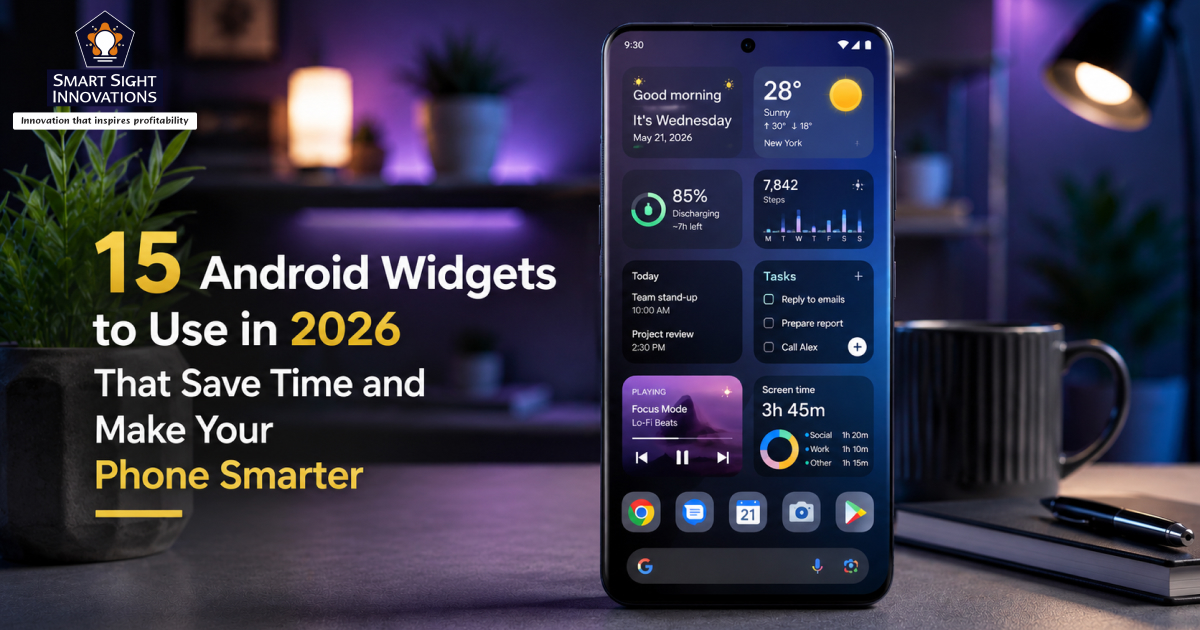
Widgets are one of Android’s most underrated features. Most people spend time customizing wallpapers, icon packs, and launchers, yet completely ignore the one feature that can genuinely make a phone more useful every single day: home screen widgets.
A good widget removes friction. Instead of opening apps, navigating menus, and getting distracted along the way, widgets place the information and tools you need directly on your home screen. Whether it’s quickly capturing notes, checking tasks, tracking fitness goals, controlling music, or monitoring screen time, widgets can turn your phone into a far more efficient and intentional tool.
Adding widgets on Android is a straightforward process that only takes a few seconds. Just long-press an empty area on your home screen and tap “Widgets.” From there, you can browse all available widgets from installed apps, choose the size and style you want, and drag them onto your home screen. Many widgets can also be resized and customized to better match your layout and preferences.
One of the biggest improvements is how far widgets have evolved over the years. Unlike older versions that were often unattractive and consumed excessive battery power, modern Android widgets are more refined, efficient, highly customizable, and designed to blend seamlessly with today’s home screen aesthetics.
Let’s look at some of the most useful Android widgets that can genuinely make daily life easier, more productive, and less stressful.
1. Google Keep
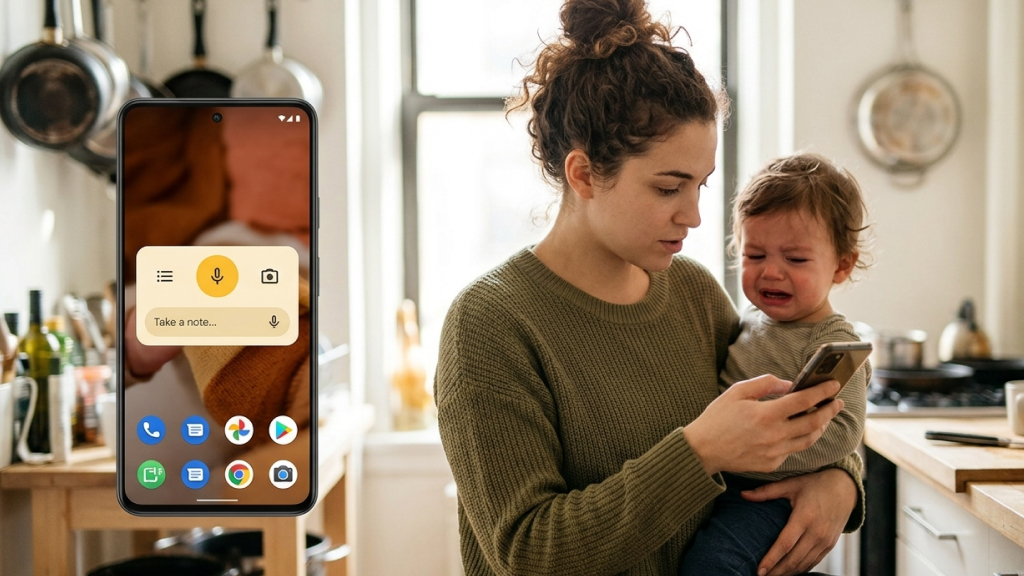
Google Keep is one of the simplest yet most useful widgets you can place on your Android home screen. Most people open their phones intending to write something down, only to get distracted by notifications, social media, or messages before they actually remember the idea. The Keep widget solves that problem by removing almost all friction.
Instead of opening the full app, the widget lets you instantly:
- Create a text note
- Start a checklist
- Record a voice memo
- Draw handwritten notes
- Add image notes
Because everything is available directly from the home screen, it becomes significantly easier to capture thoughts before they disappear. The widget is especially useful for:
- Grocery lists
- Quick reminders
- Brainstorming ideas
- Work tasks
- Random thoughts throughout the day
For many people, the biggest benefit is speed. The faster it is to write something down, the more likely you are to actually do it.
2. TickTick
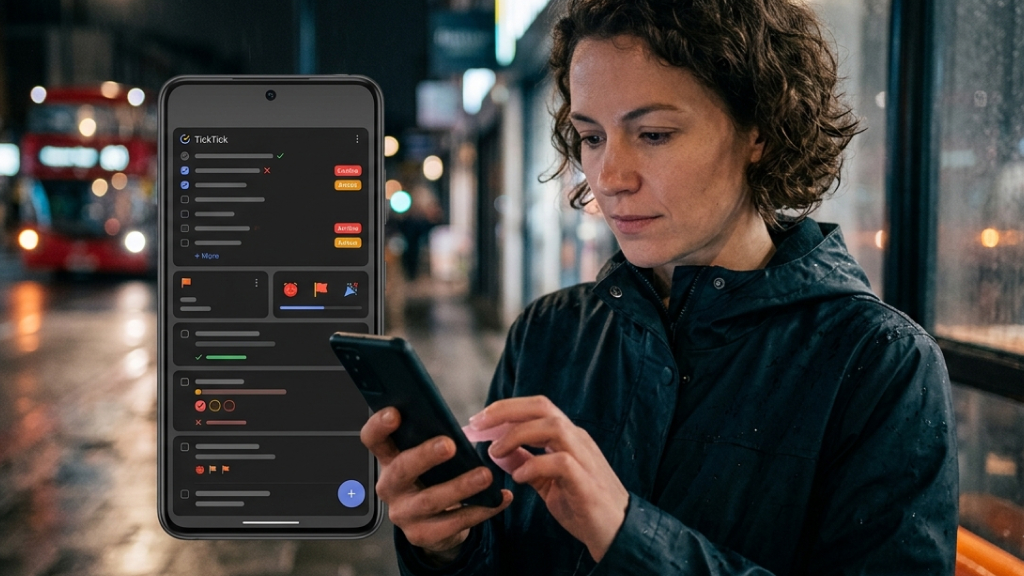
TickTick is one of the best productivity apps available on Android, and its widgets are arguably even more useful than the app itself. Most task management apps become less effective because important tasks are often forgotten the moment the app is closed and no longer visible throughout the day.
TickTick’s widget fixes this by placing your to-do list directly on the home screen, where your priorities remain visible throughout the day. The widget allows you to:
- Check off completed tasks
- Rearrange priorities
- View today’s agenda
- Add tasks quickly
- Track deadlines
One of its most useful features is the built-in Pomodoro timer widget, which helps reduce procrastination and encourages focused work sessions. Instead of relying on notifications that are easy to ignore, TickTick keeps important tasks constantly within view. That subtle visibility often leads to better productivity without requiring major lifestyle changes.
3. Google Fit
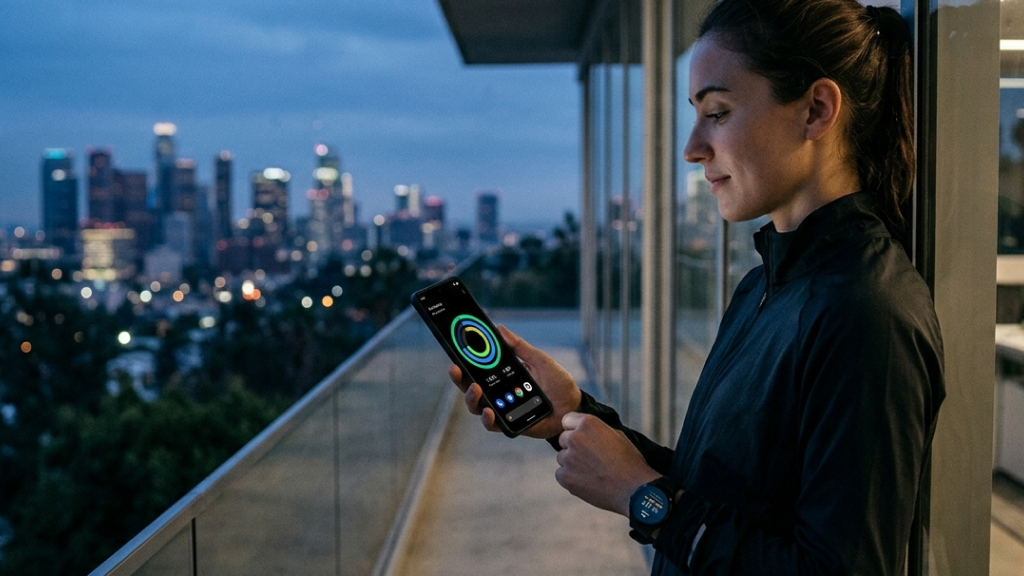
Google Fit helps keep health and fitness goals visible throughout the day by placing activity tracking and progress updates directly on the home screen. Its widgets encourage users to stay active and remain more mindful of their daily movement and wellness targets.
Most people know they should walk more, but fitness apps often stay buried in app drawers where they’re easy to forget. The Google Fit widget changes that by displaying your daily activity directly on your home screen.
Depending on your preferences, the widget can show:
- Daily step count
- Heart points
- Calories burned
- Activity progress
One of the biggest advantages comes from increased awareness. Seeing your daily activity progress throughout the day encourages you to pay more attention to how much you move. As a result, many people naturally start taking extra walks, using the stairs more often, or finding small ways to stay active simply because their progress remains visible on the home screen.
This matters because prolonged sitting has been linked to numerous long-term health risks. Even small increases in daily movement can have meaningful health benefits over time.
4. Digital Wellbeing
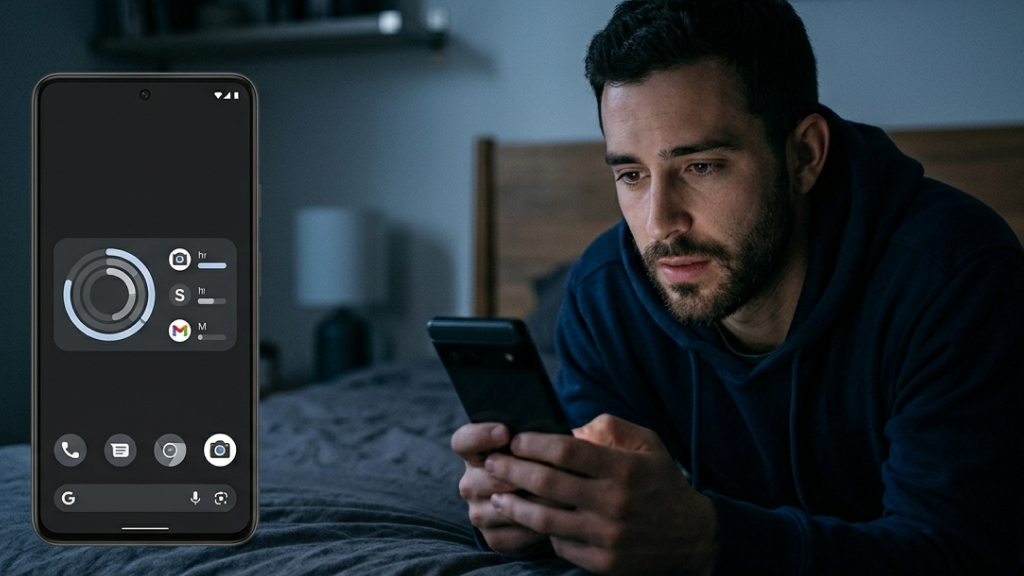
One of the biggest challenges with smartphones is that screen time often goes unnoticed. What feels like a few minutes of scrolling can quickly turn into hours without users even realizing it.
Digital Wellbeing takes a very different approach compared to most widgets. Rather than encouraging people to spend more time on their phones, its goal is to help them use their devices more mindfully.
The Digital Wellbeing widget places your daily screen time directly on the home screen so it’s impossible to ignore. It can show:
- Total screen time
- Most-used apps
- Daily phone usage habits
- App usage breakdowns
The widget works surprisingly well because it creates awareness without aggressively blocking apps or spamming notifications. Sometimes simply seeing “4 hours of Instagram today” is enough to encourage healthier habits.
For anyone trying to reduce distractions, improve focus, or spend less time endlessly scrolling, this is one of the most useful widgets available.
5. Google At a Glance
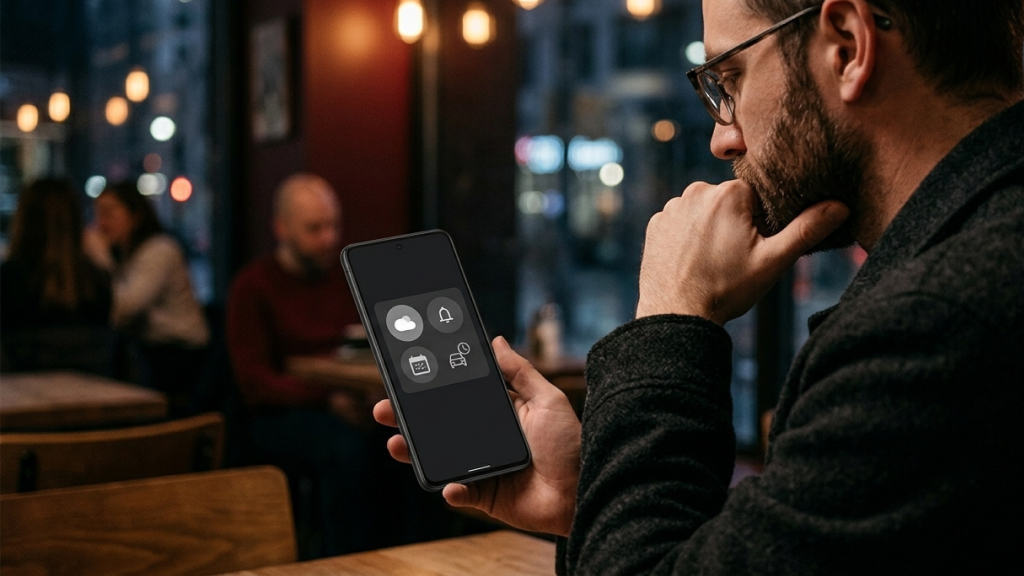
Google At a Glance comes preloaded as part of Android’s widget system and continues to be one of the most useful and convenient features available on the platform. Most users only scratch the surface of what it can actually do. At a Glance intelligently displays useful information throughout the day, including:
- Weather updates
- Calendar events
- Traffic alerts
- Flight information
- Package deliveries
- Reminders
The widget is excellent for people who prefer clean home screens because it provides useful information without taking up much space. Rather than filling the home screen with several separate widgets, At a Glance works as a streamlined information hub that updates itself automatically based on the time of day and your activities.
6. Overdrop Weather
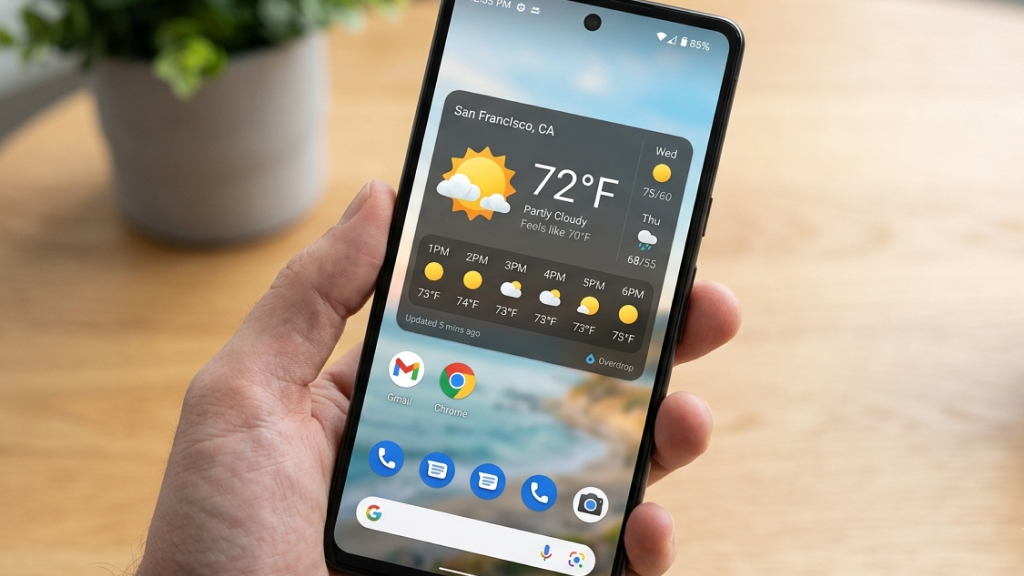
Overdrop combines excellent forecasting with some of the best widget designs available on Android. Weather widgets are among the most popular Android widgets, but many either look outdated or provide too little useful information. Overdrop stands out because it offers:
- Minute-by-minute forecasts
- Multiple weather providers
- Clean modern designs
- Extensive customization
- Dozens of widget styles
Whether you prefer minimalist widgets or detailed forecast panels, Overdrop offers something for nearly every home screen style. The visual design is a major part of the appeal. Many of its widgets look polished enough to feel like part of Android itself.
7. Chronus
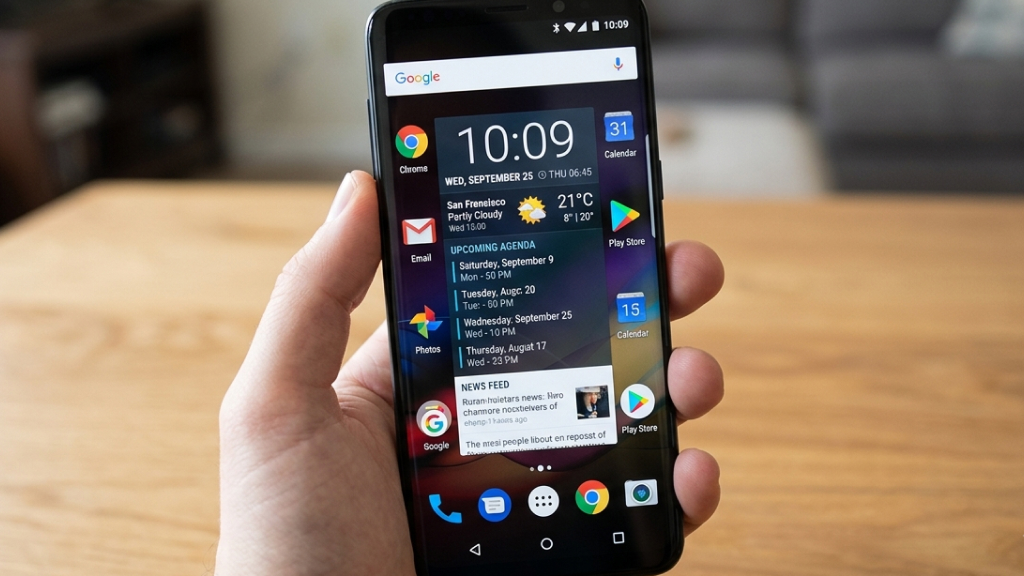
Chronus is far more advanced than a typical clock widget. It combines essential information such as time, weather forecasts, calendar events, news headlines, stock updates, and even Google Fit activity data into a single, customizable dashboard for your home screen.
What makes the app especially useful is its ability to reduce clutter while still giving users quick access to important daily information. Instead of filling the home screen with multiple separate widgets, Chronus brings everything together in one organized layout.
The app supports both analog and digital clock styles, along with a wide range of customization options. Users can adjust fonts, colors, transparency, layouts, widget sizes, and information panels to perfectly match their preferred Android setup.
Chronus also integrates smoothly with popular services and offers extensions that expand its functionality even further. Whether someone wants a clean minimalist look or a feature-packed information hub, the app can adapt to different styles with ease. For users who like customizing their Android experience, Chronus continues to stand out as one of the most versatile and feature-packed widget applications available.
8. Samsung Notes
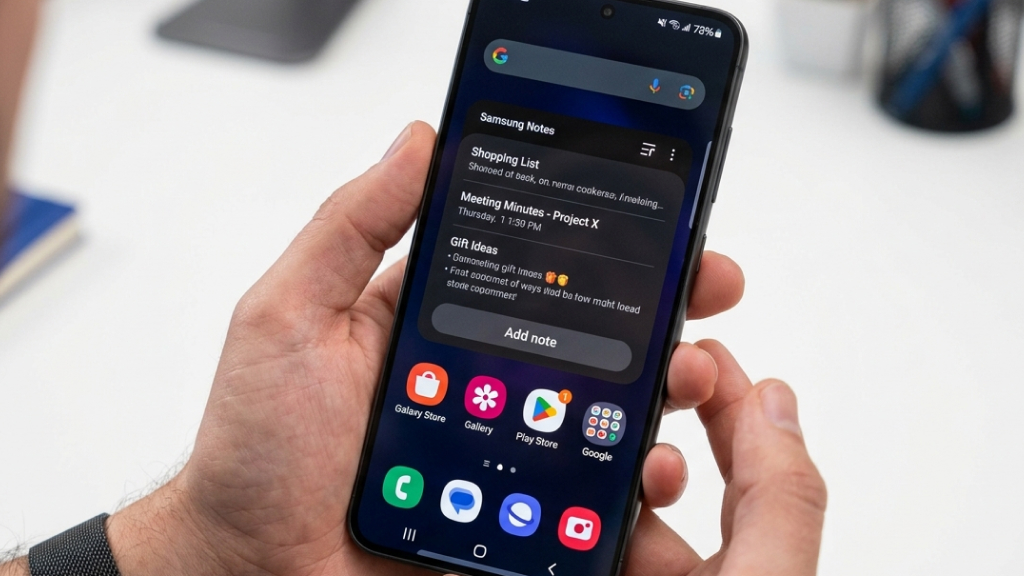
Samsung Notes is one of the best widget experiences available for Samsung Galaxy users. Its widgets are polished, responsive, and particularly useful on devices that support the S Pen. You can create widgets for:
- Quick notes
- Full-page notes
- Checklists
- Drawing shortcuts
- Individual pinned notes
The larger widgets are especially useful because they allow users to view entire notes without opening the app. Samsung has clearly optimized these widgets for Galaxy devices, making them feel deeply integrated into the overall One UI experience.
9. Month Calendar Widget
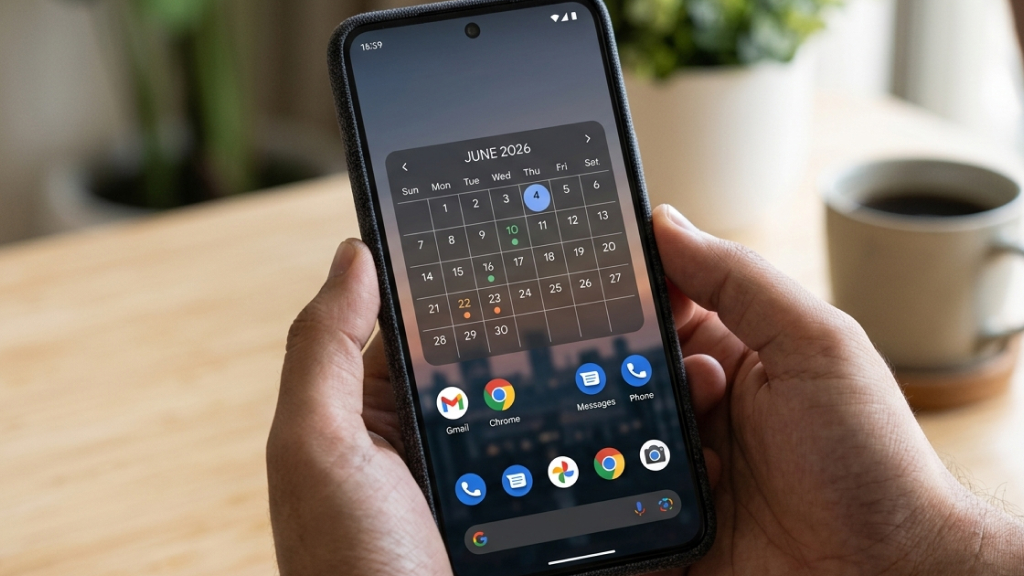
Month focuses almost entirely on one thing: creating beautiful calendar widgets. Unlike many calendar apps that prioritize complexity, Month emphasizes simplicity and visual polish. It offers:
- Transparent calendar layouts
- Agenda views
- Minimal designs
- Theme customization
- Google Calendar integration
Because there are dozens of themes available, it’s easy to create a calendar widget that perfectly matches your wallpaper and icon pack. For people who heavily rely on schedules and appointments, a visible calendar widget can make daily planning significantly easier.
10. Battery Widget Reborn
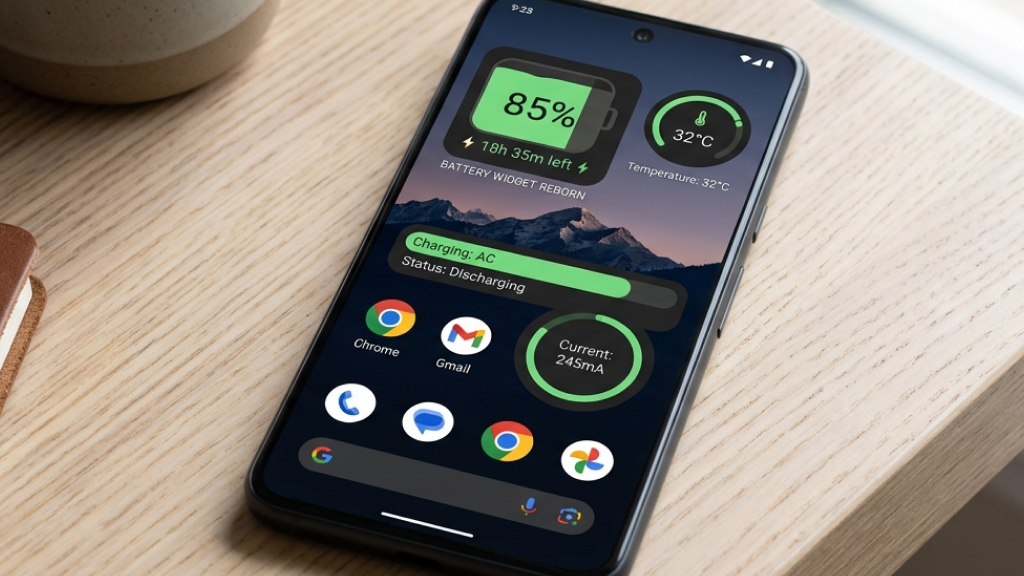
Battery Widget Reborn provides a simple but genuinely useful feature: better battery visibility. The widget can display:
- Remaining battery percentage
- Estimated remaining usage time
- Battery drain graphs
- Charging statistics
While Android already includes battery information, having it constantly visible on the home screen makes it easier to monitor battery habits throughout the day. This is especially useful for heavy smartphone users, travelers, or anyone using older devices with declining battery health.
11. Musicolet
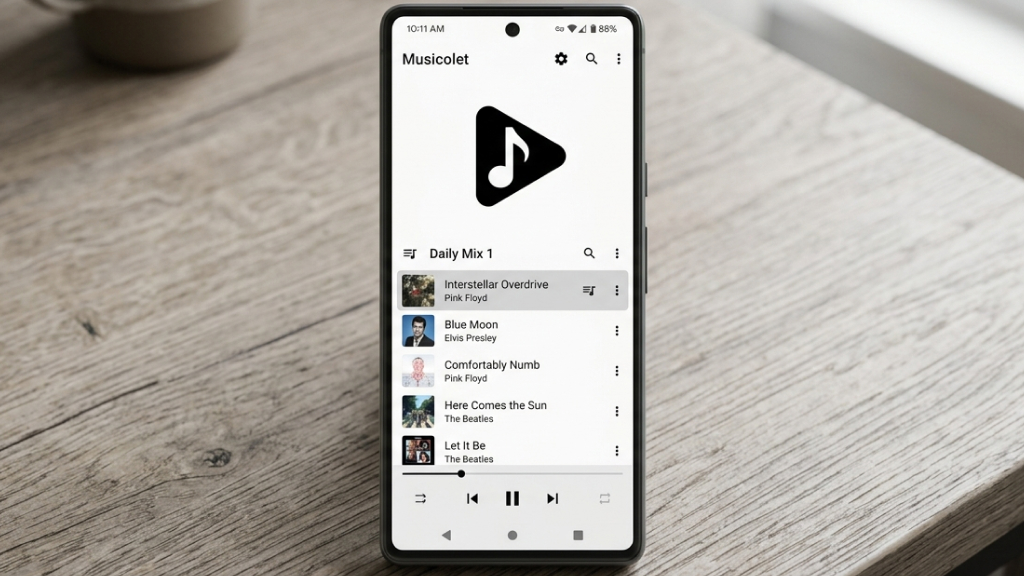
Musicolet Music Player is one of the best offline music players on Android, and its widgets are excellent. Unlike streaming apps that focus heavily on subscriptions and recommendations, Musicolet is built for users who store music locally on their phones. Its widgets allow you to:
- Control playback
- Browse playlists
- View album art
- Skip tracks
- Manage queues
The larger widgets are especially useful because they let users navigate playlists without opening the app itself. For people who still prefer owning their music library, Musicolet remains a fantastic option.
12. Sofascore
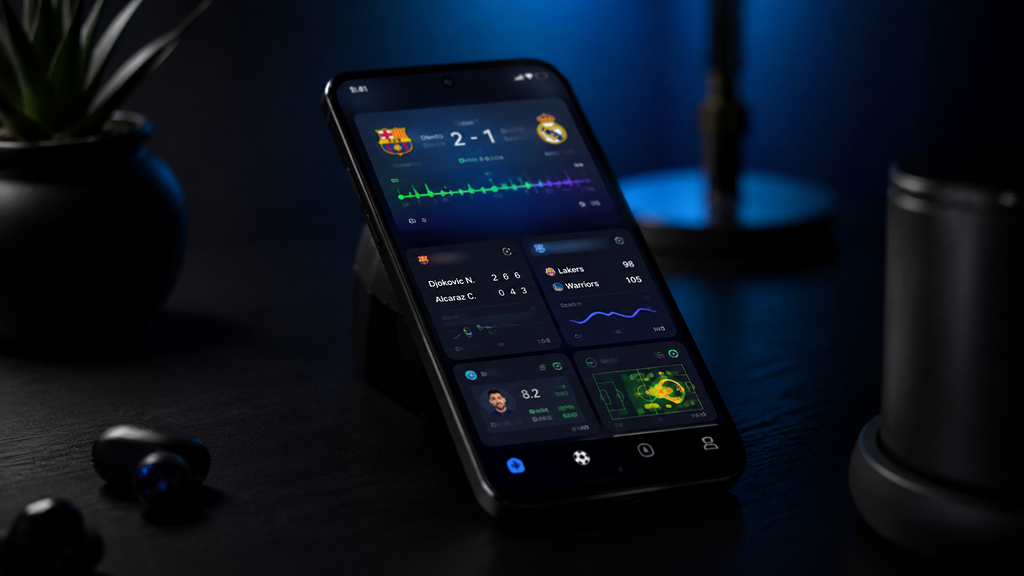
Sofascore is one of the most popular sports tracking apps for fans who want real-time updates directly on their home screens. Its widgets provide instant access to live scores, match schedules, player statistics, league standings, and ongoing match events across a wide range of sports, including football, cricket, basketball, tennis, and Formula 1.
What makes Sofascore especially useful is the speed and detail of its live updates. Users can follow matches almost in real time without constantly opening the app, making it perfect for sports fans who want quick updates during work, travel, or daily routines.
The widgets are also clean, modern, and highly customizable, allowing users to track their favorite teams, leagues, or tournaments with ease. For anyone who follows multiple sports and wants live action at a glance, Sofascore delivers one of the best sports widget experiences available on Android.
13. Investing.com Stock Exchange
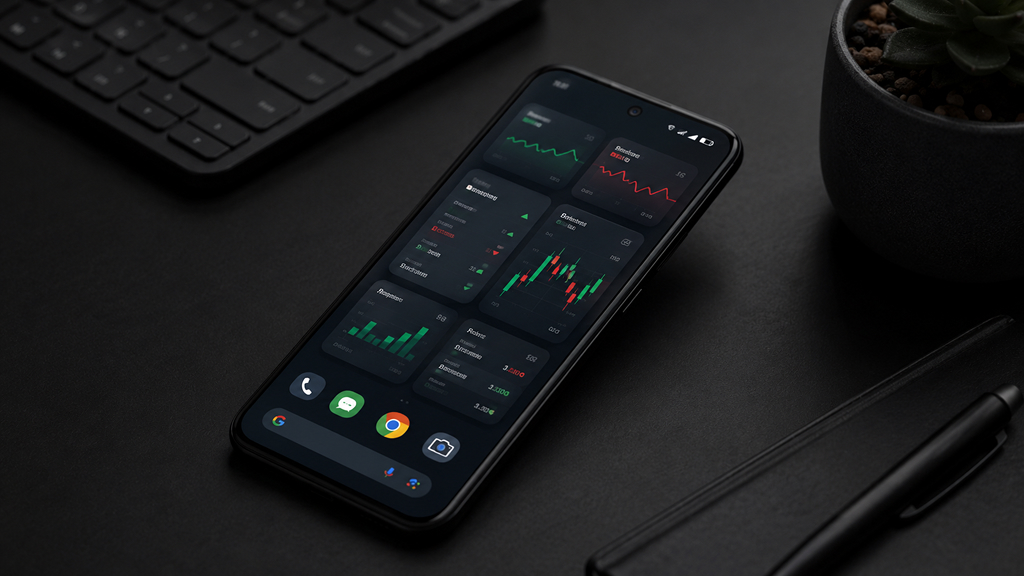
Investing.com offers an excellent widget for tracking stocks, indices, and cryptocurrencies. The widget provides:
- Real-time price updates
- Watchlists
- Market summaries
- Stock tracking
- Cryptocurrency monitoring
Since financial markets change constantly throughout the day, having real-time updates available directly on the home screen can be highly valuable for traders and investors. The ability to resize widgets also makes it easy to create an entire finance-focused home screen if needed.
14. Flashlight Widget
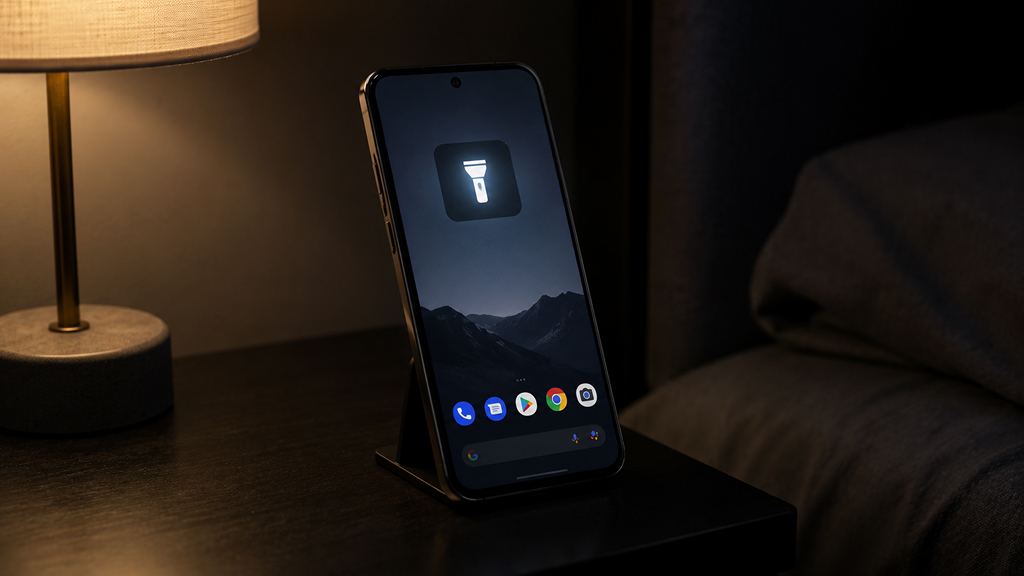
Flashlight Widget is designed to provide quick and easy access to your phone’s flashlight directly from the home screen. Instead of unlocking the device, opening quick settings, or launching a separate app, users can turn the flashlight on instantly with a single tap.
Its straightforward functionality is what makes it so practical in daily life, whether during power cuts, late-night searches, emergencies, or while traveling. Most flashlight widgets are lightweight, responsive, and optimized to use minimal battery power while remaining easily accessible whenever needed.
Many apps also offer different widget sizes and clean, minimal designs that blend well with a variety of Android home screen layouts. For users who value convenience and speed, flashlight widgets continue to be one of the most useful additions to an Android device.
15. Another Widget
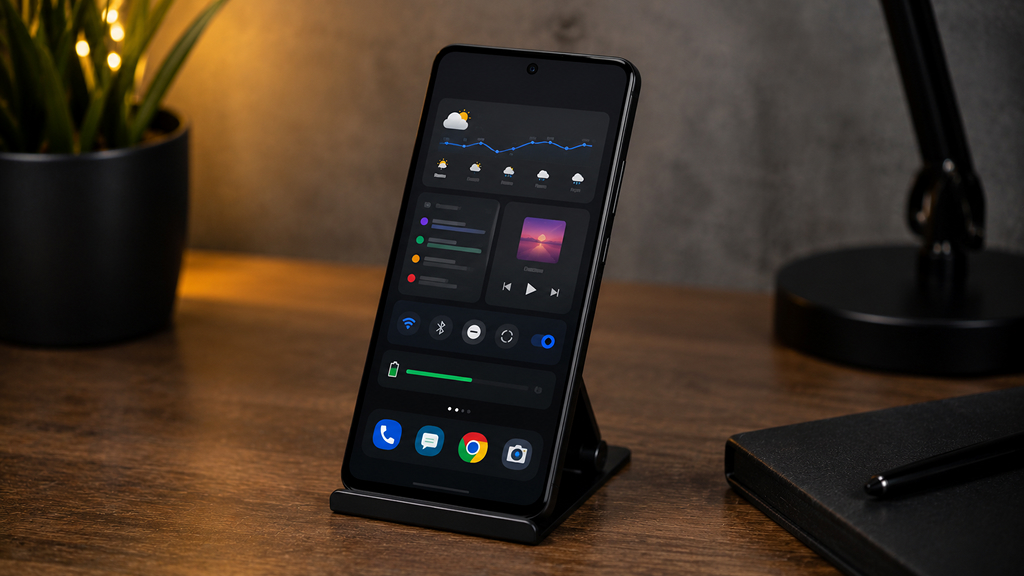
Another Widget is heavily influenced by Google’s At a Glance design but expands on the concept with a wider range of customization features and personalization options. It can display:
- Calendar events
- Weather
- Music controls
- Notifications
- Traffic information
- Battery details
Its biggest strength is customization. Users who like the simple and minimal style of At a Glance but prefer more freedom to customize the appearance and features may find Another Widget to be a better fit for their home screen setup.
Android widgets are one of the platform’s biggest advantages over other mobile operating systems. The right widgets can reduce distractions, save time, improve productivity, encourage healthier habits, and make your phone genuinely more useful throughout the day.
Whether you want a cleaner way to manage tasks, monitor your fitness goals, control music, track sports scores, or simply stay organized, there’s a widget that can help. The best approach is to avoid overcrowding your home screen and instead choose a few widgets that solve real everyday problems.
Once you build a setup around the information and tools you actually use, your phone starts feeling less like a distraction machine and more like a genuinely helpful assistant.