


Smartphones are often described as all-in-one digital companions, but most users only scratch the surface of what these devices are capable of. Beyond calls, messaging, cameras, and social media, modern smartphones contain an impressive collection of sensors that continuously collect data about motion, light, pressure, and even magnetic fields. These sensors quietly support everyday features, yet they can also be repurposed in unexpected ways.
One such use is turning a smartphone into a basic metal detection tool. With the help of a dedicated app, your phone can detect nearby metal objects by sensing changes in magnetic fields. While this doesn’t replace a professional metal detector, it can be genuinely useful for everyday tasks, especially when you need a quick solution using a device you already own.
Let’s look at how smartphone metal detection works, what you need, how to use it effectively, and what its limitations are, so you know exactly what to expect.
Can a Smartphone Really Work as a Metal Detector?

A smartphone can detect certain metal objects, but it’s important to understand what that actually means. Your phone does not “scan” the ground or emit signals like traditional metal detectors. Instead, it observes disturbances in magnetic fields caused by specific types of metal.
This distinction matters because it defines what your phone can and cannot do. Smartphone metal detection works best at very short distances and is limited to metals that interact strongly with magnetic fields. In other words, it’s a situational tool, not a universal solution.
For simple tasks, like finding a lost screw, locating metal pipes behind a wall, or reusing an old phone for utility purposes, it can be surprisingly effective.
The Hidden Technology Behind It: Smartphone Sensors

When we think about smartphones, we usually focus on visible features like the display, camera, or battery life. What often goes unnoticed is the complex network of sensors working silently in the background. These sensors constantly collect data about your phone’s environment and movement, allowing apps and system features to respond intelligently in real time.
Every time your screen rotates, brightness adjusts automatically, or navigation apps know which direction you’re facing, sensors are at work. While most users are familiar with some of these components, many others operate quietly without ever being mentioned. Together, they transform a smartphone from a simple communication device into a powerful, context-aware computer.
Common Sensors Found in Modern Smartphones

Most smartphones today include a wide range of sensors, each designed for a specific purpose:
-
Accelerometer
Measures linear motion and tilt. It enables features like step counting, screen rotation, motion-based gaming, and activity tracking.
-
Gyroscope
Tracks rotational movement and orientation. This sensor improves accuracy in gaming, augmented reality apps, and camera stabilization.
-
Ambient Light Sensor
Detects surrounding light levels to automatically adjust screen brightness, improving visibility while conserving battery power.
-
Proximity Sensor
Identifies when objects are close to the screen. It prevents accidental touches by turning off the display during phone calls.
-
Barometer
Measures air pressure to estimate elevation. This is especially useful for fitness apps, weather tracking, and altitude measurements.
Each of these sensors plays a specialized role, but they also work together to give your phone a better understanding of its surroundings.
The Magnetometer: The Sensor That Makes Metal Detection Possible
Among all these components, the magnetometer is the key sensor responsible for smartphone-based metal detection. Its primary purpose is not to find metal, but to measure magnetic fields, specifically, the Earth’s natural magnetic field. Navigation apps rely on magnetometer data to show which way you’re facing, even when GPS signals alone aren’t enough.
Under normal conditions, the Earth’s magnetic field around your phone remains relatively stable. However, when a magnetic object, such as iron or steel, comes close to the device, it disrupts this balance. The magnetometer detects this disruption as a change in magnetic intensity.
Key characteristics of this behavior include:
- Magnetic field strength is measured along three axes (X, Y, and Z)
- Readings are typically expressed in microteslas (µT)
- Sudden spikes indicate nearby magnetic interference
- Larger or stronger magnetic objects produce more noticeable changes
Metal detector apps monitor these variations and translate them into graphs, sounds, or vibration alerts that users can easily interpret.
How Metal Detector Apps Turn Sensor Data Into Useful Signals
Rather than changing how the hardware works, these apps focus on interpreting existing sensor data. They tap into sensor data that already exists within the device, specifically readings from the magnetometer, and process that information in real time.
The first thing these apps do is establish a baseline magnetic field, which reflects the normal strength of the Earth’s magnetism in your immediate environment. This baseline is essential because it gives the app a reference point. Once it’s set, the app continuously monitors magnetometer data for any deviations from that stable reading.
When a magnetic object comes close to your phone, it disturbs the surrounding magnetic field. The app detects these changes as spikes or irregular patterns in magnetic intensity and flags them as potential metal objects.
In most metal detector apps, the detection process follows a predictable pattern:
- The app records the local magnetic field as a reference level
- Magnetometer readings are tracked continuously across multiple axes
- Sudden increases or abnormal fluctuations are identified
- Alerts are triggered when readings cross a certain threshold
This real-time monitoring allows the app to respond instantly as you move your phone over an area.
How the Information Is Shown to You

To make sensor data understandable, apps translate raw magnetometer readings into clear, user-friendly feedback. Depending on the app, this may include:
- Live numerical values that rise as magnetic intensity increases
- Dynamic graphs that visually highlight spikes and patterns
- Audio signals that change pitch when readings grow stronger
- Vibration alerts when a predefined threshold is reached
Apps that use graphical visualization tend to be easier to interpret, especially when detecting smaller or less obvious magnetic objects. Seeing changes over time makes subtle disturbances far more noticeable than relying on numbers alone.
Ultimately, this conversion of complex sensor data into visual, audio, or tactile feedback is what makes smartphone-based metal detection practical. While the underlying technology is simple, thoughtful software design is what turns magnetometer readings into something users can actually work with.
Why Sensor Quality Matters
Not all smartphones perform equally when it comes to metal detection. The sensitivity and accuracy of magnetometers can vary depending on:
- Phone model and manufacturer
- Sensor calibration quality
- Interference from nearby electronics
- Software optimization within the app
This is why the same app may perform better on one phone than another.
What You Need Before You Start

-
A Compatible Smartphone
Most modern smartphones include a magnetometer, but this isn’t guaranteed, especially on entry-level or older devices. If your phone has a working digital compass, it almost certainly includes the required sensor.
You can verify this by installing a sensor diagnostic app, and checking whether compass-based apps function correctly.
-
A Metal Detector App
You’ll need a third-party app designed to read magnetometer data. Popular options are available on both Android and iOS. While many apps work similarly, some focus on simplicity while others offer advanced sensor visualization. Apps like Physics Toolbox Sensor Suite are especially useful because they display magnetic data across multiple axes, helping users better understand what the sensor is detecting.
Step-by-Step Guide: Using Your Smartphone as a Metal Detector
Step 1: Install the App
Download and install a metal detector app from your device’s app store. Once installed, grant the necessary sensor permissions so the app can access magnetometer data.
Step 2: Establish a Baseline Reading
Before scanning, move away from electronics, metal furniture, and power sources. This allows the app to capture a stable reading of the Earth’s natural magnetic field, which usually falls between 49 and 60 microteslas (µT).
Step 3: Calibrate the Sensor
If readings seem inconsistent, recalibrate the magnetometer. This is often done by moving your phone in a smooth figure-eight motion through the air. Calibration helps improve accuracy and reduces sensor drift.
Step 4: Begin Scanning Slowly
Hold your phone steady and move it gradually over the area you want to scan. Slow movement is key, as magnetometers are better at detecting gradual changes rather than sudden motion.
Step 5: Watch and Listen for Signals
As your phone approaches a magnetic object, you may notice:
- Rising numerical values
- Sharp spikes in graphs
- Increased vibration or alert tones
The strongest reading usually indicates the closest point to the object.
Step 6: Pinpoint the Location
Move the phone back and forth to identify where readings peak. Most phones can detect magnetic objects within 15–25 centimeters, depending on sensor quality and object size.
What Types of Metal Can Your Phone Detect?
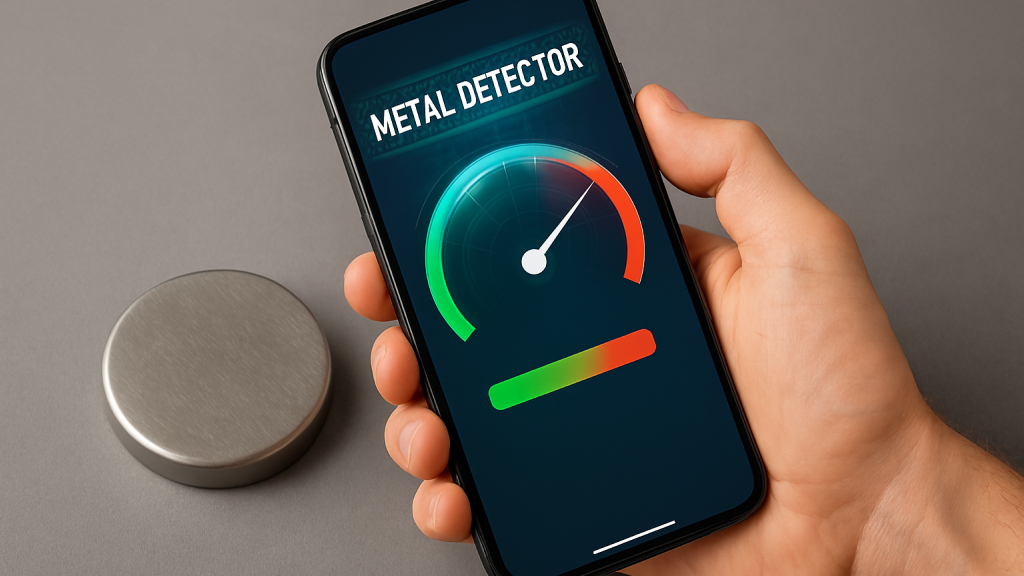
Smartphones are most effective at detecting ferrous metals, which contain iron and produce strong magnetic responses. These include:
- Iron rods and pipes
- Steel screws and nails
- Metal tools
- Large electronic components
- Speakers and headphones with magnets
Smartphone Metal Detection vs Traditional Metal Detectors
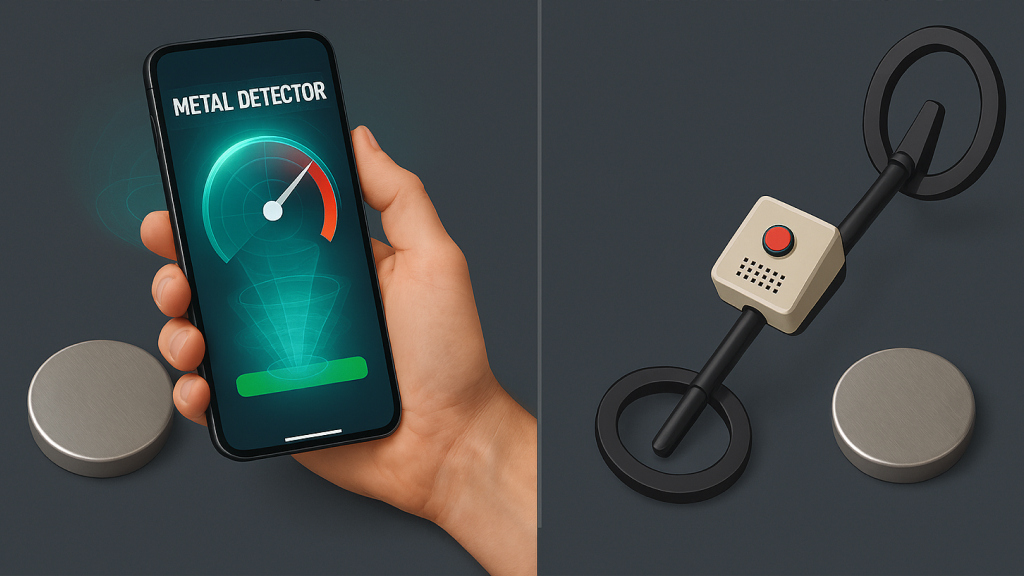
Traditional metal detectors are active devices. They transmit electromagnetic signals into the ground and analyze how those signals behave when they encounter metal. Smartphones, by contrast, are passive detectors. They do not transmit anything; they simply observe magnetic irregularities in the environment.
This fundamental difference explains why:
- Smartphones have limited detection depth
- Small objects are harder to detect
- Non-magnetic metals remain invisible
Practical Situations Where This Actually Helps
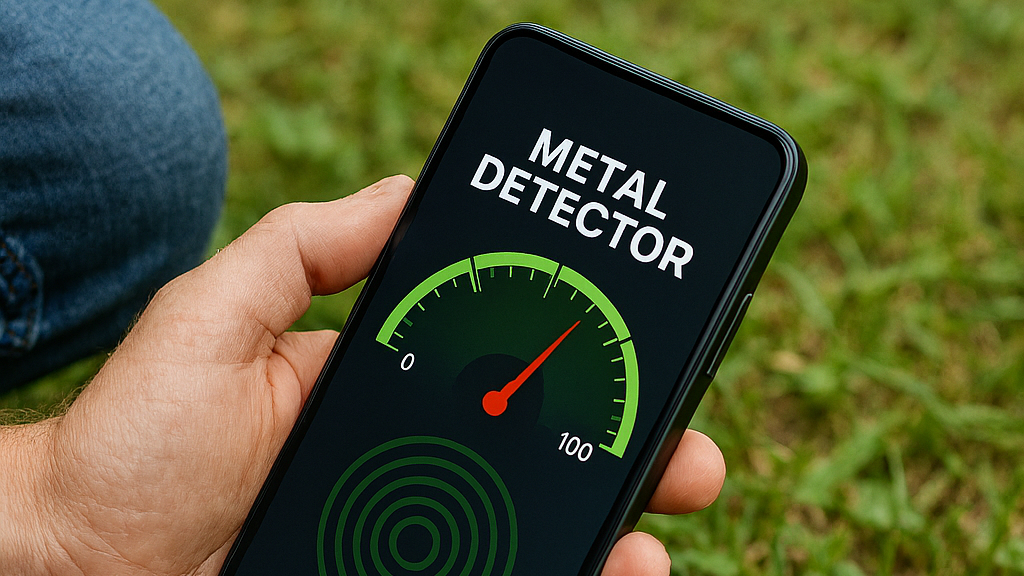
Using a smartphone as a metal detector can be genuinely helpful in a range of everyday situations where precision and depth are not critical. It works particularly well for locating small ferrous objects that are close to the surface, such as a screw or nail dropped in grass, under furniture, or between floor tiles. In home improvement scenarios, it can assist in identifying metal pipes, studs, or fasteners hidden behind walls before drilling.
The technique is also useful for quick checks under carpets, inside bags, or around workspaces where metal tools may have gone missing. Beyond practical tasks, smartphone metal detection can serve as an educational tool, helping students and curious users visualize magnetic fields in real time. It also offers a smart way to repurpose an old or unused smartphone into a simple utility device, extending its usefulness without additional hardware.
Using a smartphone as a metal detector comes with clear and unavoidable limitations. The detection range is short, results can be affected by nearby electronics, and performance varies depending on the quality of the phone’s built-in sensors. It also isn’t effective for locating deeply buried objects or non-magnetic metals, and in some cases, the app may not work at all if the device lacks a magnetometer or requires recalibration. These constraints are important to keep in mind to avoid unrealistic expectations.
That said, smartphone-based metal detection was never meant to replace dedicated equipment. Its real value lies in creative problem-solving using technology you already own. For small, surface-level tasks, quick checks around the home, or basic educational experiments, it can be a surprisingly practical tool. When used with the right expectations, it transforms a common device into something functionally different without any additional hardware.
More broadly, this use case highlights how much untapped potential exists inside modern smartphones. Many of their most powerful features are driven by sensors that operate quietly in the background, rarely noticed by users. Metal detector apps are a reminder that with the right software, these sensors can be repurposed in inventive ways, revealing capabilities far beyond a phone’s advertised features.
In the end, turning your smartphone into a metal detector isn’t about novelty, it’s about understanding and exploring the technology you already carry every day. Sometimes, all it takes is the right app to unlock an entirely new perspective on what your device can do.