

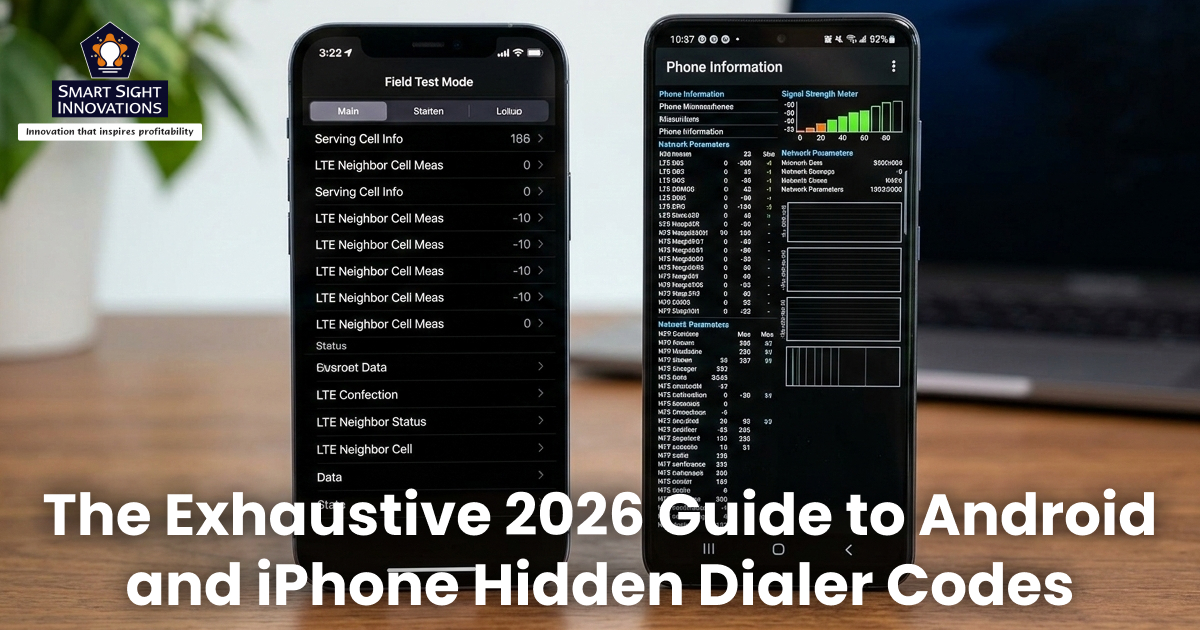
Did you know your smartphone hides powerful tools behind simple dialer codes? These “secret codes,” also known as USSD (Unstructured Supplementary Service Data) and MMI (Man-Machine Interface) codes, allow you to access hidden menus, test hardware, check network details, and manage call settings in seconds.
Whether you use an Android device or an iPhone, entering the right combination of numbers and symbols in your Phone app can reveal advanced diagnostics, firmware information, signal strength data, and more.
Let’s look at the most useful and working secret codes for Android and iPhone. It’s important to remember that some codes are carrier-specific. A few can reset or wipe your device. Always read carefully before entering any code.
Android Secret Codes
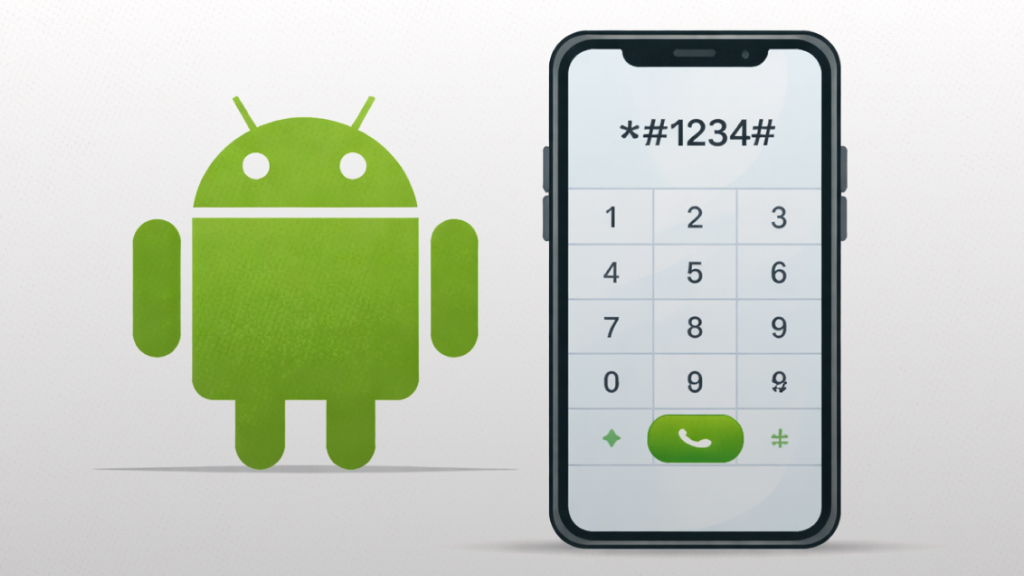
Android devices support hundreds of USSD and MMI codes. While not every code works on every device, many are supported across popular brands like Samsung, Motorola, Google Pixel, and others running the Android operating system.
How to Use Android Secret Codes
- Open the Phone app
- Go to the Dial Pad
- Enter the code exactly as shown
- If supported, the menu opens automatically
1. Codes to Find Phone Information
These secret dialer codes help you quickly access detailed information about your phone’s hardware and software. With a simple entry in the dial pad, you can view essential details like IMEI, or firmware version.
-
Device & Firmware Info
-
- *#06# – View IMEI number
- *#*#2663#*#* – Touch-screen version info
- *#*#44336#*#* – Build time details
- *#*#3264#*#* – RAM version
- *#*#1111#*#* – FTA software version
- *#*#2222#*#* – FTA hardware version
- *#*#1234#*#* – PDA firmware version
- *#*#4986*2650468#*#* – Phone’s firmware information
- *#03# – NAND flash serial number
-
Network & Connectivity Info
-
- *#*#232337#*#* – Bluetooth device address
- *#*#232338#*#* – Wi-Fi MAC address
- *#*#4636#*#* – Phone status, LTE/5G, battery stats
- *#2263# – RF band selection
- *#011# – Network and serving cell info (Samsung devices)
2. Codes for Managing Phone Settings
These codes act as quick shortcuts to important system settings and hidden service menus. Instead of navigating through multiple options, you can instantly manage features like call settings, and storage information directly from the dial pad.
- *#*#7594#*#* – Change power button behavior
- *#*#197328640#*#* – Enter Service Mode
- *3001#12345#* – Field Mode (network tower info)
- *#3282*727336*# – Storage and data usage
- *#*#225#*#* – Calendar storage data
- *#0*# – Test Mode (Samsung devices)
- 3282# – Billing info via SMS
- *#*#273282*255*663282*#*#* – Media backup
3. Troubleshooting & Hardware Testing Codes
These codes are designed to help diagnose hardware and connectivity issues on your device. From testing your touchscreen and sensors to checking GPS accuracy and battery health, they provide quick access to built-in diagnostic tools without needing third-party apps.
-
GPS & Signal Tests
-
- *#*#1472365#*#* – GPS test
- *#*#7262626#*#* – Field test
- *#*#526#*#* – WLAN test
-
Audio & Display Tests
-
- *#*#0673#*#* – Audio test
- *#*#0289#*#* – Melody test
- *#*#2664#*#* – Touchscreen test
- *#0589# – Light sensor test
- *#*#0588#*#* – Proximity sensor test
- *#0782*# – Real-time clock test
-
Battery & System Diagnostics
-
- *#0228# – Battery details
- *#9900# – System dump mode
- *#9090# – Diagnostic configuration
- *#7353# – Quick test menu
- #*#426#*# – Google Play Services diagnostics
4. Call & Messaging Management Codes
These codes let you control and monitor calling features directly from the dial pad. You can check or modify call forwarding, caller ID, call waiting, and even access SMS center details, making everyday communication settings easier to manage.
- *#67# – Check call forwarding (busy)
- *#21# – Check call forwarding (all calls)
- *43# – Enable call waiting
- #43# – Disable call waiting
- *31# – Enable caller ID
- #31# – Disable caller ID
- *5005*7672# – SMS message center number
5. Codes to be Used Carefully
- *#*#7780#*#* – Factory reset (soft reset)
- *2767*3855# – Full factory reset & firmware reinstall
These erase your data without warning. Only use them if you are intentionally restoring or selling your phone.
iPhone Secret Codes
Apple devices also support USSD and carrier-based feature codes. While iOS limits deep system access compared to Android, iPhones still offer powerful diagnostic and network tools. These codes work on modern devices like the iPhone 15 Pro and newer models running current iOS versions.
How to Use iPhone Secret Codes
- Open the Phone app
- Tap Keypad
- Enter the code
- Press the Call button
1. Essential Information Codes
- *#06# – Displays your IMEI and EID (for eSIM)
This number is essential for either reporting a stolen phone, or unlocking your device, or for warranty support.
- *#07# – Shows compliance and RF exposure details
2. Field Test Mode (FTM Dashboard)
*3001#12345#* – This opens Field Test Mode, showing:
- Signal strength in dBm
- Carrier details
- Network bands
- Cell tower IDs
Instead of signal bars, you’ll see precise numerical readings, helpful when troubleshooting weak reception.
3. Call Management Codes
-
Call Forwarding
-
- *#21# – Check forwarding status
- *21[number]# – Forward all calls
- ##002# – Disable call forwarding
-
Call Waiting
-
- *#43# – Check status
- *43# – Enable
- #43# – Disable
-
Call Barring
-
- *#33# – Check call barring status
- *33*PIN# – Enable call barring
- #33*PIN# – Disable
4. Caller ID & Privacy Codes
- *67[number] – Hide caller ID (US)
- *31#[number] – Hide caller ID (outside US)
- *82[number] – Show caller ID for one call
- *#31# – Check caller ID status
5. Account & Carrier Codes (Carrier-Specific)
These may work depending on your mobile network:
- *777# – Prepaid balance
- *225# or #225# – Bill balance
- *646# – Data usage
- #768 – Pay bill (Verizon)
- *729 – Pay bill (T-Mobile)
- 511 – Traffic information
6. Emergency Alert System Codes
- *5005*25371# – Check alert system status
- *5005*25370# – Disable test alerts
These codes confirm whether your device can receive government and emergency test notifications.
Do These Codes Work on All Phones?
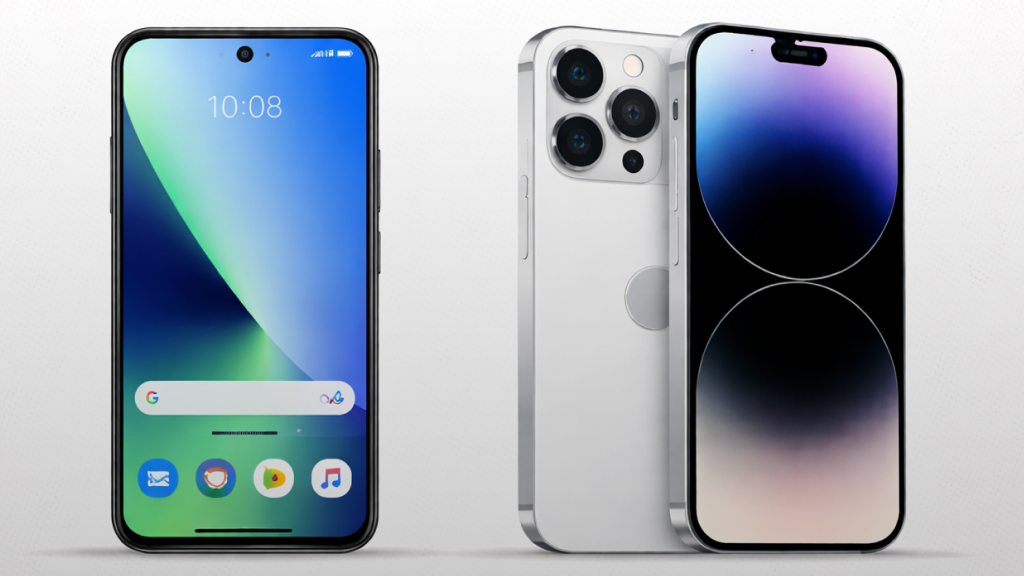
Secret dialer codes do not work universally across all smartphones. While many USSD and MMI codes are supported on devices running Android and Apple’s iOS, their functionality often depends on several factors:
- Carrier support
Some codes (like balance checks or call forwarding) only work on specific networks.
- Device manufacturer
Certain diagnostic or service menus are brand-specific (for example, some codes work only on Samsung devices).
- Software version
Updates may disable or modify older codes.
- Region restrictions
Some features vary by country.
In short, a code that works on one phone may return an error on another. If a code doesn’t respond or shows “Invalid MMI Code,” it likely isn’t supported by your device or carrier.
Are Secret Codes Safe to Use?
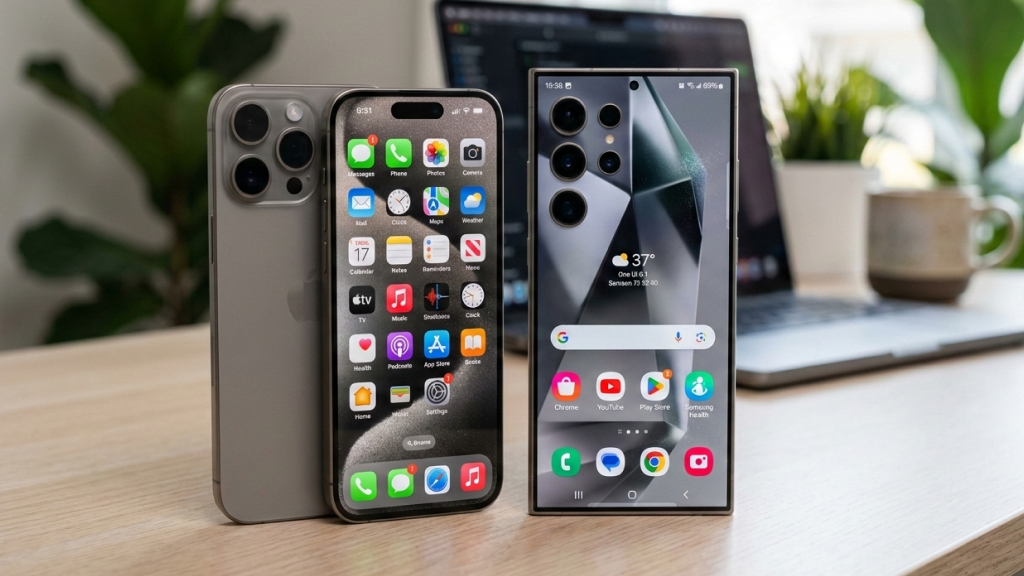
In most cases, secret dialer codes are safe to use, especially those that simply display information like your IMEI number, signal strength, battery status, or network details. These codes only retrieve data and do not make changes to your device.
However, some are designed for technicians and can modify system settings, enable service modes, or even perform a factory reset. On devices running Android or iOS, certain reset or diagnostic commands may erase data or affect connectivity without much warning.
To stay safe:
- Avoid codes that mention reset, wipe, or firmware reinstall
- Do not change settings in service menus unless you understand them
- Double-check carrier-specific commands before using them
If used carefully and with awareness, most secret codes pose no risk, but caution is always recommended.
Secret dialer codes unlock a side of your smartphone that most people never tap into. By entering a simple combination of symbols in the Phone app, you can instantly access your IMEI, check real-time signal strength, test hardware components, and manage call settings. On devices running Android or Apple’s iOS, these hidden tools provide deeper insight into your phone’s performance and connectivity.
While many codes are built for technicians, everyday users can still benefit from knowing them. However, compatibility varies by device and carrier, and some commands can reset or alter system settings. Explore wisely, stick to informational codes when possible, and avoid risky reset options unless absolutely necessary. Sometimes, a few dialed symbols are all it takes to uncover your phone’s true potential.