

Most people spend a lot of time securing their computers and smartphones, yet rarely think about the device connecting everything together; the router. It quietly sits in a corner of the house, handling internet traffic for laptops, phones, smart TVs, gaming consoles, security cameras, and dozens of other connected devices.
Because routers usually work without issues, many users assume the default settings are secure enough. Unfortunately, that assumption can sometimes create a weak point in an otherwise protected home network.
The reality is that modern malware does not always stay confined to the device it initially infects. In some situations, malicious software can scan the local network, identify vulnerable devices, and attempt to spread further. This becomes a bigger concern as more Internet of Things (IoT) devices enter our homes, many of which receive limited security updates and often have weaker protections than PCs or smartphones.
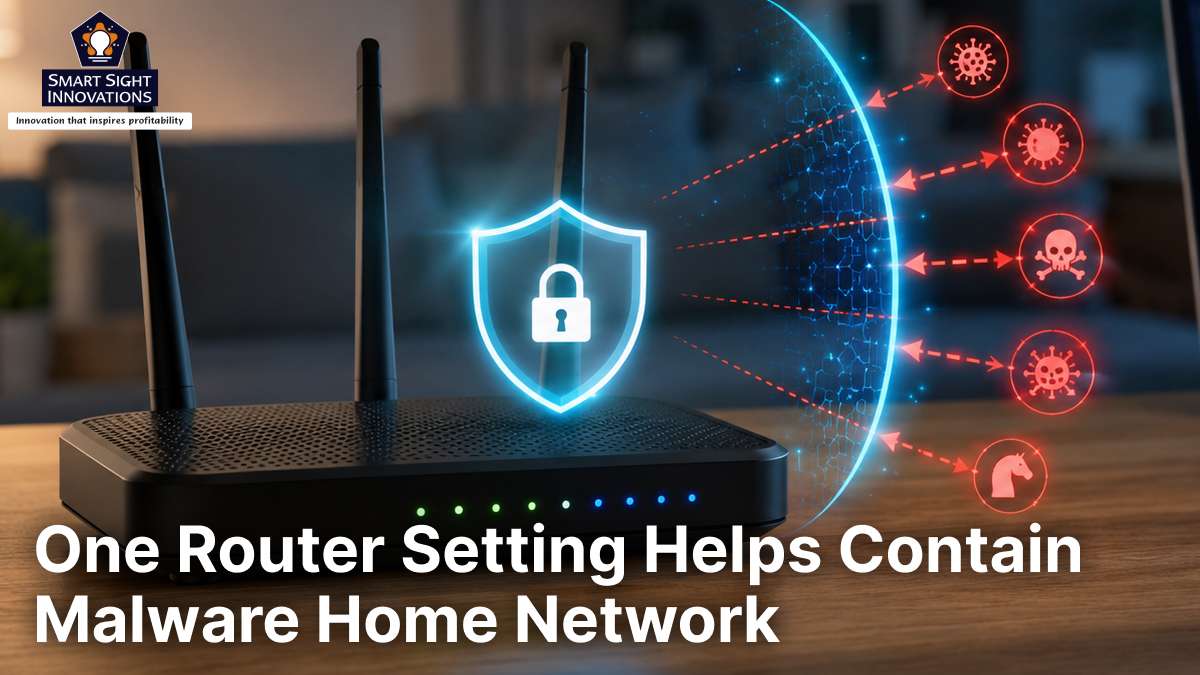
Fortunately, there is a lesser-known router feature that can help limit the damage if a device falls victim to malware or unauthorized access. It is called AP Isolation, and while it is not a complete security solution, it can serve as an effective barrier that prevents malware from easily moving from one device to another.
Why Malware Can Spread Across Home Networks
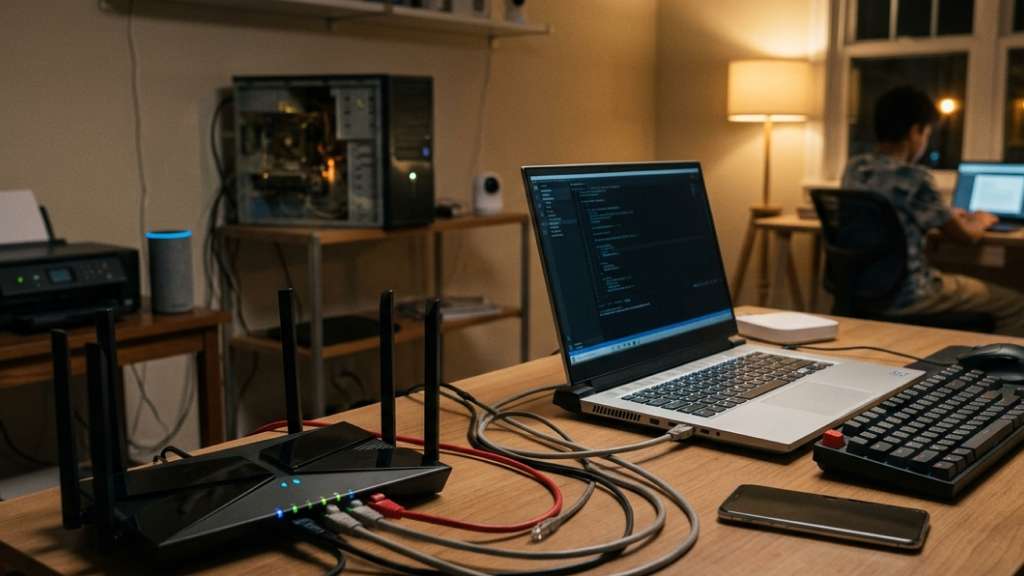
Most home networks are designed for convenience. Every device connected to the same Wi-Fi network can usually discover and communicate with other devices on that network.
This setup enables many useful features. You can print documents wirelessly, cast videos to a smart TV, transfer files between devices, access a network-attached storage (NAS) system, or control smart home gadgets from your phone.
However, this convenience comes with a trade-off. Because devices can see each other, an infected or exploited device may be able to scan the network for additional targets.
Imagine a situation where an outdated smart camera, a poorly secured smart plug, or even a guest’s infected laptop connects to your network. If that device becomes infected or exploited, it may begin probing other systems on the network in search of additional weaknesses.
While modern operating systems include security protections that reduce these risks, malware authors continuously look for ways to move laterally across networks. This is especially concerning in homes with numerous connected devices from different manufacturers. The more devices you add, the larger your attack surface becomes.
What Is AP Isolation?

AP Isolation, also known as Client Isolation, Wireless Isolation, or Station Isolation depending on the router manufacturer, is a networking feature that prevents devices connected to the same Wi-Fi network from communicating directly with one another.
When AP Isolation is enabled, each device can still connect to the router and access the internet normally. Instead of freely discovering nearby devices, each device is effectively restricted to communicating with the router and the internet.
In simple terms, the router acts like a gatekeeper. Instead of allowing devices to freely communicate with each other, it keeps them separated. A useful way to think about AP Isolation is as a set of invisible barriers between connected devices. They can still reach the internet normally, but they lose the ability to freely discover and interact with one another.
For example, if AP Isolation is active:
- A smartphone cannot directly discover a nearby laptop.
- A vulnerable IoT device cannot easily probe the rest of the network.
- A guest device cannot browse shared folders on your PC.
- Connected devices become significantly harder to reach from one another.
Internet access remains unaffected, but local communication is restricted.
How AP Isolation Helps Limit Malware Spread

It is important to understand that AP Isolation does not prevent malware infections. If a user downloads a malicious file or falls victim to a phishing attack, AP Isolation will not stop that initial compromise. Security software, safe browsing habits, and software updates remain essential.
Many types of malware attempt to expand their reach by searching for additional devices on the same network. This process, often called lateral movement, allows threats to spread beyond the original target.
With AP Isolation enabled, malware faces a much greater challenge because the affected device can no longer freely reach other systems connected to the same network. Instead of gaining access to multiple systems, the threat is more likely to remain confined to the originally infected device.
This containment approach follows an important cybersecurity principle known as segmentation. Large organizations routinely separate devices into different network segments to limit the impact of security incidents. AP Isolation brings a simplified version of that concept to home users. While it is not as sophisticated as enterprise-grade network segmentation, it can still reduce the risk of a single breach impacting multiple devices across your network.
Why You Shouldn’t Enable AP Isolation on Your Main Network
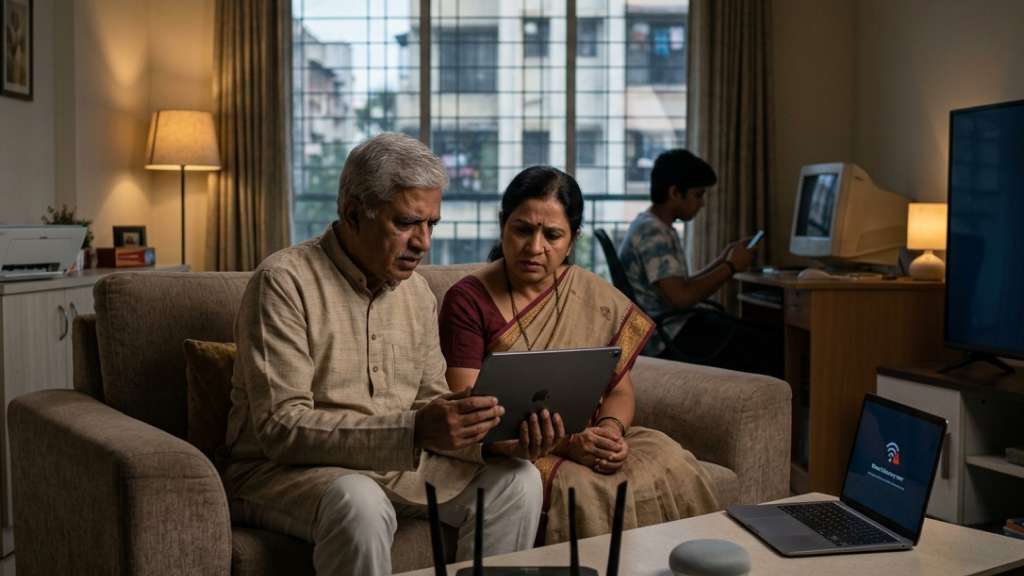
At this point, enabling AP Isolation everywhere may sound like an obvious choice. However, doing so can create a frustrating user experience. Many of the features people use every day depend on devices being able to discover and interact with one another across the local network. For example:
- Wireless printers need to communicate with computers and phones.
- Smart TVs need to receive content from smartphones and tablets.
- NAS devices depend on network visibility.
- File-sharing services require device-to-device communication.
- Smart home hubs often need access to connected devices.
Enabling AP Isolation on your primary Wi-Fi network can break these functions or make them unreliable. You may suddenly discover that your printer no longer appears, your TV cannot receive casts from your phone, or your computer can no longer access shared files stored elsewhere on the network. For households that regularly use these features, the inconvenience often outweighs the security benefit.
Use AP Isolation on Guest and IoT Networks

Instead of enabling AP Isolation on your primary network, a more practical strategy is to create separate networks for devices that do not need access to your personal computers and data. Many modern routers already offer:
- Guest networks
- IoT networks
- Separate SSIDs for different device categories
These networks are ideal candidates for AP Isolation. Guest devices typically only need internet access. Visitors do not require access to your NAS, personal computers, or smart home systems.
Similarly, many IoT devices spend most of their time communicating with cloud services rather than interacting directly with your PCs. By placing these devices on an isolated network, you reduce the chances that a vulnerable or infected gadget can reach more important systems. This approach gives you the best balance between security and convenience.
Your trusted devices remain connected to one another, while less-trusted devices operate within their own restricted environment.
Which Devices Should be Isolated?

The easiest way to decide whether a device should be isolated is to ask a simple question, does it need to communicate with other devices on your network, or does it only need internet access?
Devices that primarily connect to cloud services and rarely interact directly with your computers, phones, or storage devices are often good candidates for isolation. By placing these devices on a guest or IoT network with AP Isolation enabled, you can reduce the risk of them becoming a gateway to the rest of your network if they are ever compromised.
Some examples include:
- Smart plugs and smart switches
- Smart light bulbs
- Voice assistants
- Internet-connected appliances
- Guest smartphones and laptops
- Certain cloud-based security cameras
These devices generally perform their intended functions without requiring direct access to your personal computers or sensitive data.
On the other hand, some devices rely on network visibility and seamless access to nearby systems, making them better suited for your primary network. Desktop PCs, laptops, network-attached storage (NAS) devices, wireless printers, smart TVs used for casting, media servers, and smart home hubs often need to communicate with one another to deliver the features you expect.
Before enabling AP Isolation, take a moment to consider how a device is used. If it only needs a connection to the internet, isolating it can improve security with little to no impact on functionality. If it regularly shares files, streams content, or communicates with other devices in your home, keeping it on the main network will likely provide a better experience.
Other Router Settings That Improve Network Security
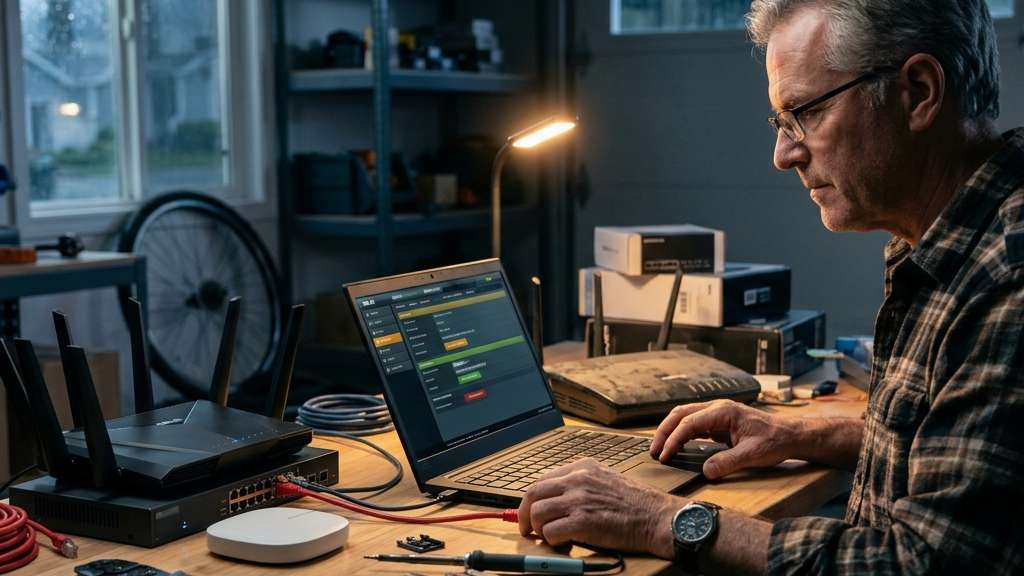
AP Isolation works best when combined with other security measures. For stronger protection, consider:
-
Keep Router Firmware Updated
Manufacturers regularly release security patches that fix newly discovered vulnerabilities. Running outdated firmware can expose your network to known attacks.
-
Disable Unused Remote Management Features
If you do not actively manage your router from outside your home, disable remote administration to reduce potential attack paths.
-
Use WPA3 Security
If supported by your router and devices, WPA3 offers stronger protection than older Wi-Fi security standards.
-
Change Default Router Credentials
Many users never replace the router’s default administrator password. A strong, unique password helps prevent unauthorized access.
-
Create Separate Networks for Different Device Types
Separating smart home devices, guest devices, and personal computers into different networks can limit how far a threat can travel if one device becomes infected. Even if an attacker gains access to a vulnerable device, reaching the rest of your network becomes much more difficult.
AP Isolation is one of the most overlooked router settings available today. While it will not prevent malware infections on its own, it can significantly reduce the likelihood of a security incident spreading from one device to the rest of your network.
The key is using it strategically. Enabling AP Isolation on a guest network or a dedicated IoT network allows you to contain potentially vulnerable devices without sacrificing the convenience of local connectivity on your primary network.
As homes become increasingly filled with connected gadgets, taking steps to isolate less-trusted devices can add an important layer of protection. AP Isolation may not stop malware from getting in, but it can help prevent a single security incident from affecting every device connected to your network.