


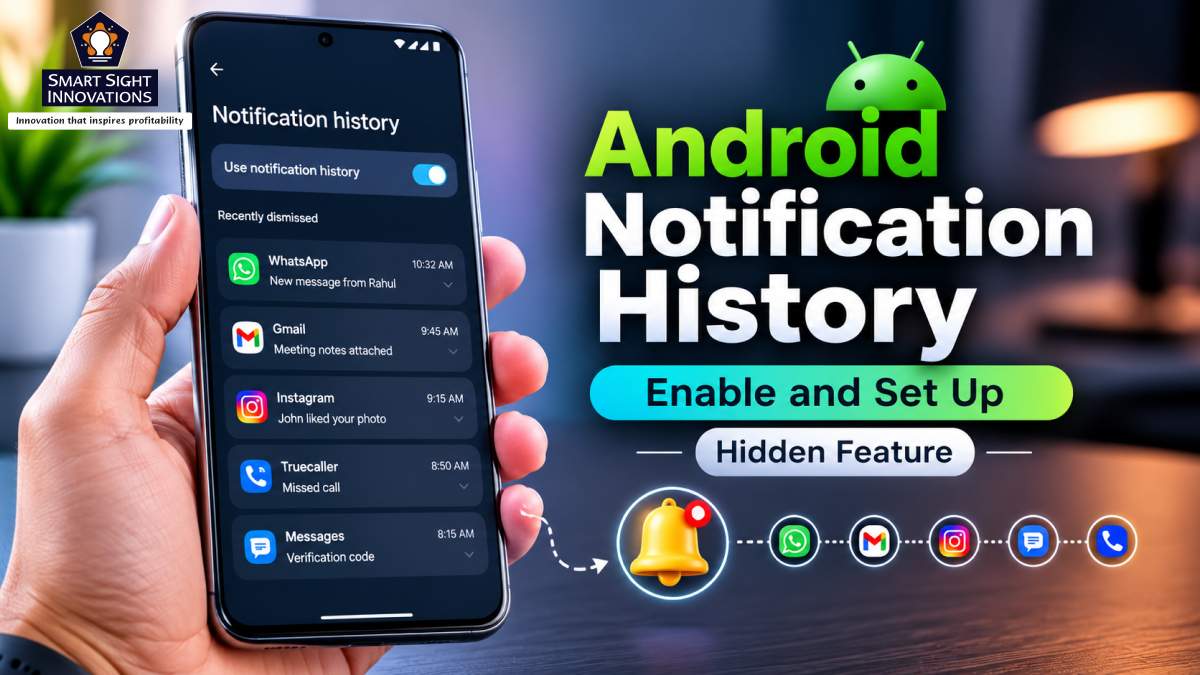
Smartphones have made staying connected easier than ever, but they have also created the challenge of managing a constant stream of notifications. Emails, instant messages, banking alerts, delivery updates, calendar reminders, and countless app notifications, compete for attention throughout the day, often arriving faster than they can be read. With the notification shade filling up so quickly, clearing it with a quick swipe has become second nature for many Android users.
The problem is that not every notification deserves to be dismissed. An unread work message can disappear alongside a promotional offer, while an important reminder may be cleared with the same swipe used to remove a social media alert. By the time users realise something important may have been overlooked, they are often left wondering where the notification went and whether it contained information that required immediate attention. That uncertainty frequently leads to unnecessary searches across multiple apps in the hope of finding what was lost.
Fortunately, Android already has a built-in solution for this problem. The feature, called Notification History, has been around for years but remains disabled by default on many devices and tucked away within the Settings app. As a result, many users never discover that their phone already includes a simple safety net for accidentally dismissed notifications.
A Smarter Way to Keep Track of Notifications
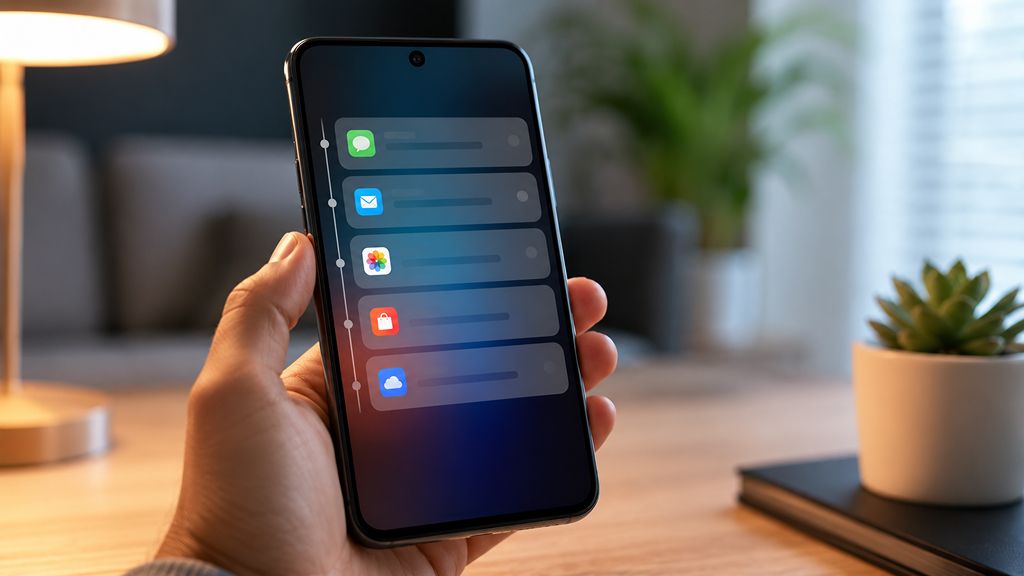
Unlike many Android features that promise major productivity gains, Notification History addresses a much simpler everyday problem. Once activated, it creates a rolling log of notifications received over the previous 24 hours, including those that have already been dismissed. This means that instead of wondering whether an important message has disappeared forever, users can simply open the feature and review everything that recently appeared on the device.
The feature proves particularly useful because notifications today are no longer limited to text messages. Banking apps notify users about transactions almost instantly, delivery services provide live updates throughout the day, workplace collaboration platforms constantly push new conversations, and productivity apps generate reminders that are easy to dismiss while multitasking.
Rather than relying on memory alone, the feature maintains a rolling record of recent notifications, making it easy to revisit alerts that might otherwise have been forgotten.
Why Android’s Notification History Is More Useful Than It Appears?

Modern notifications are far more varied than they were just a few years ago. Alongside text messages and emails, phones now receive alerts from banking apps, food delivery services, collaboration platforms, shopping apps, fitness trackers, and countless other services throughout the day. Many of these notifications arrive while users are navigating, attending meetings, exercising, or handling other tasks, making it impractical to read each one as soon as it appears.
In these situations, clearing the notification shade often becomes the quickest way to remove distractions. While that may keep the screen organised, it also increases the chances of dismissing something important before there is time to read it. Notification History addresses this everyday challenge by providing a simple way to revisit recent alerts instead of relying entirely on memory.
Reduces the Need To Search Multiple Apps
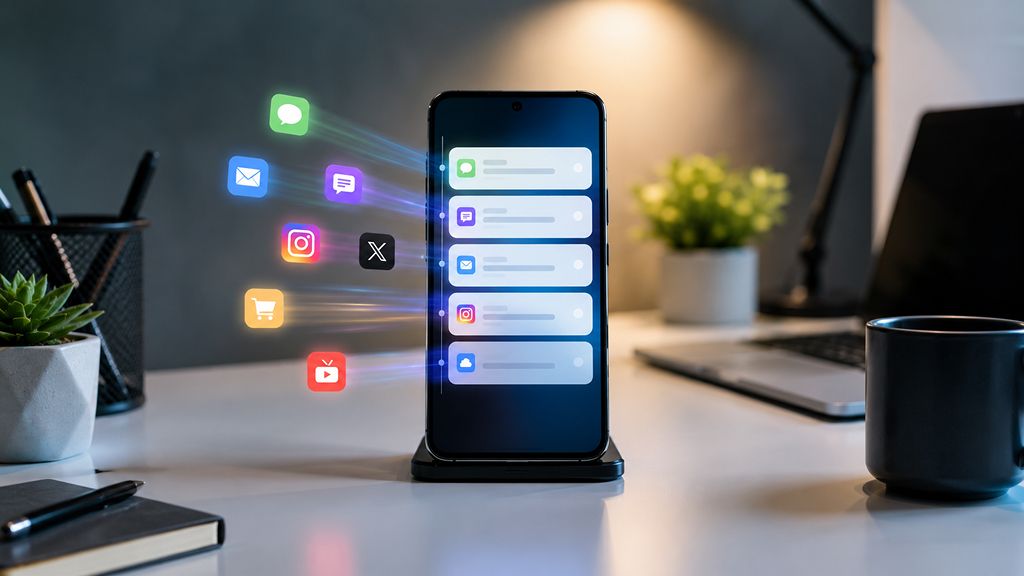
A key benefit of Notification History is that it eliminates the need to search across multiple apps for a missing alert. Without it, recovering a dismissed notification often means opening email clients, messaging apps, workplace collaboration tools, and even banking applications in the hope of finding whatever disappeared from the notification shade.
By keeping a consolidated record of recent notifications, the feature makes that process far more efficient. Even if the original notification is no longer visible, the history usually provides enough information to identify which app generated it, allowing users to go directly to the source instead of checking several applications one after another. Although simple, the feature can save a surprising amount of time, particularly for people who rely on their phones for both personal and professional communication.
One of Android’s Most Overlooked Features
Although Notification History has been part of Android for years, many users still don’t realise their phone supports it. Google introduced the feature alongside Android 11 in 2020, yet even today many Android owners remain unaware that their phones support it.
The main reason is that Notification History isn’t given much visibility during the setup process. Unlike features such as Dark Mode or Digital Wellbeing, it is rarely highlighted during the initial setup process and is instead tucked away several menus deep within the Settings app, making it unlikely that the average user will discover it by accident.
Even people who enjoy exploring Android’s settings often overlook it because there is little indication that such a feature exists in the first place. As a result, millions of Android users continue manually searching for dismissed notifications despite already having a built-in solution waiting to be activated.
How to Setup Android’s Notification History
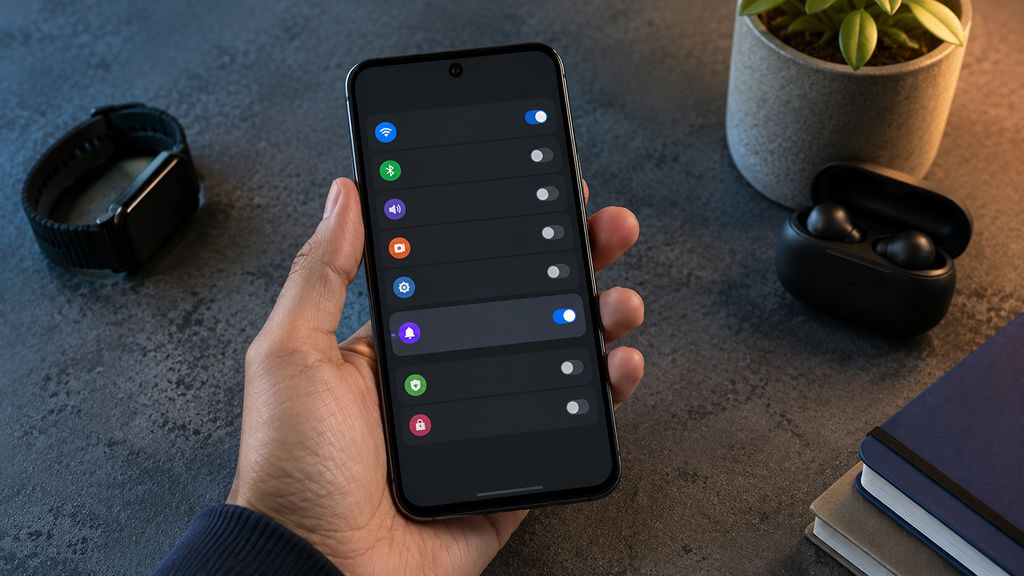
Fortunately, turning on Notification History is a straightforward process once users know where to find it. The quickest method is to open the Settings app and use the search bar to look for this feature. On most Android phones, this will immediately display the correct menu.
Users who prefer to browse manually can usually find the option within the Notifications section, although the exact location varies depending on the manufacturer. Samsung Galaxy devices place it under Notifications > Advanced settings > Notification History, while Google Pixel phones include it directly within the Notifications menu. OnePlus users can typically find it under More settings within the notification settings.
After enabling the feature, Android automatically begins recording incoming notifications. There is no additional setup required, and the device continuously maintains a rolling 24-hour history that updates throughout the day.
Understanding Its Limitations
Like any Android feature, Notification History has a few limitations. For starters, it only begins recording notifications after it has been enabled, so anything dismissed before switching it on cannot be recovered. It also isn’t designed to serve as a permanent archive, as Android automatically removes entries after about 24 hours to maintain a rolling history of recent activity.
In some cases, apps may update or withdraw notifications dynamically, which means the information shown in the log may not always perfectly match what originally appeared. Even so, it usually provides enough detail to identify both the notification and the app that generated it.
Another drawback has little to do with the feature itself and more with how Android manufacturers present it. While most mainstream brands support Notification History, accessing it often requires navigating through multiple Settings menus. A dedicated shortcut in the notification shade or Quick Settings panel would make the feature far easier to use and help more people discover it.
Even with these limitations, Notification History demonstrates that the most valuable smartphone features are not always the most visible. Instead of introducing something entirely new, it quietly improves an experience that millions of Android users encounter every day, ensuring that an accidental swipe does not turn into a missed opportunity or an unnecessary source of frustration. For a feature that takes only a few seconds to enable, it delivers a level of reassurance and convenience that far exceeds the effort required to switch it on.