



A Wi-Fi router is one of the few household gadgets that can keep running for years without demanding much attention. Once it’s installed and the internet starts working, it often fades into the background, quietly doing its job day after day. Unlike a smartphone or laptop, which usually makes its age obvious through declining performance, a router can continue operating for years without giving users a clear reason to upgrade it.
That longevity is what makes routers easy to overlook. However, just because a router hasn’t stopped working doesn’t necessarily mean it’s still the right fit for the way people use the internet today.
Recognizing when a router is no longer keeping up isn’t always straightforward. Fortunately, there are several warning signs that can help determine whether it’s time to keep troubleshooting or finally upgrade to a newer model.
The Router No Longer Receives Security Updates
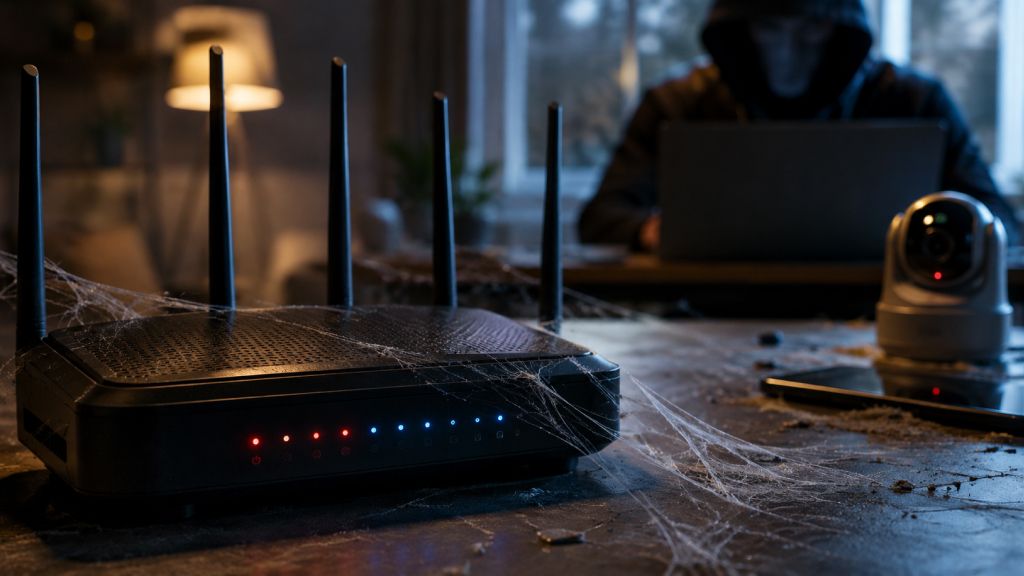
The clearest indication that a router has reached the end of its useful life is the end of software support. Firmware updates fix newly discovered security vulnerabilities, improve stability, and occasionally introduce new features. Once those updates stop arriving, newly discovered flaws may remain permanently unpatched.
Since every internet-connected device communicates through the router, outdated firmware can expose the entire household network to unnecessary security risks. Manufacturers generally announce when products reach End of Life (EOL) or End of Support (EOS). If a router has not received an update for several years and is officially discontinued, replacing it should become a priority instead of waiting for problems to appear.
Internet Speeds Never Match the Internet Plan

Many users blame their internet service provider when speeds seem disappointing. In reality, an older router may be the bottleneck. Modern broadband connections commonly offer speeds of hundreds of megabits per second. Older routers built for much slower internet plans simply cannot take advantage of these faster connections.
Some common limitations include:
- Fast Ethernet ports capped at 100 Mbps instead of Gigabit Ethernet
- Older Wi-Fi standards such as Wi-Fi 4 (802.11n)
- Limited processing power
- Slower wireless radios
Even after upgrading to a faster broadband plan, an outdated router can prevent devices from reaching those advertised speeds. Running a speed test over a wired Ethernet connection and comparing it with Wi-Fi performance can help determine whether the router is the limiting factor.
Wi-Fi Coverage Has Become Inconsistent
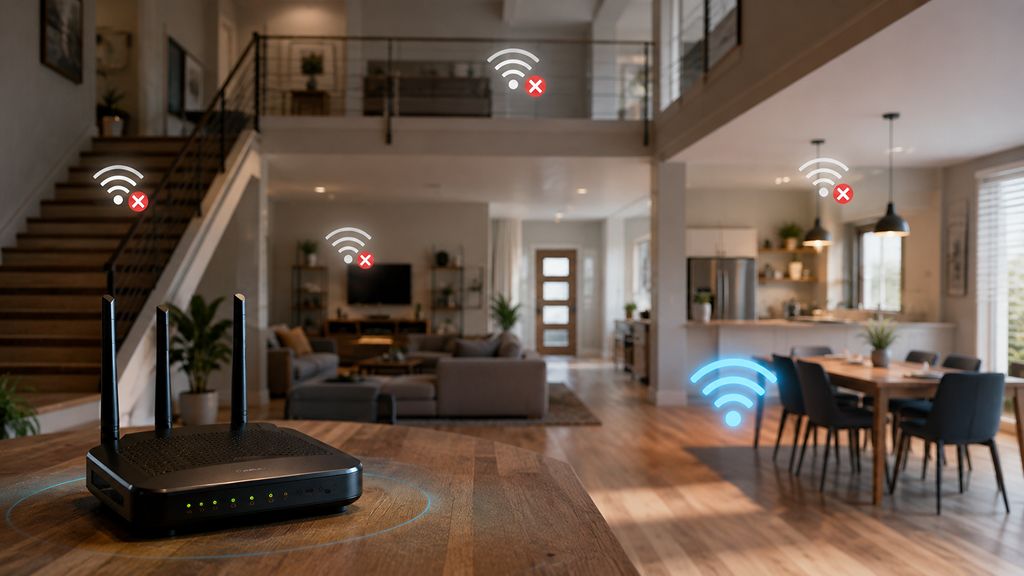
Occasional dead zones are common in larger homes, but widespread weak signals throughout the house often point to an aging router. Older routers typically use less efficient antennas and wireless technologies than modern models. As a result, signals weaken more quickly through walls and floors, leaving certain rooms with unstable connections.
This becomes even more noticeable when family members are streaming 4K video, joining video meetings, or downloading large files at the same time. Before replacing the router, it is worth checking whether poor placement, nearby electronic interference, or thick walls are contributing to the problem. However, if repositioning the router makes little difference, newer Wi-Fi hardware can often provide noticeably better coverage.
Too Many Devices Cause the Network to Slow Down

The average home network looks very different today than it did just a few years ago. Instead of supporting only a handful of laptops and smartphones, routers are now expected to manage smart TVs, streaming devices, gaming consoles, video doorbells, security cameras, smart speakers, tablets, and an ever-growing collection of smart home gadgets, all at the same time.
Earlier generations of routers were developed for simpler home networks. As more devices compete for bandwidth and network resources, an aging router can become overwhelmed, leading to slower browsing, longer loading times, buffering during video streaming, increased gaming latency, and devices that disconnect without warning.
In many cases, the router simply lacks the processing power and memory needed to efficiently coordinate dozens of simultaneous connections. Modern routers are equipped with faster processors, more RAM, and technologies such as MU-MIMO and OFDMA, which allow them to communicate with multiple devices more efficiently instead of serving them one after another.
If the network performs well when only a few devices are connected but slows noticeably as more family members come online, the router may have reached its limits. Upgrading to a newer model can significantly improve network stability, especially in homes where multiple people regularly stream videos, attend online meetings, play online games, or use smart home devices simultaneously.
It Doesn’t Support Modern Wi-Fi Standards
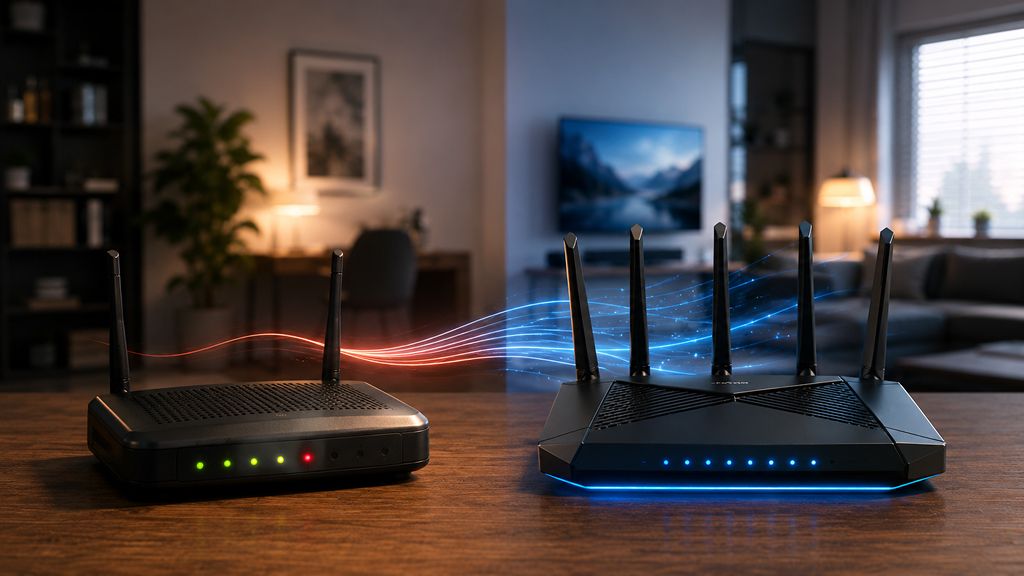
Wi-Fi technology has evolved significantly over the past decade, and each new generation has brought more than just faster download speeds. Modern standards such as Wi-Fi 6, Wi-Fi 6E, and Wi-Fi 7 are designed to improve network efficiency, reduce latency, and deliver a more stable connection in homes with many connected devices.
By comparison, routers that still operate on older standards like Wi-Fi 4 (802.11n) or early Wi-Fi 5 (802.11ac) can struggle to meet today’s networking demands, as they often lack the advanced features that help newer devices perform at their best. This can result in slower wireless speeds, higher latency during gaming or video calls, and reduced performance when multiple devices are active simultaneously. An outdated Wi-Fi standard can also prevent newer smartphones, laptops, and tablets from taking full advantage of their wireless capabilities.
A new Wi-Fi standard doesn’t automatically make an existing router obsolete. But if the device is falling behind current networking technologies and struggling to keep up with everyday demands, replacing it can make a noticeable difference in overall performance.
Frequent Disconnects Have Become Normal

A reliable router should provide a stable internet connection with little or no intervention. While the occasional restart after a firmware update or power outage is perfectly normal, frequent connection problems are not. If the Wi-Fi regularly disconnects, devices unexpectedly lose access to the internet, or the router needs to be rebooted every few days just to restore normal performance, it may be a sign that the hardware is beginning to fail.
Some routers also develop issues such as random reboots, difficulty maintaining multiple connections, or freezing under heavy network traffic. Before assuming the router is to blame, it’s worth ruling out other possible causes. Internet service outages, faulty cables, modem issues, or software glitches can all lead to similar symptoms. However, if these possibilities have been eliminated and the disconnects continue, the router itself is the most likely culprit.
Persistent instability is more than just an inconvenience. Interrupted video calls, buffering during streaming, disrupted online gaming sessions, and failed smart home automations can all stem from an unreliable router. When troubleshooting no longer provides a lasting solution, replacing the device is often the most effective way to restore a stable and dependable home network.
The Router Still Uses Outdated Security Standards

Network security has improved dramatically over the years. If a router only supports older encryption methods such as WEP or relies primarily on WPA, it should be replaced immediately. Even routers that support WPA2 but no longer receive security updates deserve careful consideration, particularly if they also lack newer protections found in WPA3-enabled devices.
Modern security features help reduce the risk of unauthorized access while protecting connected devices against evolving cyber threats. For households using smart home products or working remotely, maintaining up-to-date network security is more important than ever.
It Runs Excessively Hot or Shows Physical Damage
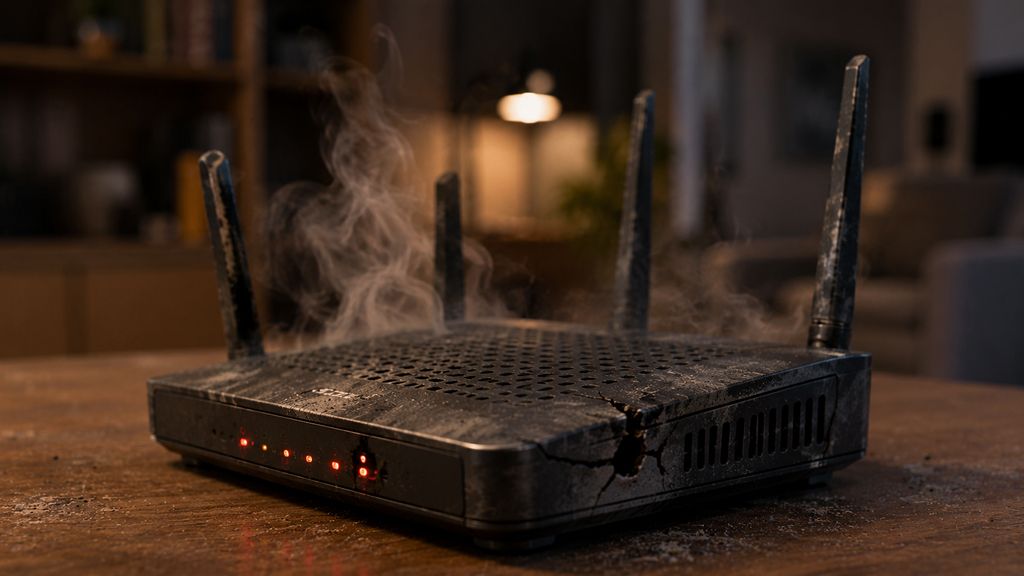
As the hardware of a router begins to wear out, the warning signs become much harder to ignore. If it becomes unusually hot during normal use, frequently shuts down without warning, or struggles to power on, it may be experiencing internal component failure. While routers naturally generate some heat, excessive temperatures can shorten the lifespan of electronic components and lead to unstable performance, including random disconnects or reduced wireless range.
Visible damage such as a cracked casing, damaged Ethernet ports, frayed power cable, faulty power adapter, or the smell of burnt electronics should never be ignored. These issues can indicate that the device is no longer safe or reliable to use. In some cases, these issues may even pose an electrical hazard. If the router repeatedly forgets its settings after a restart, struggles to save configuration changes, or requires frequent factory resets to function properly, the underlying hardware may be deteriorating.
Unlike software-related issues, physical wear is rarely something that can be fixed with troubleshooting or firmware updates. When a router begins showing clear signs of hardware failure, replacing it is usually the safest and most practical solution to ensure a stable and secure home network.
The Router Is More Than Seven or Eight Years Old
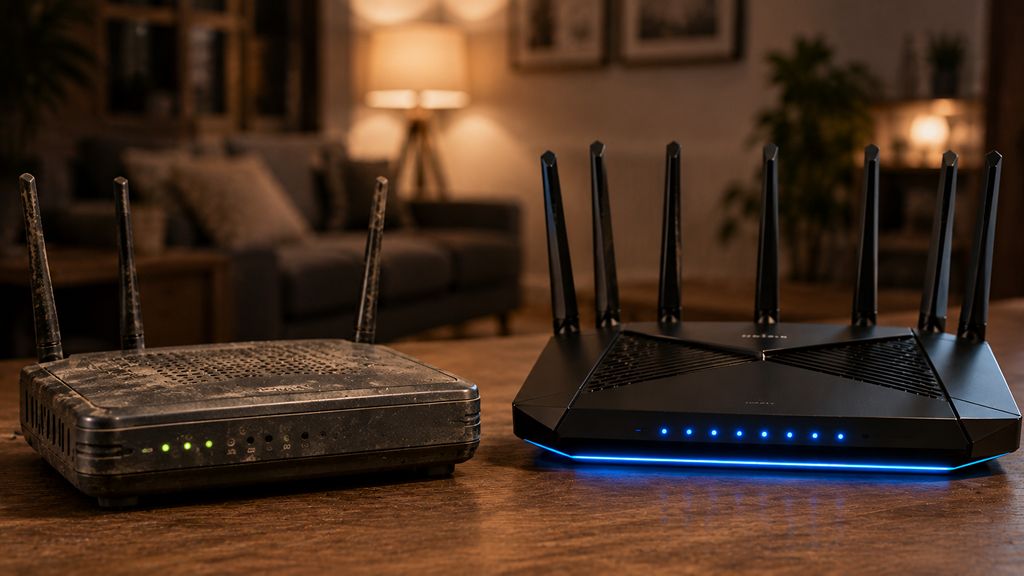
A router’s age isn’t the only factor that determines whether it should be replaced, but it is an important one. Many high-quality routers can continue performing well for several years, especially if they still receive firmware updates and support modern networking features. While no consumer networking hardware is designed to last forever, a router that is seven or eight years old was built for a very different internet environment. Even if the router still works, its hardware may no longer be capable of keeping up with today’s networking demands.
Age also increases the likelihood of other issues, including outdated security standards, discontinued software support, slower wireless performance, and declining hardware reliability. While any one of these problems may be manageable on its own, they often begin to appear together as a router gets older.
Rather than replacing a router based on its age alone, it makes more sense to look at the bigger picture. If an older model continues to deliver reliable performance, receives security updates, and comfortably handles the household’s internet usage, there may be no immediate need to upgrade. But if its age is accompanied by slower speeds, frequent connection problems, or missing modern features, investing in a newer router is likely to deliver a noticeable improvement in both performance and security.
Don’t Throw Away the Old Router Just Yet
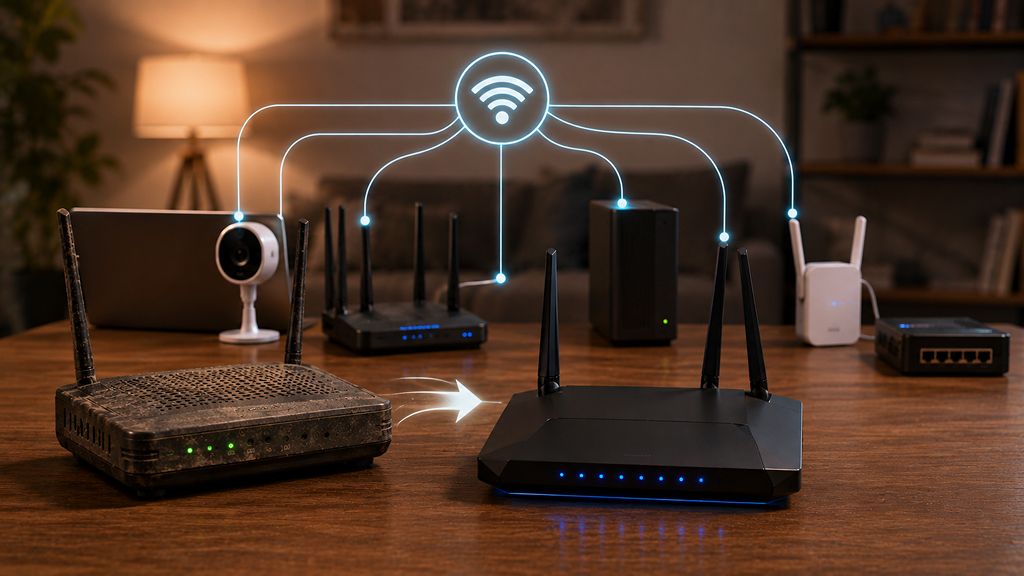
Replacing an old router doesn’t necessarily mean it has reached the end of its usefulness. If the hardware is still in good condition and supports reasonably up-to-date security features, it can often be repurposed for tasks that don’t require it to manage the entire home network.
Many routers can be reconfigured to serve as a wired access point, extending Wi-Fi coverage to areas where the primary router’s signal is weak. Others can function as a network switch, providing additional Ethernet ports for desktop computers, gaming consoles, smart TVs, or network-attached storage (NAS) devices. Some users also keep an older router as a backup in case their primary unit fails or use it to create a separate network for testing devices.
An old router should be properly configured before it is used for a new purpose. Install the latest firmware available from the manufacturer, perform a factory reset, create a strong administrator password, and disable features such as remote management unless they are absolutely necessary. These steps help ensure the router remains as secure as possible in its new role.
That said, not every router is worth keeping. If it no longer receives security updates, lacks support for modern encryption standards, or has developed hardware issues, it should no longer be used as the main gateway to the internet. In those cases, replacing it with a newer model is the safer and more reliable choice.
A router may continue powering a home network for years, but that doesn’t mean it’s delivering the speed, reliability, or security modern households need. From outdated Wi-Fi technology and discontinued security updates to frequent disconnects and hardware wear, these warning signs shouldn’t be ignored.
Replacing an aging router isn’t simply about accessing faster internet. It can also improve wireless coverage, reduce network congestion, strengthen security, and provide a more consistent experience across every connected device. If several of these issues sound familiar, it may be time to retire the old router and invest in one that’s better equipped for today’s increasingly connected homes.