


Modern mobile apps have gradually conditioned users to accept a trade-off between convenience and limited transparency. Across categories such as note-taking and file sharing, many widely used tools function within closed ecosystems where internal processes remain hidden and data handling practices are not always clearly understood.
This model is beginning to lose relevance as expectations shift. An increasing number of users now place greater importance on privacy, control, and long-term reliability, and open source software has emerged as a strong response to this change.
What was once viewed as niche or primarily suited for developers has grown into a mature ecosystem of well-designed, feature-rich applications that stand on equal footing with premium software.
Rather than relying on aggressive monetization or extensive data collection, these applications prioritize delivering meaningful functionality. Optional paid features or voluntary contributions often support ongoing development, creating a more balanced and transparent relationship between users and developers that is based on trust instead of dependency.
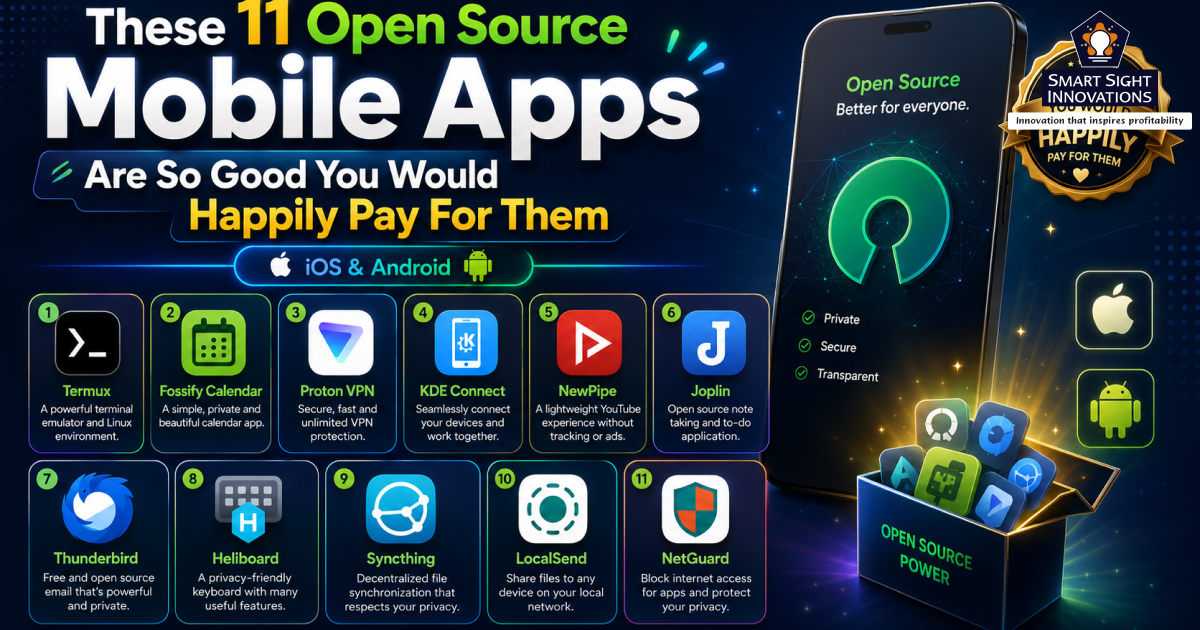
Below are 11 best open source mobile apps that prove great software does not need to compromise on privacy, performance, or user experience.
1. Termux
(Image Source: Termux)
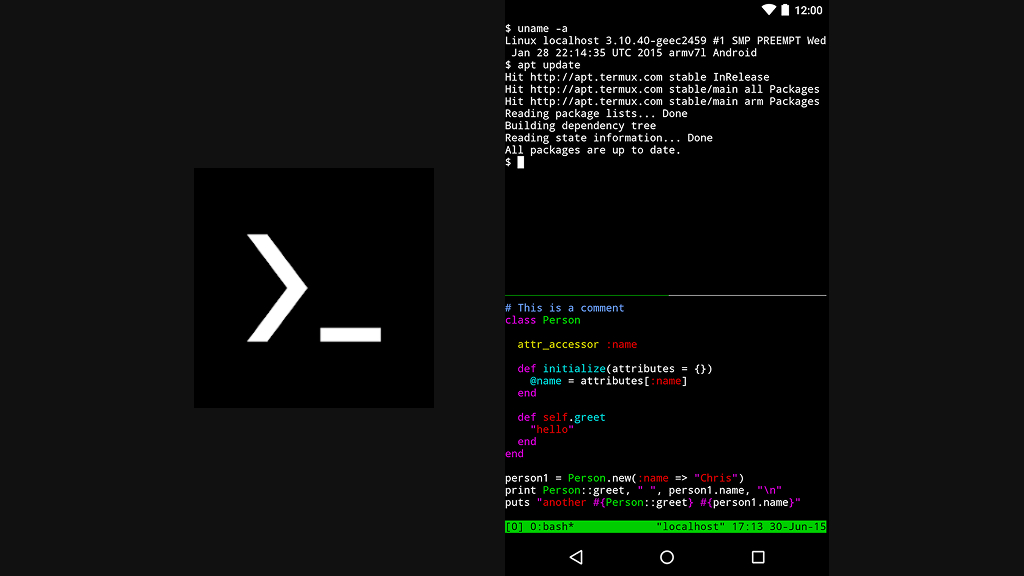
Turning a smartphone into a portable development environment may sound ambitious, but Termux delivers exactly that. It brings a full Linux command-line experience to Android, opening the door to coding, scripting, and system-level tasks without requiring root access.
Rather than limiting users to mobile-friendly tools, Termux provides access to a vast library of packages and programming environments. From running Python scripts to managing servers via SSH, it supports workflows typically reserved for desktops. Despite its power, it remains efficient enough to run smoothly on most devices.
Key Highlights
- Full Linux terminal on Android
- No root access required
- Extensive package ecosystem
- Supports multiple programming languages
- Remote server access via SSH
- Ideal for automation and development
2. Fossify Calendar

(Image Source: Fossify Calendar)
For users who prefer simplicity over feature overload, Fossify Calendar offers a clean and distraction-free scheduling experience. It operates entirely offline, ensuring that personal events and reminders stay on the device rather than being synced to external servers.
The interface is straightforward yet flexible, with multiple calendar views that make planning easy without unnecessary complexity. As part of a broader privacy-focused app suite, it avoids ads, tracking, and intrusive permissions altogether.
Key Highlights
- Fully offline calendar management
- No ads or tracking
- Clean and minimal interface
- Multiple calendar views
- Simple event and reminder creation
- No account required
3. Proton VPN
(Image Source: Proton VPN)
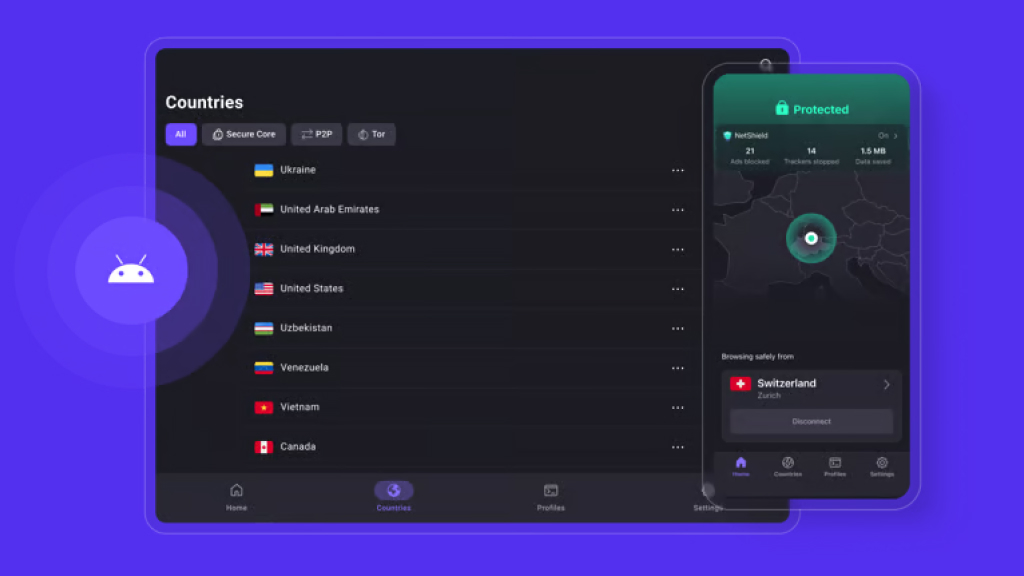
Online privacy is becoming harder to maintain, which makes tools like Proton VPN increasingly valuable. Built with security as a priority, it routes internet traffic through encrypted tunnels while adhering to strict no-logs policies under Swiss jurisdiction.
Its Secure Core architecture adds an extra layer of protection by routing connections through multiple servers, reducing exposure to network-based attacks. With both free and premium options available, it remains accessible without compromising on essential protections.
Key Highlights
- Strict no-logs policy
- Swiss-based privacy protection
- Free plan with unlimited data
- High-speed global servers
- Secure Core multi-hop routing
- Advanced security features
4. KDE Connect
(Image Source: KDE Connect)
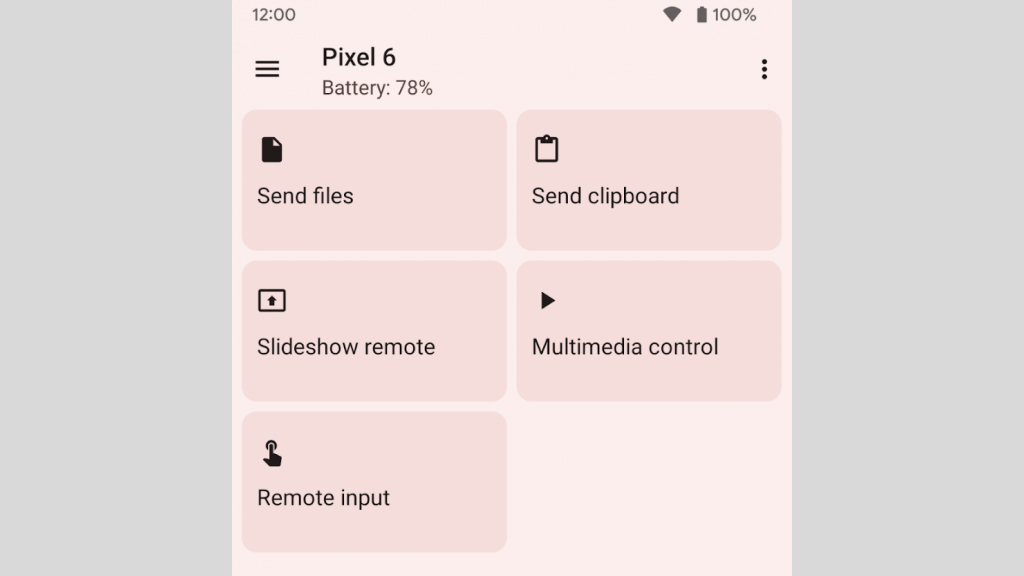
Switching between devices can interrupt workflow, but KDE Connect removes that friction. It links smartphones and computers over a local network, enabling seamless interaction without relying on cloud services.
Notifications, files, and even clipboard content can move instantly between devices. It also allows a phone to function as a remote control, adding convenience in everyday use. The experience feels integrated without locking users into a specific ecosystem.
Key Highlights
- Sync notifications across devices
- Wireless file sharing
- Shared clipboard functionality
- Remote control capabilities
- Works without internet
- Multi-platform support
5. NewPipe
(Image Source: NewPipe)
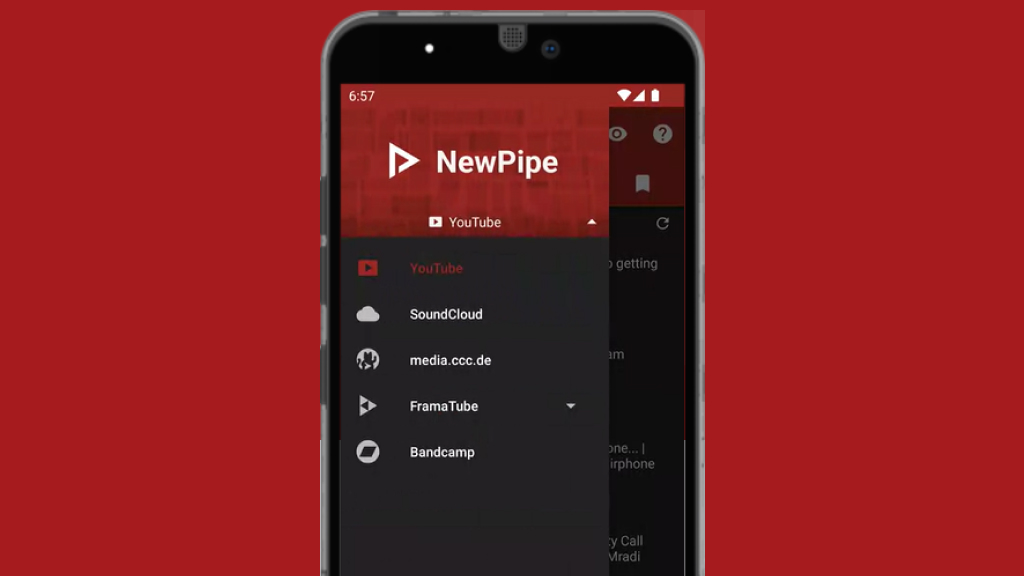
Streaming content does not have to come with ads, tracking, or account requirements. NewPipe offers a stripped-down alternative that focuses purely on the viewing experience.
It enables video playback, downloads, and background listening without relying on Google services. Even on older devices, performance remains smooth, making it especially useful for users who want efficiency without distractions.
Key Highlights
- No login required
- Completely ad-free
- Background playback
- Download videos and audio
- Lightweight and fast
- Local subscription tracking
6. Joplin
(Image Source: Joplin)
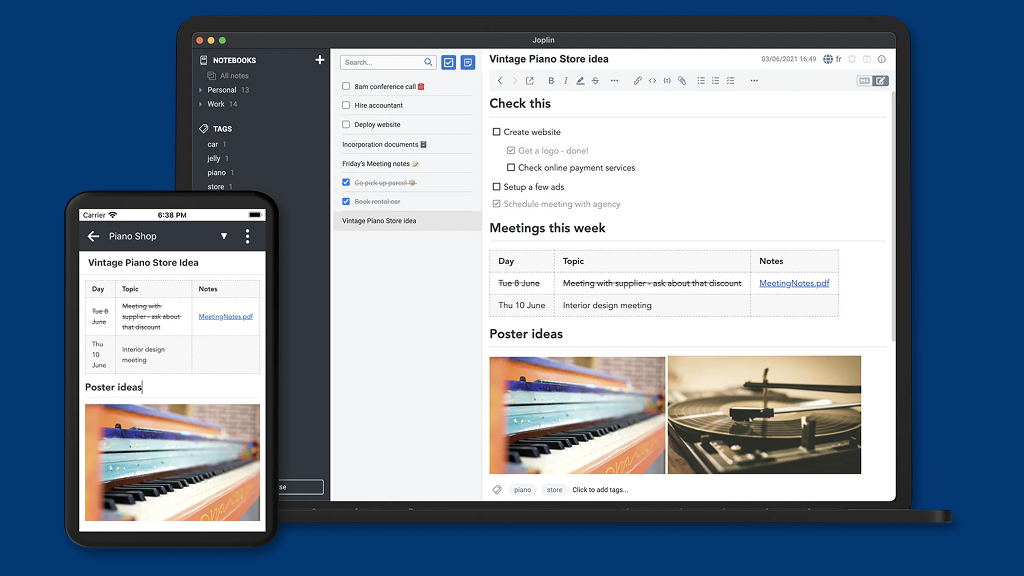
Joplin combines flexibility with security, making it suitable for everything from quick notes to detailed documentation. It supports Markdown formatting while also offering structured organization through notebooks and tags.
What sets it apart is its encryption support, ensuring that synced data remains protected. Combined with offline access and flexible syncing options, it adapts easily to different workflows.
Key Highlights
- End-to-end encryption
- Markdown support
- Cross-platform syncing
- Works offline
- Powerful search and tagging
- Plugin support
7. Thunderbird
(Image Source: Thunderbird)
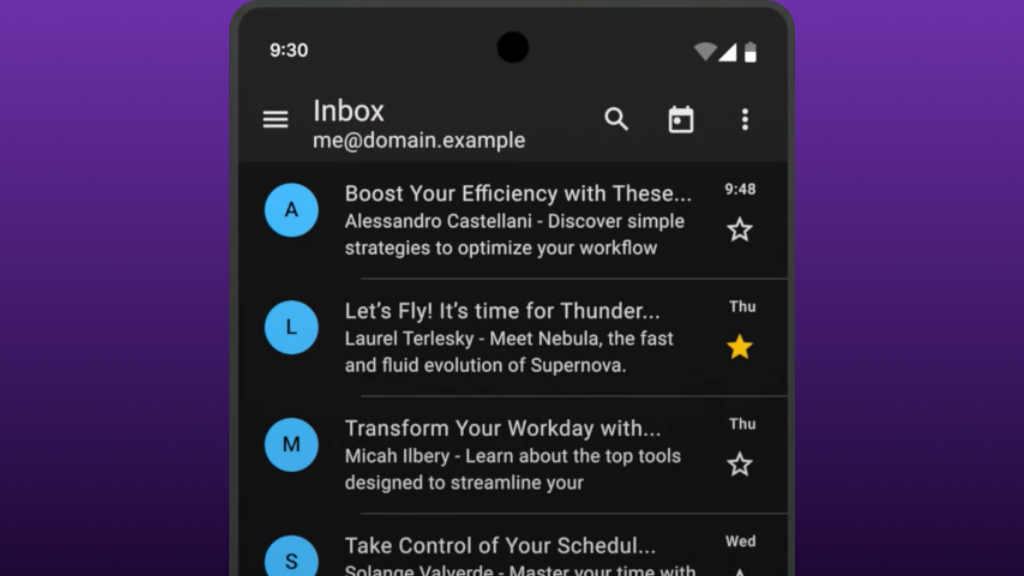
Managing email across multiple accounts can quickly become overwhelming, but Thunderbird brings everything into a single, organized interface. It supports standard protocols and integrates advanced filtering tools to keep inboxes manageable.
Customization plays a major role here, with themes and add-ons extending functionality beyond basic email. Security features like phishing protection further strengthen its appeal.
Key Highlights
- Multi-account email management
- Built-in spam filtering
- Customizable interface
- IMAP and POP3 support
- Offline access
- Extension ecosystem
8. Heliboard
(Image Source: Heliboard)
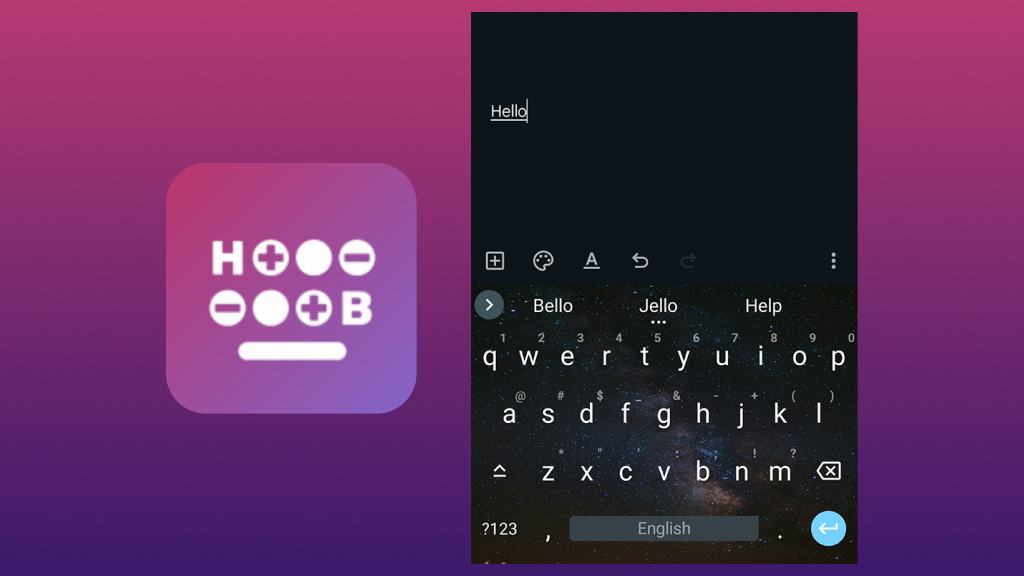
Typing is one of the most frequent mobile interactions, yet many keyboards rely heavily on data collection. Heliboard takes a different approach by keeping everything local while still delivering a responsive experience.
It supports gesture typing, multiple languages, and theme customization without sacrificing speed. The result is a keyboard that feels both efficient and respectful of user privacy.
Key Highlights
- No data tracking
- Fully offline operation
- Gesture typing support
- Multilingual input
- Customizable themes
- Lightweight performance
9. Syncthing
(Image Source: Syncthing)
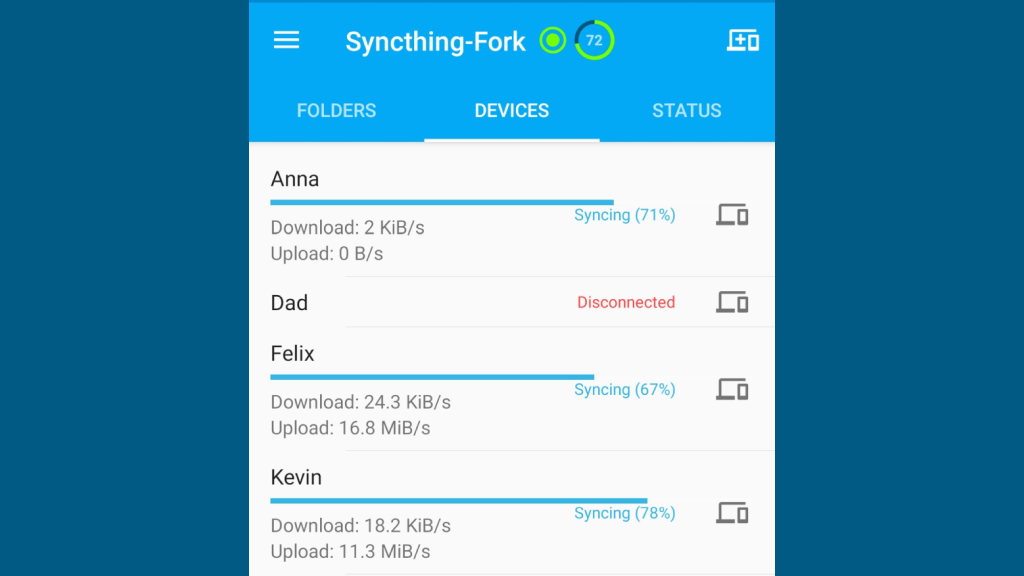
Cloud storage is convenient, but it often comes with privacy trade-offs. Syncthing replaces that model with direct device-to-device synchronization, keeping files under user control at all times.
Data is encrypted during transfer, and syncing happens in real time across multiple devices. This makes it well-suited for backups, collaboration, and personal file management without relying on external servers.
Key Highlights
- Peer-to-peer file syncing
- Encrypted transfers
- No cloud dependency
- Real-time updates
- Cross-platform support
- File versioning
10. LocalSend
(Image Source: LocalSend)
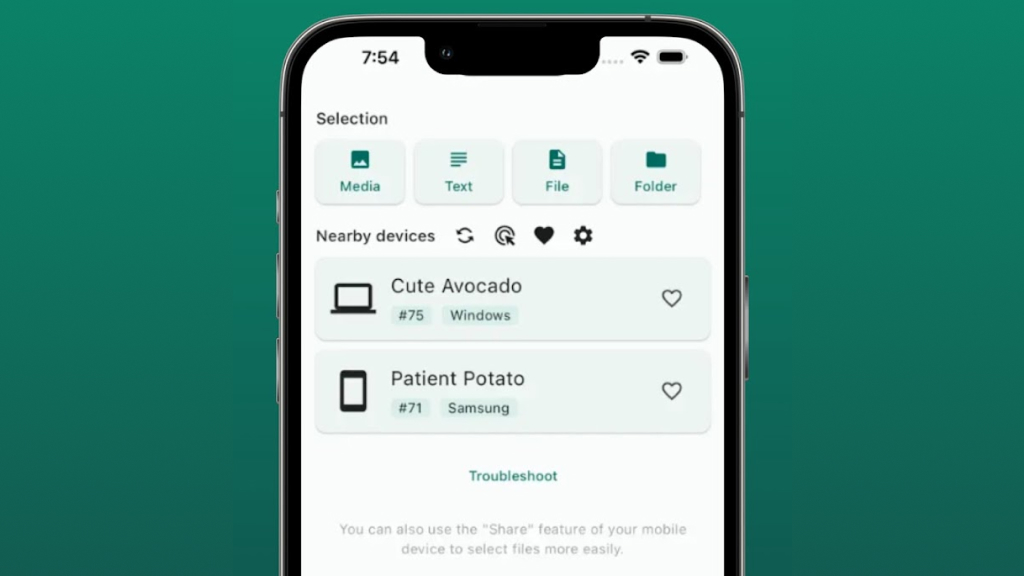
Sharing files should be quick and effortless, and LocalSend delivers exactly that. It transfers files over a local network, eliminating the need for internet connectivity or third-party services.
The setup is minimal, and devices are detected automatically, making the process almost instant. Whether sending large files or quick documents, it keeps everything fast and private.
Key Highlights
- Works without internet
- Cross-platform compatibility
- High-speed local transfers
- Encrypted connections
- Easy setup
- Supports all file types
11. NetGuard
(Image Source: NetGuard)
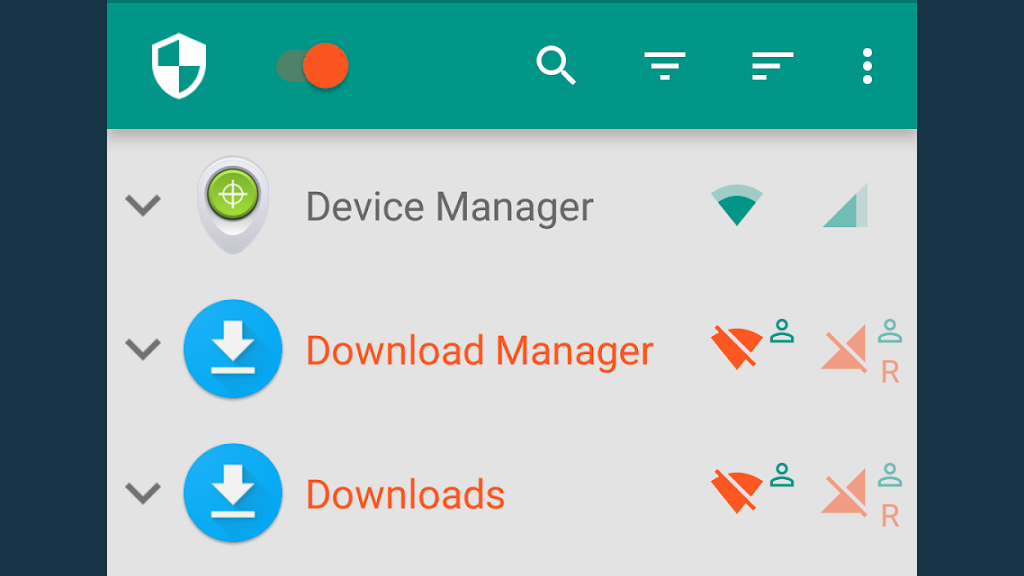
Controlling how apps access the internet is essential for managing privacy and data usage. NetGuard provides that control without requiring root access by filtering traffic through a local VPN interface.
It allows users to block or allow connections on a per-app basis, offering clear visibility into background activity. This level of control makes it especially useful for limiting unnecessary data usage.
Key Highlights
- Per-app network control
- No root required
- Local VPN filtering
- Blocks background data
- Separate network rules
- Efficient and lightweight
From development tools to everyday utilities, these apps demonstrate how far open source software has evolved. They are no longer just alternatives; they are often better aligned with what modern users truly value, including control, transparency, and reliability.
Choosing tools like Termux, Proton VPN, Syncthing, and NetGuard is not simply about avoiding limitations. It reflects a more deliberate and thoughtful approach to technology.
As concerns around data privacy continue to grow, open source is steadily shifting from a niche preference to a smarter default. These apps show that powerful features, thoughtful design, and respect for users can exist together without compromise.