

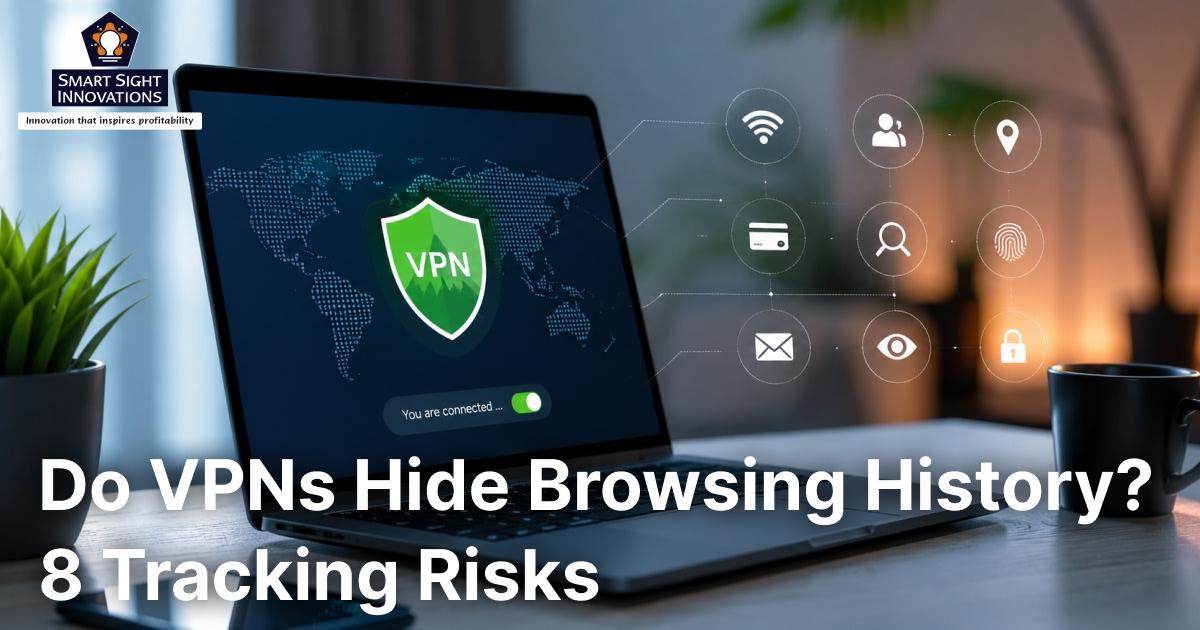
Most people install a VPN believing it instantly makes them anonymous online. Marketing claims often reinforce this perception by promising complete privacy, hidden browsing activity, and protection from surveillance. While VPNs do encrypt internet traffic and conceal your IP address from many observers, they are far from a perfect privacy solution.
At its core, a VPN routes your internet activity through a remote server, making it more difficult for third parties to monitor your online behavior or determine your actual location. However, many forms of tracking and data collection occur outside that tunnel.
DNS leaks, browser fingerprinting, login sessions, cookies, WebRTC requests, and even the VPN provider itself can reveal far more information than most users realize. Understanding these limitations is essential because relying solely on a VPN can create a false sense of security.
Here are eight ways information about your online activity can still be exposed despite using a VPN, and what you can do to reduce the risk.
1. DNS Leaks Can Reveal the Websites You Visit

One of the most common VPN weaknesses is a DNS leak. Whenever you enter a website address, your device must translate that domain name into an IP address through the Domain Name System (DNS). Ideally, these DNS requests should travel through the VPN’s encrypted tunnel.
However, configuration problems, operating system behavior, router settings, or poorly designed VPN software can sometimes cause DNS requests to bypass the VPN entirely.
When this happens, your ISP, network administrator, or anyone monitoring the connection can still see which domains you visit, even if the actual content of your traffic remains encrypted. Common causes include:
- VPNs that do not provide their own DNS servers
- Misconfigured routers
- DNS-hijacking security software
- Windows Smart Multi-Homed Name Resolution (SMHNR)
- Improper IPv6 handling
How to Reduce the Risk
- Use a VPN with built-in DNS leak protection.
- Regularly test for DNS leaks.
- Disable unnecessary DNS-hijacking features in security software.
- Consider disabling SMHNR on Windows.
- Use a reputable VPN provider that manages its own DNS infrastructure.
2. IPv6 Traffic May Bypass the VPN Tunnel

Many VPN users focus on IPv4 traffic while overlooking IPv6. When a VPN does not properly route IPv6 traffic, some requests may bypass the encrypted tunnel and reach the internet through your regular connection.
This creates a gap in protection that can reveal network information your VPN is supposed to conceal. Although modern VPN providers increasingly support IPv6, not all services handle it consistently across every platform and device.
How to Reduce the Risk
- Choose a VPN with full IPv6 support.
- Run periodic leak tests.
- Disable IPv6 if your VPN cannot protect it.
- Use firewall rules to block unprotected IPv6 traffic.
3. WebRTC Can Expose Your Real IP Address

Unlike DNS or IPv6 leaks, WebRTC is a browser technology designed to support voice calls, video chats, and peer-to-peer connections. Because it operates within the browser itself, it can sometimes expose network details that bypass the privacy protections users expect from a VPN.
A website can use a small piece of JavaScript code to request this information and potentially uncover your real IP address or other connection details that would otherwise remain hidden behind the VPN.
How to Reduce the Risk
- Disable WebRTC where possible.
- Use browser extensions that limit WebRTC exposure.
- Choose privacy-focused browsers with stronger protections.
- Test your browser for WebRTC leaks periodically.
4. A VPN Disconnect Can Leave You Exposed
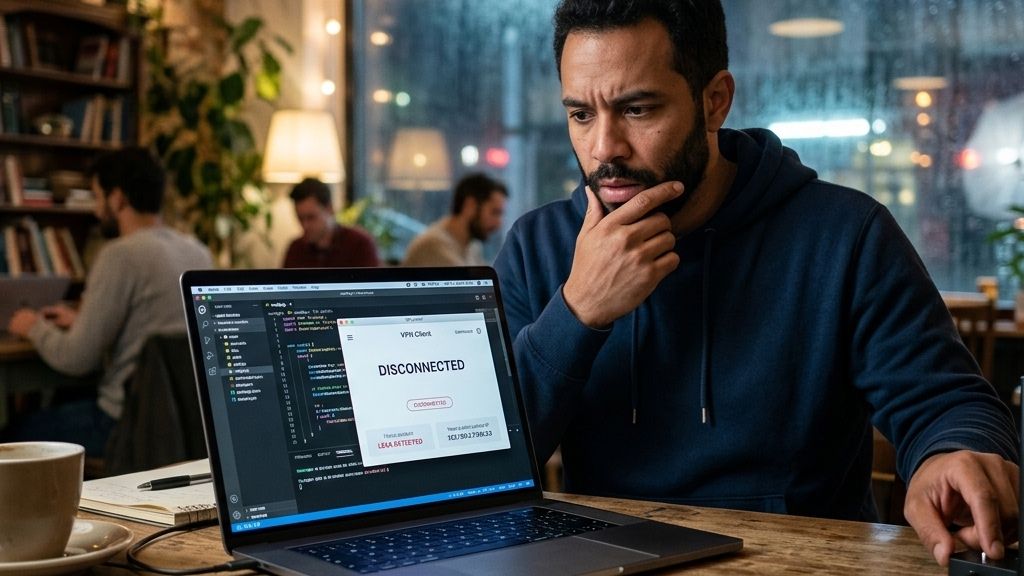
A VPN only protects traffic while it remains connected. If the VPN connection suddenly drops because of network instability, software crashes, or server issues, your device may automatically revert to your normal internet connection.
The transition often happens so quickly that users never notice it. For a brief period, your traffic may travel without encryption through your ISP.
How to Reduce the Risk
- Enable the VPN’s kill switch feature.
- Use VPN applications with reliable connection monitoring.
- Configure firewall rules that block internet access when the VPN is unavailable.
- Periodically verify that your VPN remains active.
5. Browser Fingerprinting Makes You Uniquely Identifiable
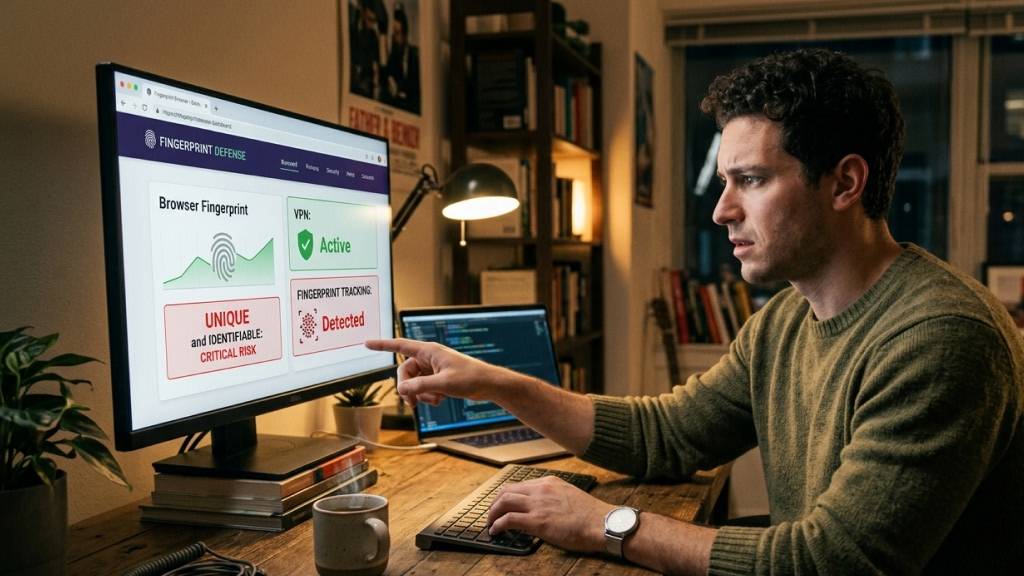
Many users assume changing their IP address is enough to avoid tracking. Unfortunately, websites have developed far more sophisticated techniques. Browser fingerprinting collects information such as:
- Browser version
- Operating system
- Screen resolution
- Installed fonts
- Language settings
- Hardware characteristics
- Graphics capabilities
Individually, these details appear harmless. Combined, these characteristics can create a highly distinctive profile that allows websites and advertising networks to recognize the same user across multiple browsing sessions. In many cases, a browser fingerprint remains consistent even when your IP address changes through a VPN.
How to Reduce the Risk
- Use privacy-focused browsers.
- Block third-party trackers.
- Minimize unnecessary browser extensions.
- Keep separate browsers for different activities.
- Consider browsers that employ fingerprint-randomization techniques.
6. Logged-In Accounts Can Identify You Instantly

Some forms of tracking don’t require guessing who you are at all. The moment you sign into an online account, you’ve voluntarily attached your activity to a known identity. If you sign into services such as Google, Facebook, Microsoft, TikTok, or Instagram, those companies already know your identity. The VPN only changes where the connection appears to originate.
Your searches, browsing habits, device information, and account activity can still be linked together. This is why someone can use a VPN every day and still receive highly personalized advertisements. The platform recognizes the account, not just the IP address.
How to Reduce the Risk
- Use separate browsers for personal accounts and general browsing.
- Log out when anonymity matters.
- Use private browsing sessions for research.
- Limit unnecessary account logins.
7. Cookies and Trackers Continue Following You

A VPN can hide your IP address, but it does not automatically remove the tracking technologies already stored in your browser. Cookies, advertising identifiers, and similar tools can continue collecting information about your activity across websites, even when your connection is protected by a VPN.
Over time, these technologies help advertisers, analytics providers, and data brokers build detailed profiles based on browsing habits, interests, and online behavior. Because this tracking relies on information stored within the browser rather than your network connection, changing your IP address alone may have little impact on how much data companies can gather about you.
This is why many users continue seeing highly targeted advertisements despite browsing through a VPN. The tracking mechanisms identifying them often have nothing to do with their IP address.
How to Reduce the Risk
- Clear cookies regularly.
- Block third-party cookies.
- Use tracker-blocking browser extensions.
- Enable enhanced tracking protection features.
- Consider privacy-focused search engines.
8. Your VPN Provider May Be Collecting More Data Than You Realize

The uncomfortable reality is that using a VPN requires trust. While your ISP can no longer see the contents of your encrypted traffic, the VPN provider becomes the intermediary handling that traffic.
Reputable providers operate strict no-logs policies and undergo independent audits. However, not every VPN company follows the same standards. Some providers may collect connection logs, diagnostic data, usage statistics, or other information.
Free VPN services are particularly concerning because many generate revenue through data collection, advertising partnerships, or traffic monetization.
How to Reduce the Risk
- Read privacy policies carefully.
- Prefer independently audited VPN services.
- Research company ownership and jurisdiction.
- Avoid VPNs with unclear logging practices.
- Be cautious of free services that make unrealistic promises.
Do VPNs Actually Hide Your Browsing History?

To a large extent, yes. A VPN encrypts the traffic leaving your device and routes it through a secure server, preventing internet service providers, public Wi-Fi operators, and most network administrators from easily monitoring the websites you visit or the data you transmit.
However, that protection only applies to certain parts of your online activity. A VPN can conceal your IP address and obscure your browsing from local networks, but it cannot prevent every form of identification or tracking. Websites and online services may still recognize users through browser characteristics, stored cookies, active account sessions, and other tracking technologies.
The effectiveness of a VPN can also depend on how it is configured. Issues such as DNS leaks, WebRTC exposure, IPv6 leaks, or unexpected connection drops can allow information to bypass the encrypted tunnel and become visible to third parties.
As a result, VPNs are highly effective at improving privacy and reducing online visibility, but they do not provide complete anonymity. They help limit who can see your browsing activity, rather than eliminating all forms of tracking altogether.