

Third-party antivirus software was once viewed as a necessity for Windows users. With cyber threats growing rapidly and built-in security protections still in their infancy, installing a dedicated antivirus program was often the easiest way to safeguard a PC from malware, spyware, and other malicious software.
Microsoft gradually transformed its security strategy, introducing Windows Defender and eventually developing it into the robust security platform now known as Microsoft Defender. Combined with regular security updates, cloud-based threat intelligence, ransomware protection, firewall controls, and secure browsing technologies, modern versions of Windows provide a level of protection that was unimaginable.
As a result, many users no longer need to rely on third-party antivirus programs for everyday security. While specialized security solutions may still be useful in certain enterprise environments or for users with unique requirements, the average Windows 10 or Windows 11 user can often achieve excellent protection using the tools already built into the operating system.
Here are 10 reasons why third-party antivirus programs are no longer necessary for many Windows users.
1. Microsoft Defender Is No Longer a Basic Antivirus

Microsoft Defender is no longer the basic antivirus utility many users remember from years ago. It now includes real-time malware detection, cloud-based threat intelligence, behavior monitoring, and automatic security updates.
Defender continuously scans files, applications, downloads, and system activity for suspicious behavior. It also receives regular updates through Windows Update, helping it identify emerging threats without requiring additional software installations.
For everyday users, Defender provides a level of malware detection that is comparable to many commercial antivirus products.
2. Windows Security Offers Comprehensive Built-In Protection

Modern Windows security extends far beyond traditional virus scanning. The Windows Security dashboard brings together several security features under a single interface, including:
- Antivirus and malware protection
- Firewall management
- Device security controls
- Account protection features
- App and browser security settings
- Ransomware protection tools
- Family and parental controls
Instead of installing separate utilities for each task, users can manage most security settings directly from Windows.
3. Third-Party Antivirus Software Often Duplicates Existing Features
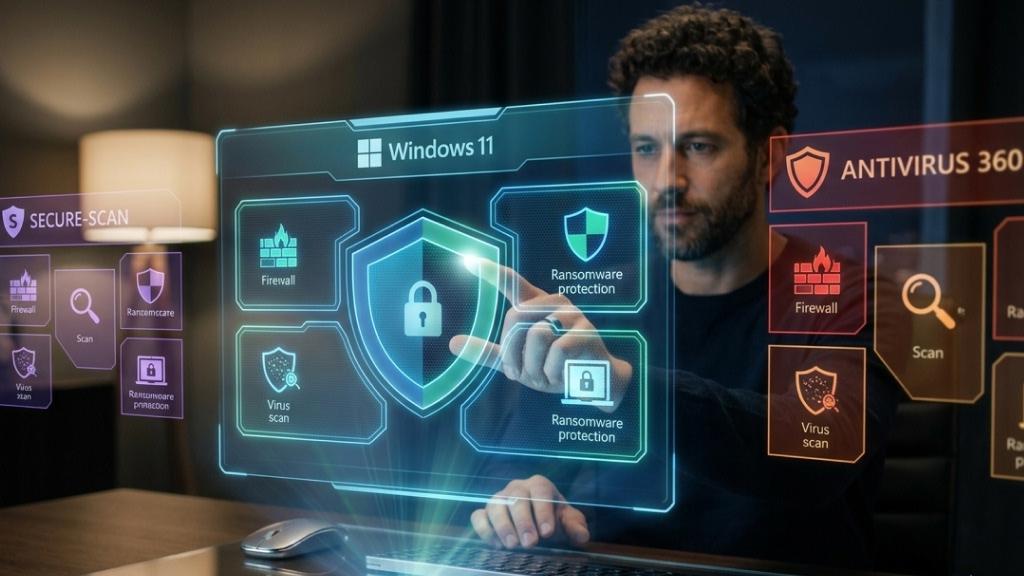
Many antivirus vendors market features such as firewall controls, ransomware defenses, phishing detection, safe browsing capabilities, and malware scanning as key selling points. However, Windows 11 already provides these capabilities through Microsoft Defender, Windows Firewall, SmartScreen, and other built-in technologies.
Installing another security suite often means paying for tools that perform functions the operating system already handles.
4. Safe Online Habits Matter More Than Extra Antivirus Software

No antivirus solution can fully protect users who routinely download files from untrusted sources, click suspicious links, or ignore security warnings. Individuals who follow responsible online practices are generally far less likely to become victims of malware and other cyber threats.
Modern browsers also contribute to security by blocking dangerous websites, flagging suspicious downloads, and warning users about phishing attempts. In many situations, user awareness prevents threats long before antivirus software becomes involved.
5. Third-Party Antivirus Software Can Impact System Performance
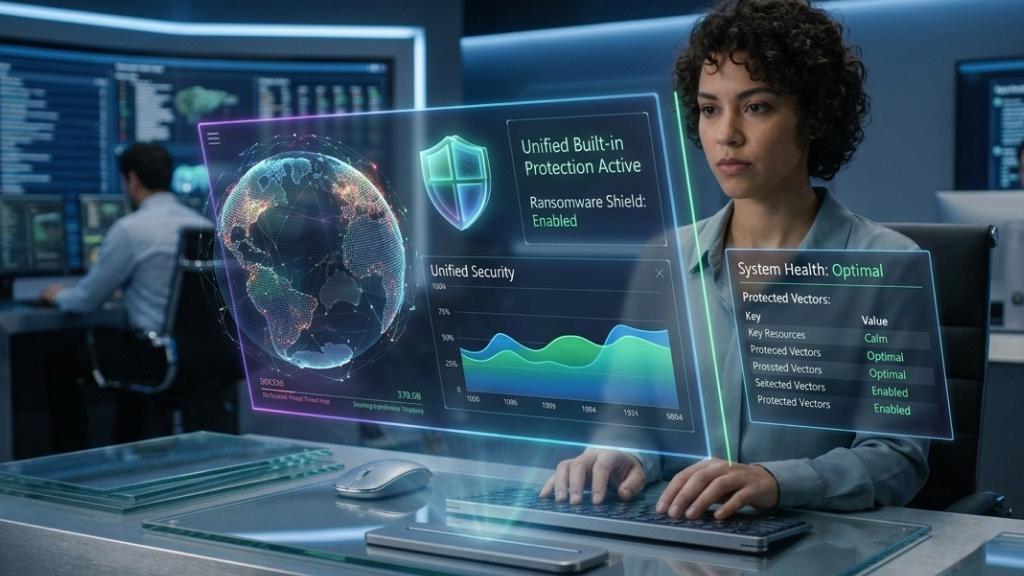
Antivirus software constantly monitors files, processes, downloads, and network activity. While these tasks are necessary, they consume system resources. Many third-party security suites run multiple background services, scheduled scans, browser extensions, and update agents. On older hardware, these processes can affect startup times and overall responsiveness.
Because Microsoft Defender is built directly into Windows, it generally operates more efficiently than many third-party alternatives.
6. Free Antivirus Programs Often Come With Persistent Upselling
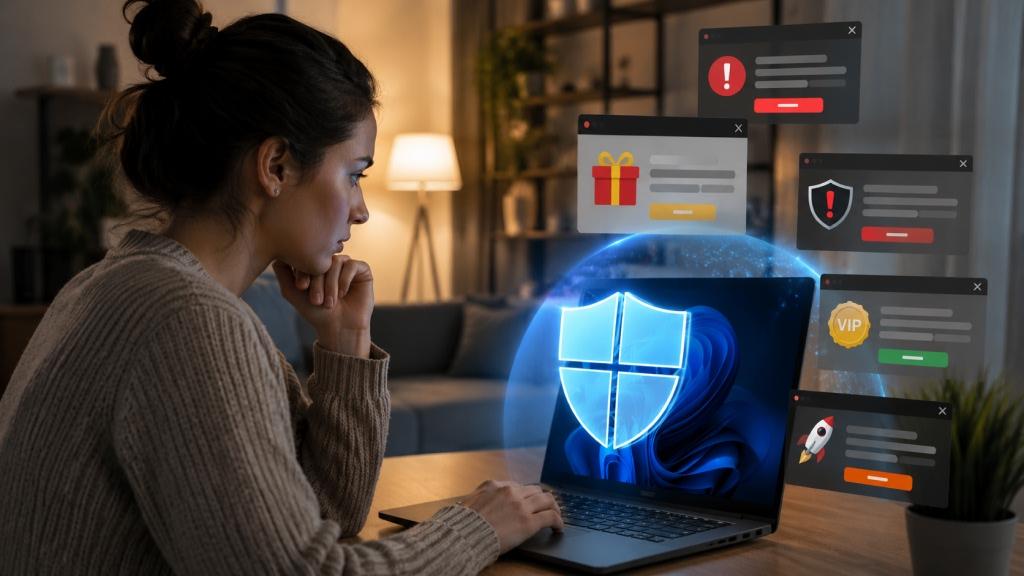
Many free antivirus products rely on aggressive marketing to convert users into paying subscribers. Upgrade prompts, subscription reminders, security alerts, and promotional notifications are common. Some programs frequently warn users about issues that can only be resolved through a paid plan.
Windows’ built-in security tools avoid these distractions by providing core security features without recurring upgrade campaigns or subscription pressure.
7. Native Integration Reduces Compatibility Issues

Third-party antivirus software interacts deeply with the operating system to monitor activity and block threats. While this usually works as intended, it can sometimes create software conflicts, installation issues, or compatibility problems following major Windows updates.
Microsoft Defender’s close integration with Windows helps reduce conflicts while ensuring security updates and operating system updates work together smoothly. For most users, fewer moving parts translates into fewer potential problems.
8. Built-In Ransomware Protection Reduces the Need for Extra Tools
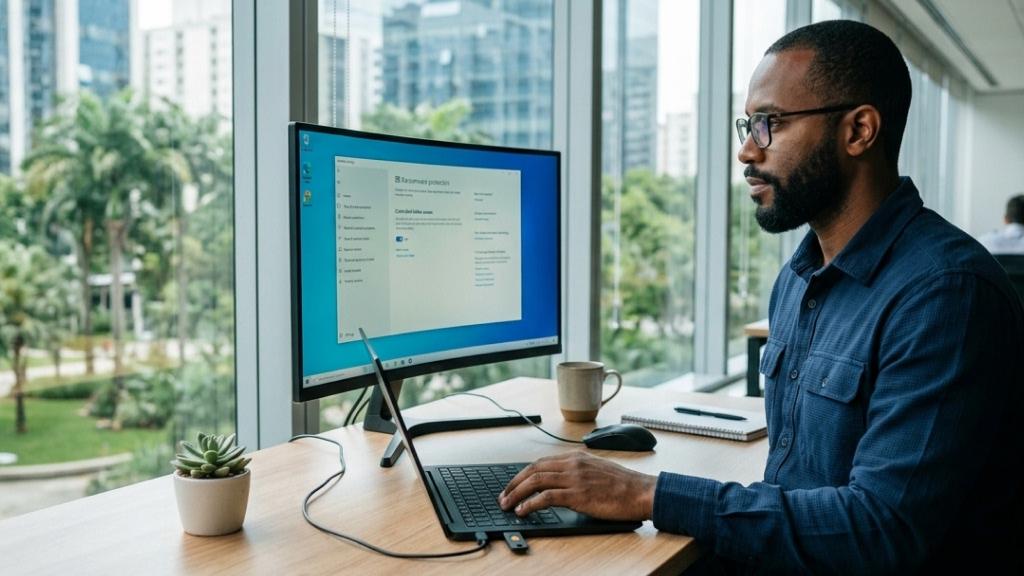
Ransomware has become one of the most damaging forms of malware, but Windows already includes tools designed to limit its impact. Controlled Folder Access restricts unauthorized applications from modifying protected folders containing documents, photos, and other important files.
Defender also uses behavioral analysis and cloud intelligence to identify suspicious activity associated with ransomware attacks. Combined with regular backups, these features can significantly reduce the risk of data loss.
9. Other Security Measures Often Provide Greater Value
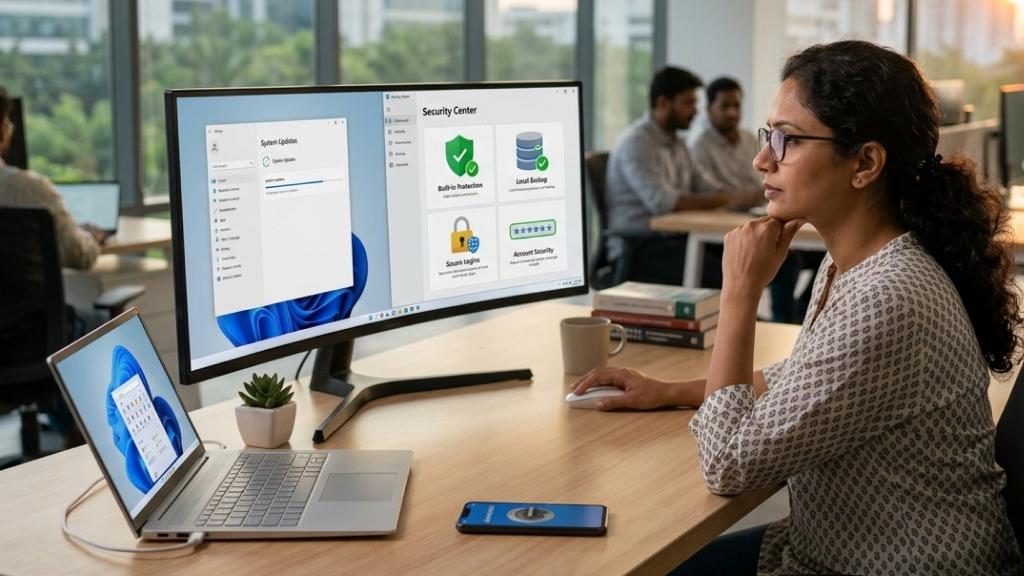
A strong security strategy extends beyond antivirus software. Tools and practices such as regular backups, password managers, multi-factor authentication, file encryption, software updates, and secure cloud storage, address risks that antivirus software cannot solve on its own.
For example, antivirus software cannot recover deleted files, restore corrupted data, or prevent weak passwords from being reused across multiple accounts. These areas often have a greater impact on overall security than installing another antivirus application.
10. Most Users Are Already Paying for Protection They Own

For many users and businesses, Microsoft’s security ecosystem is already included with Windows or Microsoft 365 subscriptions, reducing the need for a separate antivirus purchase. Purchasing an additional antivirus subscription often means paying for features that overlap with security tools already available through Microsoft.
Unless specific requirements justify a third-party product, the built-in security tools are often sufficient for everyday computing.
When Third-Party Antivirus Still Makes Sense

Despite the advantages of Microsoft Defender, third-party antivirus software is not obsolete. Some users may benefit from additional security solutions if they:
- Require centralized management across multiple operating systems
- Need specialized compliance or reporting features
- Prefer a different user interface
- Want advanced enterprise-level controls
- Use antivirus software that includes unique security tools unavailable in Windows
Additionally, tools such as Malwarebytes can still be valuable as secondary scanners for occasional security checks.
Management and Deployment Differences

Organizations using Microsoft Intune or Microsoft 365 can deploy security policies, monitor device health, and manage protection settings from a centralized dashboard. Third-party antivirus solutions typically require additional agents, separate management consoles, and their own update mechanisms.
While many provide powerful administration tools, they also introduce another layer of complexity for IT teams. Administrators may need to manage security policies across multiple platforms, troubleshoot compatibility issues, and ensure that antivirus definitions remain up to date.
For businesses already invested in the Microsoft ecosystem, Defender’s native integration can simplify deployment, reduce administrative overhead, and provide a more unified approach to endpoint security management.
Best Practices When Using Third-Party Antivirus Software

While Microsoft Defender is sufficient for many users, some organizations may still prefer third-party antivirus solutions due to specific business requirements, compliance needs, or existing security investments. In such cases, following a few best practices can help minimize security gaps.
Organizations that choose to use a third-party antivirus solution can still benefit from enabling Microsoft Defender for Endpoint in passive mode. This allows the third-party antivirus to handle real-time threat protection while Defender continues collecting security telemetry and providing valuable insights through Microsoft’s security platform.
Organizations should also ensure that their antivirus solution integrates properly with management tools such as Microsoft Intune and Windows Security Center. This allows IT teams to track device security status, confirm that endpoint protection is functioning correctly, and enforce compliance requirements across their environment.
It is equally important to review overlapping security features. Many antivirus suites include firewalls, email filtering, and web protection tools that may duplicate capabilities already available through Microsoft 365. Clearly defining which solution handles each security function can reduce complexity and prevent configuration conflicts.
Security teams should be trained to monitor both the third-party security console and Microsoft’s security portal. Establishing procedures for correlating alerts across platforms helps improve visibility and speeds up incident response.
Finally, organizations should periodically reassess whether a separate antivirus solution is still necessary. In some cases, upgrading to advanced Microsoft Defender plans may provide similar or better capabilities while reducing management overhead and improving integration across the Microsoft ecosystem.
For most home users and many businesses, the combination of Microsoft Defender, regular updates, strong cyber hygiene, secure browsing habits, and reliable backups provides more than enough protection for everyday computing. While specialized security software still has its place, most Windows users no longer need to pay for third-party antivirus software to maintain a secure PC.