

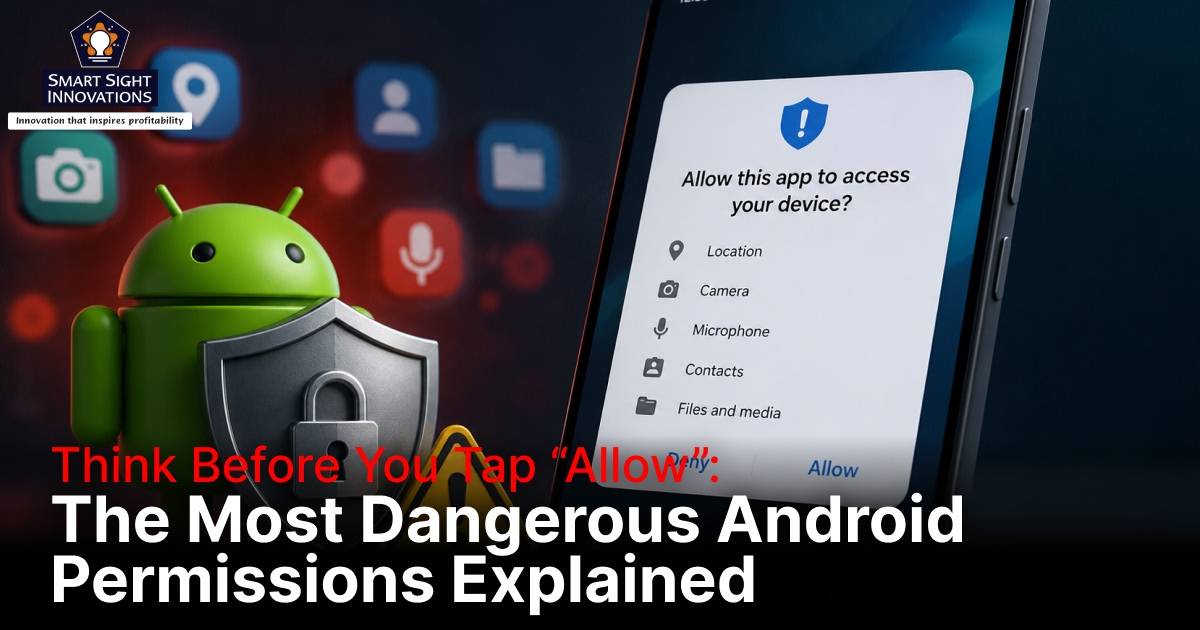
Every Android app asks for permissions, whether it needs access to your photos for sharing images, your microphone for voice messages, or your location for navigation. Since these requests appear so frequently during app installation and setup, many users simply tap “Allow” without paying much attention to what they are actually granting.
That can be a mistake because some permissions provide far more access than most people realize. While many are necessary for legitimate features, others can give apps deep visibility into your device and personal information. If abused, these permissions can expose sensitive data, intercept security codes, monitor your activity, track your whereabouts, or even help malware gain greater control over your phone.
Cybercriminals are well aware of the power these permissions offer and regularly exploit them in banking trojans, stalkerware, ad fraud operations, and identity theft campaigns. Although Android requires users to manually approve its most sensitive permissions, that protection is only effective when people understand the risks involved. Before approving a permission request, it is worth understanding which types of access can expose the most sensitive parts of your device and personal information.
Here are five Android permissions that can effectively act as a backdoor into your device when granted to apps you don’t fully trust.
1. Accessibility Services

Accessibility Services is one of the most powerful permissions available on Android, which is precisely why it deserves far more scrutiny than most users give it. The feature was originally designed to help people with visual, hearing, or motor impairments navigate their devices through screen readers, voice controls, and other assistive technologies. To perform these functions effectively, Android grants accessibility-enabled apps a broad view of what is happening across the device.
That level of access can include reading text displayed on the screen, monitoring user interactions, detecting button presses, and performing actions on behalf of the user. While these capabilities are invaluable for legitimate accessibility tools, they can become a serious security risk when granted to an app that cannot be fully trusted.
Few Android permissions are abused as frequently as Accessibility Services because it allows malicious software to observe and interact with activities taking place across the device. Once granted access, a malicious app may be able to capture login credentials, intercept two-factor authentication codes, approve permission requests, and interact with other apps without the user’s knowledge. Some malware strains have even used Accessibility Services to grant themselves additional permissions, allowing them to gain deeper control over a device while making removal more difficult.
What makes this permission particularly dangerous is that it is not limited to a single app or feature. Instead, it can provide visibility into activities occurring across the entire device, giving a malicious app opportunities to observe and influence actions that would otherwise remain protected. In many cases, attackers no longer need to exploit software vulnerabilities when they can simply convince users to hand over Accessibility access voluntarily.
What to do
Accessibility Services should only be enabled for apps whose functionality clearly depends on it, such as screen readers, voice-control tools, password managers, and certain automation utilities. If an app such as a flashlight, wallpaper app, QR code scanner, game, or storage cleaner requests this permission, consider it a major warning sign.
It is also worth periodically reviewing which apps have Accessibility access by checking the settings on your phone. If you encounter an unfamiliar app or one that no longer needs this level of control, revoke the permission immediately.
2. Display Over Other Apps

The “Display Over Other Apps” permission may sound harmless, but it gives apps the ability to place content on top of everything else happening on your device. Android uses this capability for legitimate features such as chat bubbles, floating media controls, screen dimmers, and picture-in-picture video windows. In the right hands, it can improve convenience and multitasking.
The problem is that the same permission can also be exploited to manipulate what users see and interact with. Because an app can draw content over other applications, it can create convincing fake screens that appear identical to legitimate ones. A malicious app could, for example, display a counterfeit login page on top of your banking app and trick you into entering your credentials without realizing anything is wrong.
Cybercriminals have frequently used overlay attacks to steal usernames, passwords, payment information, and other sensitive data. The permission can also be abused to hide security warnings, obscure important buttons, or trick users into approving actions they never intended to authorize. In some ransomware campaigns, attackers have used overlays to create lock screens that prevent victims from accessing their devices.
Unlike many cyberattacks that rely on exploiting software flaws, overlay attacks succeed by manipulating what users see and trust. Instead of hacking your phone directly, attackers manipulate what you see on the screen and rely on you to do the rest.
What to do
Only grant this permission to apps that clearly require floating windows or overlays to function properly. Messaging apps with chat bubbles, screen-recording tools, and certain productivity apps may have legitimate reasons to request it. If a flashlight app, wallpaper app, game, or utility tool asks to display content over other apps, that request should immediately raise concerns.
3. SMS Permissions

Text messages continue to play an important role in account security despite the growing popularity of authentication apps and passkeys. Many online services still use SMS-based verification codes, password recovery links, account alerts, and transaction confirmations to verify a user’s identity.
Permissions such as READ_SMS and SEND_SMS give apps access to this sensitive channel of communication. An app with permission to read text messages can potentially view verification codes, banking alerts, and private conversations, while an app with permission to send messages can communicate on your behalf without requiring your approval for every action.
This combination can be particularly valuable to cybercriminals. Malware that gains SMS access may be able to intercept one-time passwords, bypass security checks, confirm fraudulent transactions, or subscribe victims to premium-rate services that generate charges on their phone bills. In some cases, malicious apps have even hidden incoming messages to prevent victims from realizing their accounts were being compromised.
While Android has introduced safer alternatives that allow apps to retrieve verification codes without reading all SMS messages, some applications still request broad access that exceeds what they actually need.
What to do
SMS permissions should generally be limited to messaging apps, call-filtering tools, and a small number of communication-related services. Most apps, including games, image editors, note-taking apps, and utilities, have no legitimate reason to access your text messages.
Review the apps that currently have SMS permissions and revoke access from anything that does not clearly require it. Verification codes are often the final barrier protecting your online accounts, so any request for SMS access deserves careful scrutiny.
4. Camera and Microphone
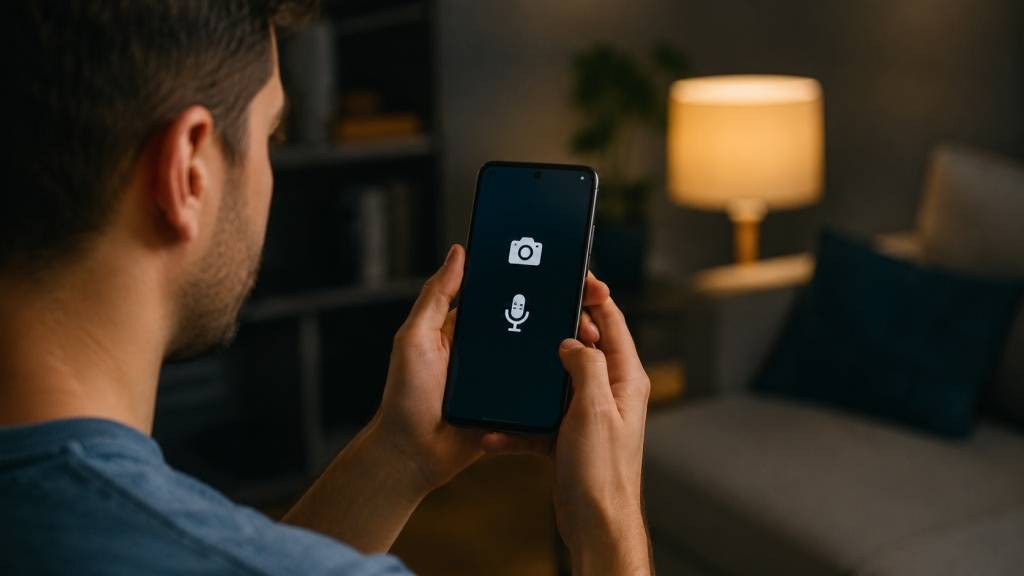
Few permissions provide a more direct window into your personal life than access to your phone’s camera and microphone. These sensors can capture not only what you intentionally share but also information about your surroundings, conversations, habits, and daily routines.
Most people understand why video-calling apps, camera apps, and voice-recording tools need access to these sensors. The concern arises when permissions are granted to apps that either do not need them or retain access longer than necessary. Once approved, an app may be able to collect far more information than users expect, especially if it remains active in the background.
Security researchers have repeatedly discovered apps that appeared harmless when first installed but later introduced invasive behavior through software updates. Stalkerware developers have also relied heavily on camera and microphone permissions to monitor victims without their knowledge. Even when no malicious intent exists, excessive access increases the amount of personal information that could be exposed if an app is compromised or suffers a data breach.
Modern versions of Android display privacy indicators whenever the camera or microphone is being used, but these indicators are not a substitute for carefully managing permissions. The safest approach is to limit access wherever possible rather than relying solely on visual alerts.
What to do
Whenever possible, choose “Only while using the app” instead of granting unrestricted access. Video conferencing apps, camera apps, and voice messaging tools may require these permissions, but many other applications do not.
Take time to review camera and microphone access periodically and revoke permissions from apps that no longer need them. As these sensors can reveal far more than a single photo or voice recording, access should be granted only when there is a clear and legitimate need.
5. Precise Location
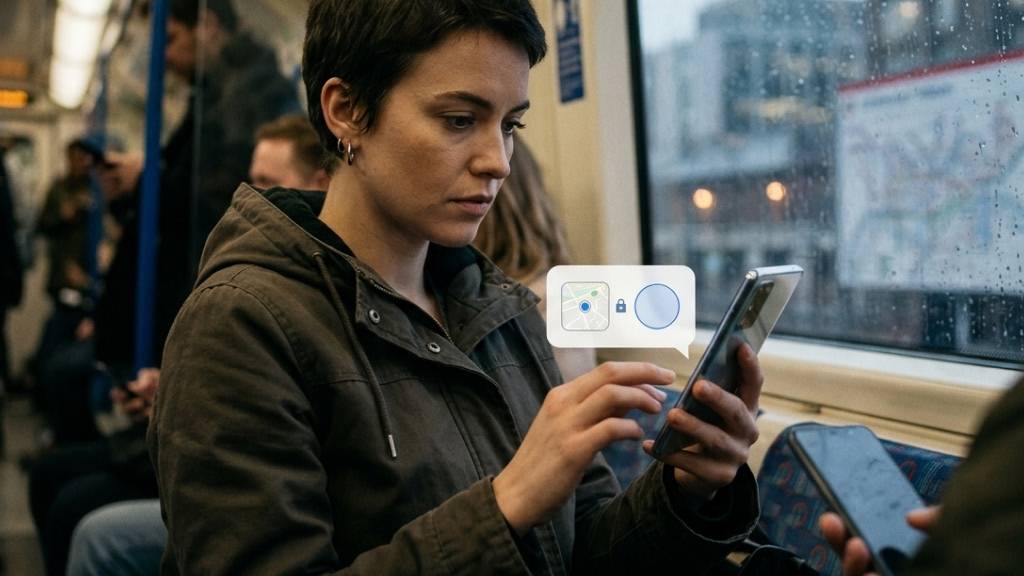
Location access is one of the most commonly requested permissions on Android, and in many situations it serves a legitimate purpose. Navigation apps need it to provide directions, ride-sharing services use it to match passengers with drivers, and weather apps rely on it to deliver accurate local forecasts.
The issue is not simply that apps know where you are. It is how much they can learn when they know where you are all the time. The ACCESS_FINE_LOCATION permission provides GPS-level accuracy that can pinpoint your position within a matter of meters. Over days, weeks, and months, this information can reveal far more than a single location check ever could.
A detailed location history can expose where you live, where you work, the routes you take each day, the places you visit regularly, and the times you are most likely to be home or away. This information can be valuable to advertisers, data brokers, stalkers, and cybercriminals alike. Even when location data is anonymized, researchers have repeatedly demonstrated that movement patterns can often be linked back to specific individuals.
The risks become even greater when apps are allowed to access location data continuously in the background. An app does not need to actively track you every second to build a remarkably accurate picture of your daily life.
What to do
As with camera and microphone access, selecting “Only while using the app” is usually the best option. Continuous background access should be reserved for services that genuinely depend on it, such as navigation apps, fitness trackers, or family safety tools.
It is also worth reviewing your location permissions regularly and paying particular attention to apps that have been granted “Allow all the time” access. Location data can reveal patterns, routines, and habits that are often more revealing than individual pieces of personal information, making it worth protecting carefully.
Other Android Permissions That Deserve Your Attention

Android’s permission system contains several other access controls that rarely receive the same attention but can still expose sensitive information when misused. Although they may not receive as much attention as Accessibility Services or Precise Location, they still deserve careful consideration before you tap “Allow.”
-
Notification Access
Notification Access is one of Android’s most overlooked permissions, largely because it does not sound particularly dangerous. In reality, it can give apps visibility into notifications generated by other apps on your device. Depending on the service, those notifications may contain private messages, email previews, banking alerts, delivery updates, appointment reminders, and even one-time verification codes.
For legitimate apps such as smartwatches, notification managers, and automation tools, this access can be useful. However, granting it to an untrusted app could allow it to quietly monitor a significant amount of personal information without needing direct access to your messages or email accounts. If an app requests Notification Access, make sure its functionality genuinely depends on reading notifications from other apps.
-
Device Administrator Access
Device Administrator is another permission that should be treated with caution. Designed primarily for enterprise device management and security tools, it allows apps to perform actions such as locking the device, enforcing password requirements, and controlling certain security settings.
The permission becomes dangerous when it falls into the wrong hands. Malware has historically abused Device Administrator privileges to make itself difficult to remove by preventing users from uninstalling the malicious app through normal methods. While modern Android versions have reduced reliance on this framework, any app requesting Device Administrator access should immediately prompt you to ask why it needs such extensive control over your device.
-
Contacts Access
Giving an app access to your contacts may seem harmless compared to granting access to your camera or microphone, but your contact list can reveal a surprising amount about your personal and professional life. Names, phone numbers, email addresses, and relationship patterns can all be valuable data points for advertisers, scammers, and cybercriminals.
Messaging apps, email clients, and caller identification services often require Contacts access to function properly. Beyond those scenarios, however, many apps can operate perfectly well without seeing everyone in your address book. Before granting this permission, consider whether the app truly needs access to your contacts or is simply collecting more data than necessary.
-
Files and Photos Access
Photos, videos, downloaded documents, and stored files often contain some of the most personal information on a smartphone. Depending on the permissions granted, an app may be able to browse, copy, or upload this data, potentially exposing sensitive information if the app is compromised or behaves irresponsibly.
Fortunately, newer versions of Android provide more granular controls that allow users to share specific photos or files instead of granting broad storage access. Whenever possible, take advantage of these limited-access options. If an app requests unrestricted access to your files and media, make sure there is a clear and legitimate reason before approving the request.
Android’s security depends not only on built-in protections but also on the choices users make every day. Many apps request permissions for legitimate reasons, but others ask for access that goes far beyond what their functionality requires. Before approving a request, take a moment to consider whether it truly makes sense. A few seconds of caution can help protect your personal information, reduce your exposure to security threats, and prevent an unnecessary permission from becoming an open door into your digital life.